Syncing your Turo calendar
Connect Turo and your Turo trips appear on your RentHive calendar, close those dates on your booking website and show in your reports.
Overview
Your RentHive calendar syncs with Turo. Connect it once and your Turo trips appear beside your direct bookings, marked as Turo, and close those dates on your own booking website so a car can't be double-booked there.
Synced trips also show in Reservations. They're read-only, because Turo owns those bookings. On the Management overview, Turo counts as its own revenue source, next to your website and the app.
Syncing brings your Turo trips into RentHive. RentHive doesn't post to Turo or change your Turo calendar, so block dates you book direct on Turo yourself. Turo messages stay in Turo.
 Tesla Model 3Miami Beach
 BMW X5Brickell
 Mustang GT ConvertibleMiami Beach
 Tesla Model YMIA Airport
 Jeep WranglerBrickell
 Mercedes C 300Miami Beach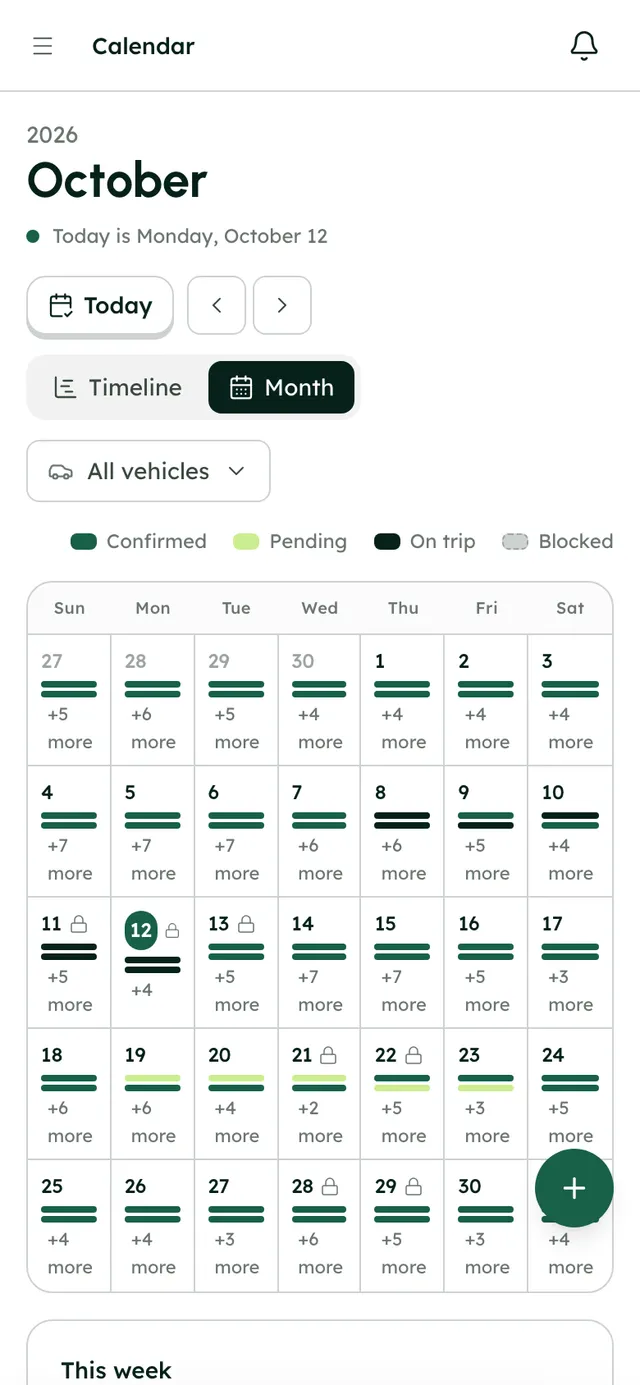
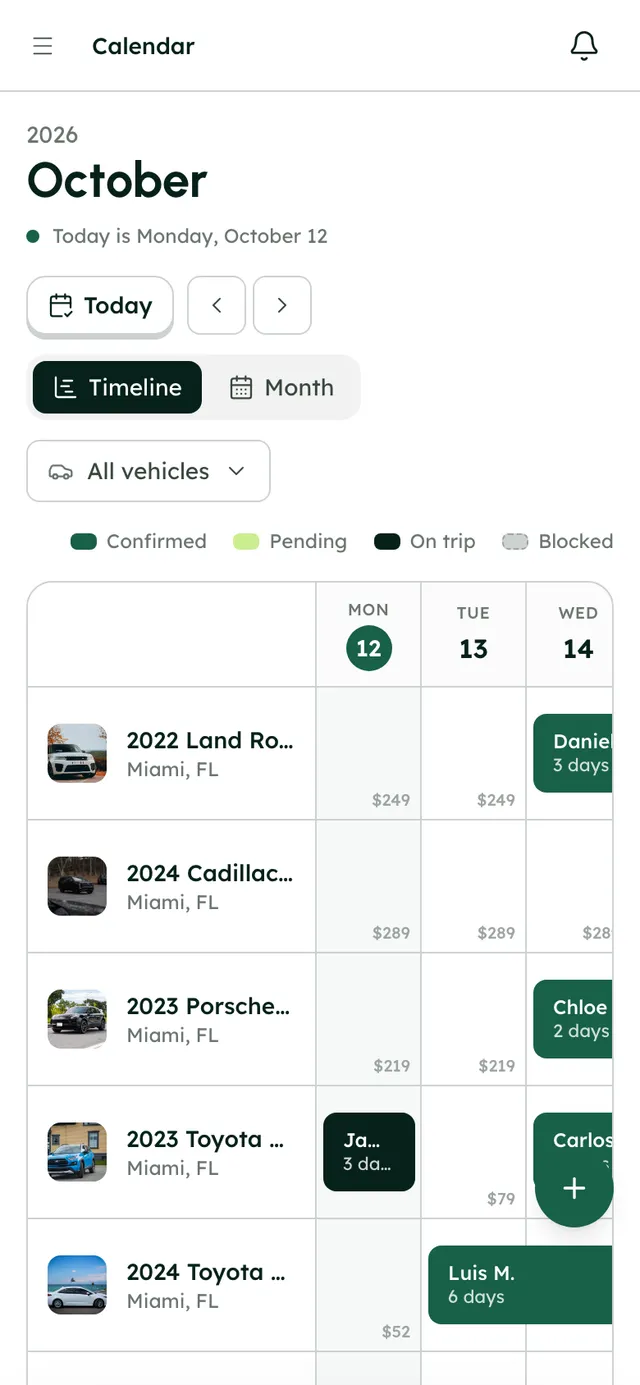
Every booking on one timeline, whatever channel it came from.
How it works
- 1
Open Integrations
Go to Settings → Integrations.
- 2
Choose Turo Calendar
On the Turo Calendar card, press Manage.
- 3
Connect Turo
Follow the steps on screen to connect it.
- 4
Check your calendar
Open the calendar. Your Turo trips sit on each car's row, marked as Turo, and those dates are closed on your booking website.
Best practices
- Connect Turo before you share your booking website, so dates already booked on Turo are closed from the start.
- When you take a direct booking for a car that's also on Turo, block those dates on Turo straight away.
- Check the calendar after connecting to make sure each Turo trip sits on the right car.
Things to keep in mind
- Syncing brings your Turo trips into RentHive. It doesn't send anything to Turo, so direct bookings don't block dates on Turo.
- Turo trips can't be edited in RentHive. Change them on Turo.
- Turo messages stay in Turo. They don't come into the Inbox.
- If Turo hasn't synced for 7 days, RentHive emails you to check the connection.
What's automated
- Each Turo trip shows once. Syncing again updates it instead of adding a copy.
- Turo trips land on the right car in your fleet.
- Turo trips close those dates on your calendar and booking website.
- Turo earnings show as their own source on the Management overview.
Common questions
Does RentHive post to Turo?
No. Syncing brings your Turo trips into RentHive. Nothing is sent to Turo.
Will a direct booking block the dates on Turo?
No. RentHive doesn't change your Turo calendar, so block those dates on Turo yourself.
Can I edit a Turo trip in RentHive?
No. Turo trips are read-only because Turo sets their dates and price. Change the trip on Turo.