
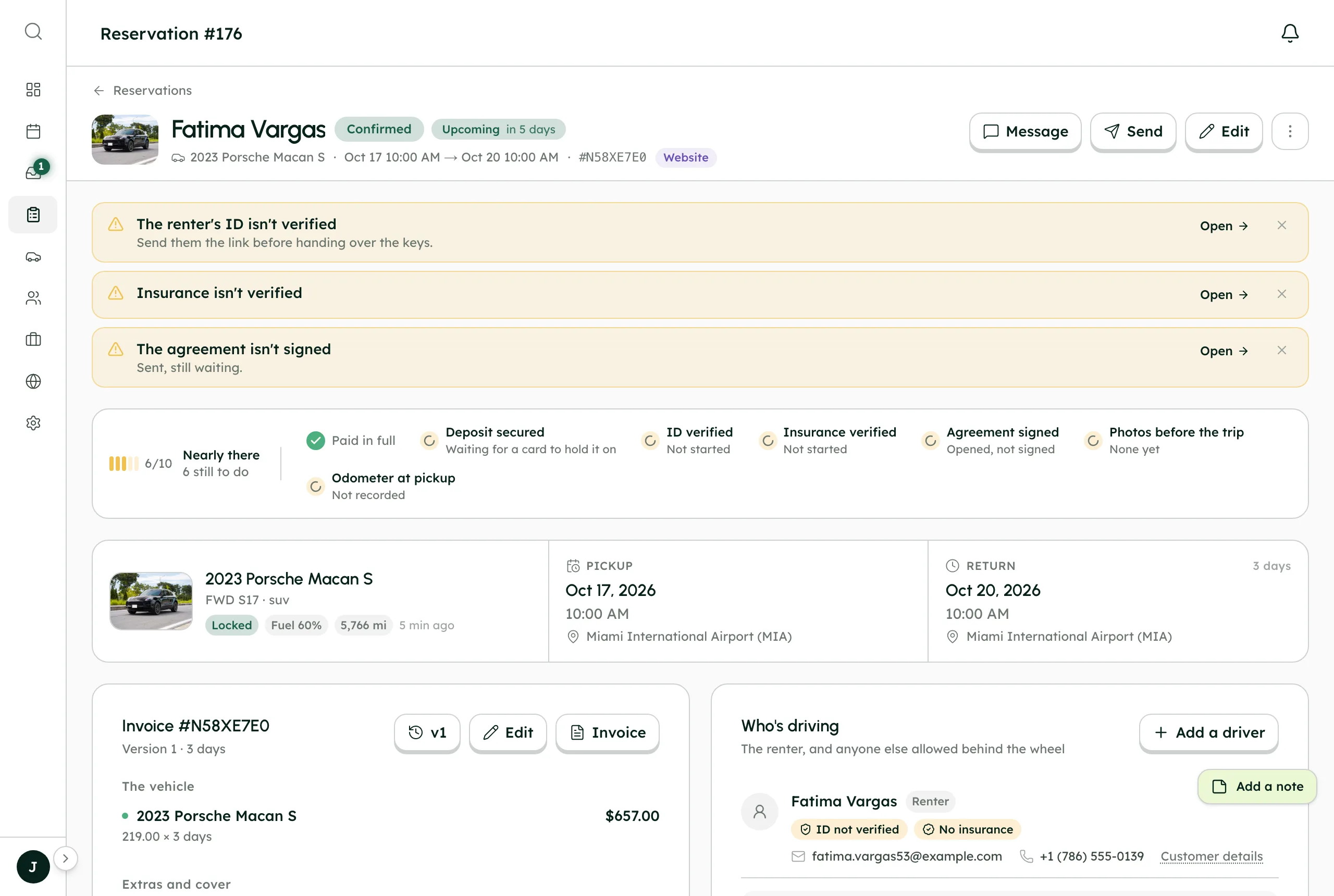
Get the agreement signed
AssigneeSofia
K7M2QX4P
Booking website
Templates, your own domain, checkout and a widget
Calendar & reservations
Every car on one timeline, priced by the server
Payments & deposits
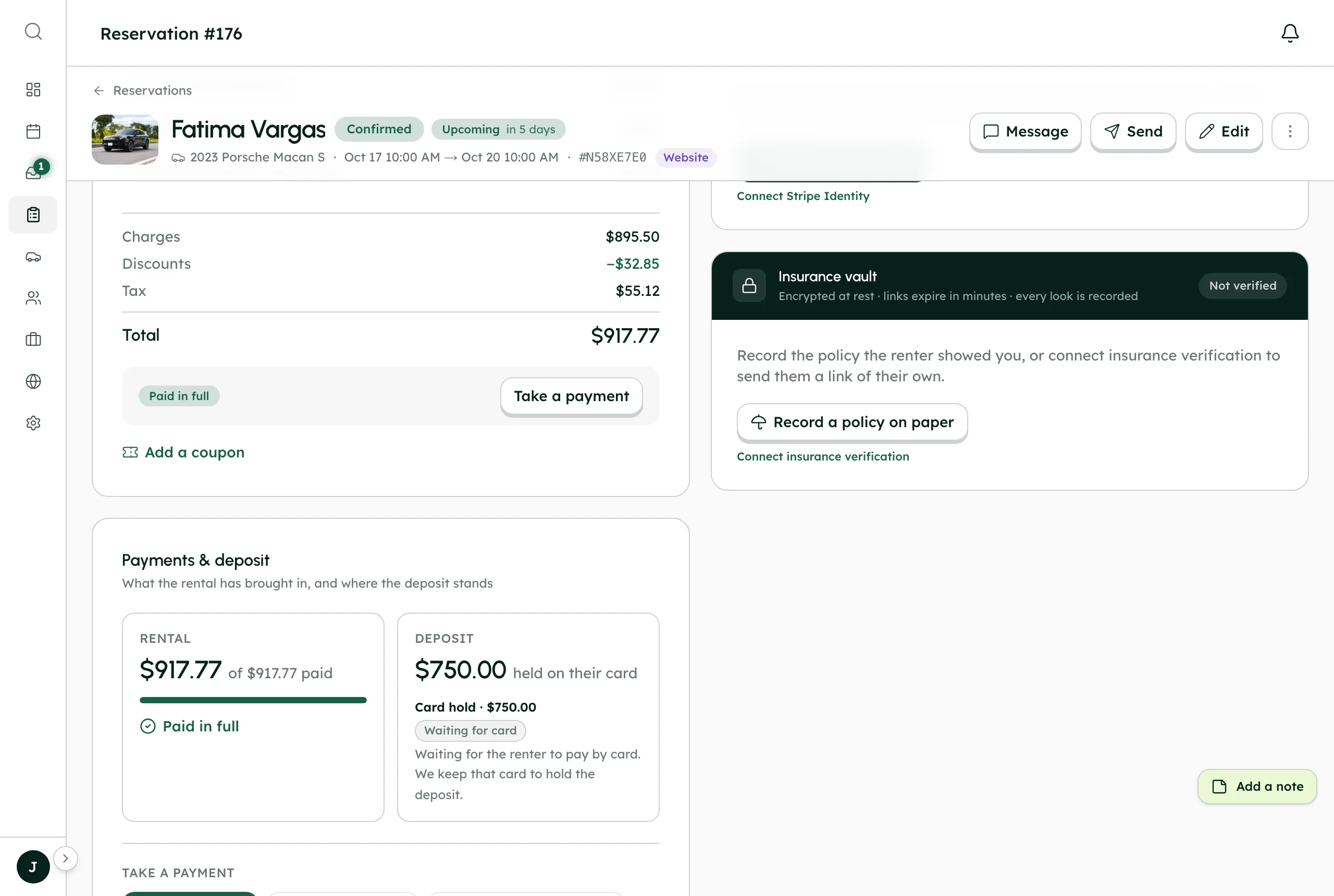
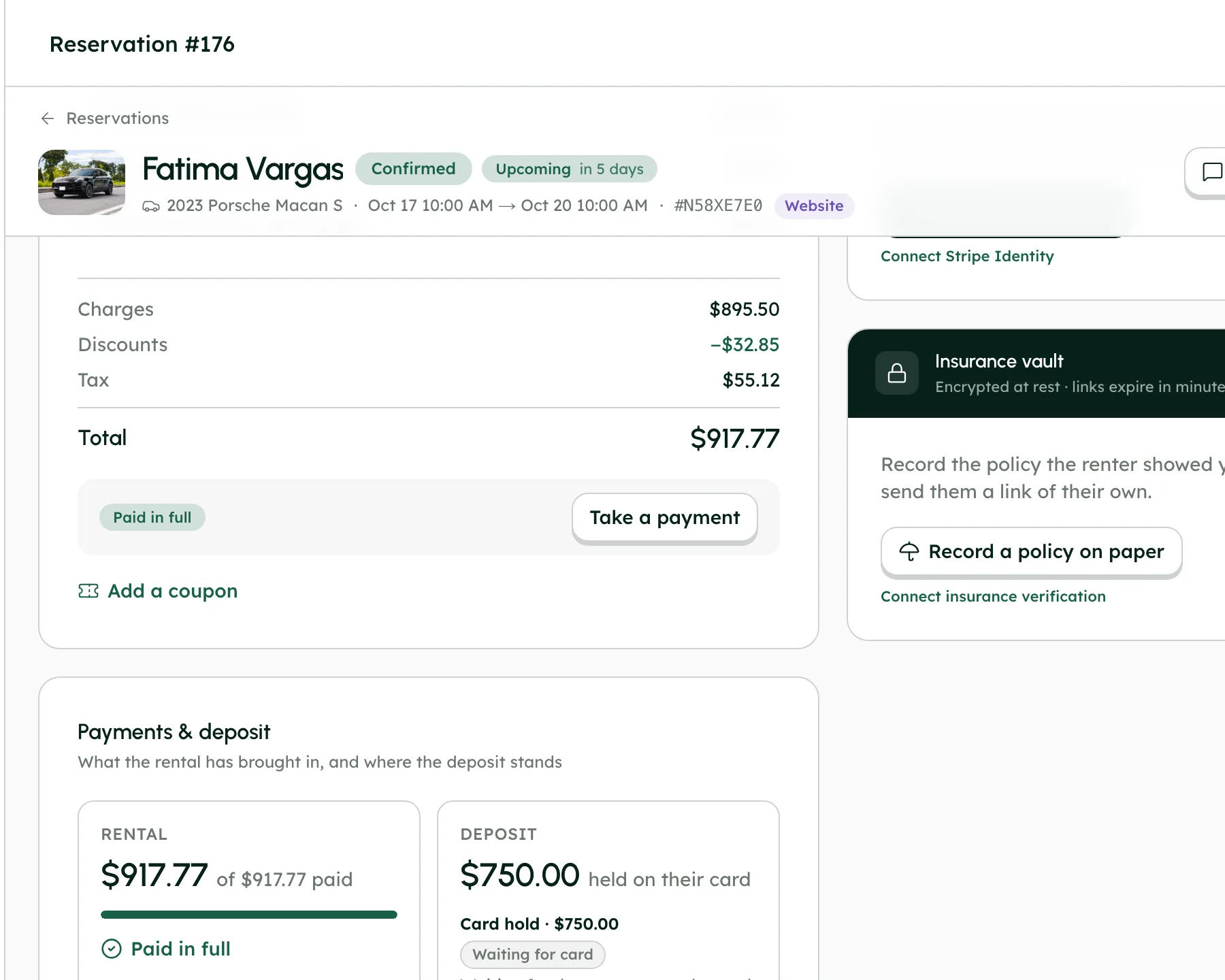
Paid into your Stripe, holds released for you
ID & insurance checks
Stripe Identity and Canopy Connect at checkout
Rental agreements
Signed on the renter's phone, with an audit trail
Inbox
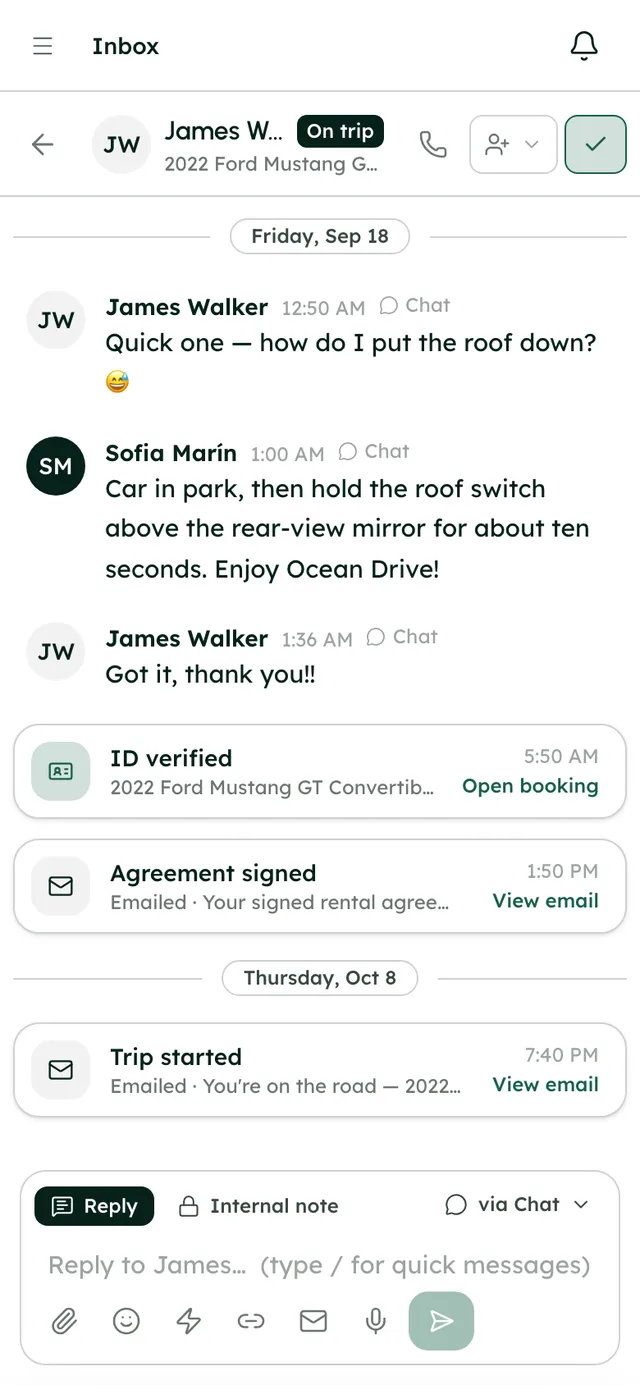
Chat, email and booking cards in one thread
Fleet & live tracking
Per-car rules, Smartcar map and remote lock
Team & operations
Tasks, maintenance, expenses and reports
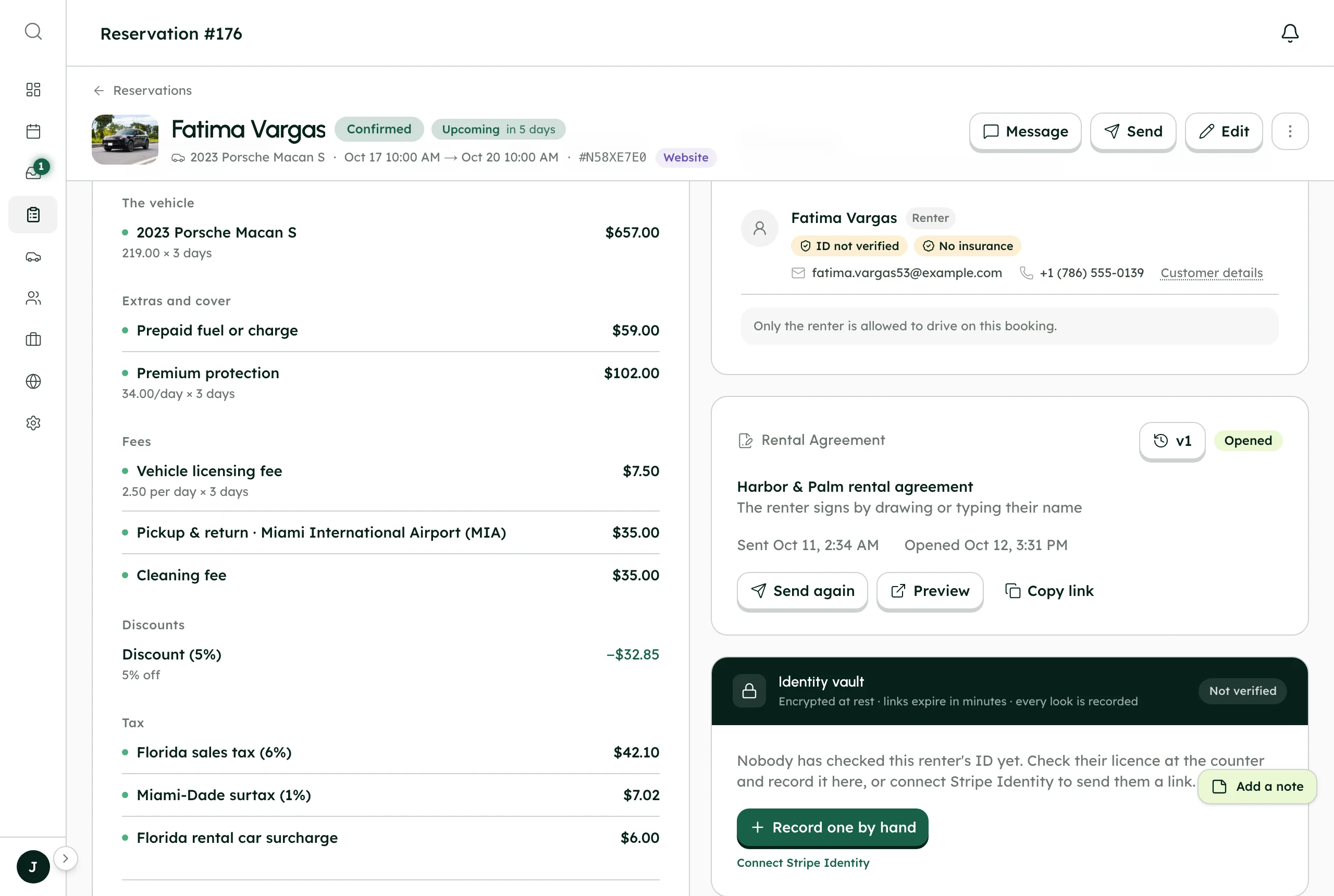
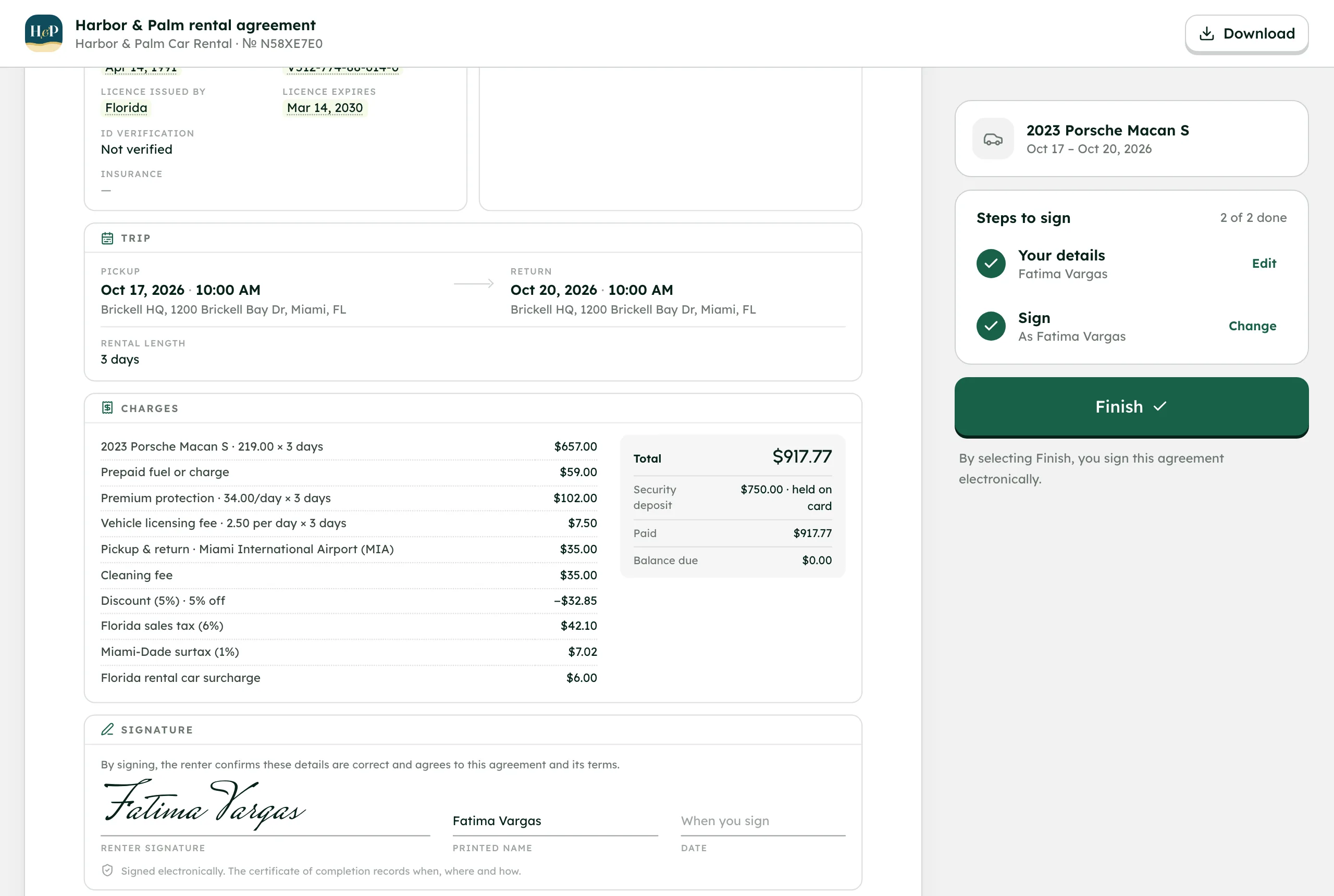
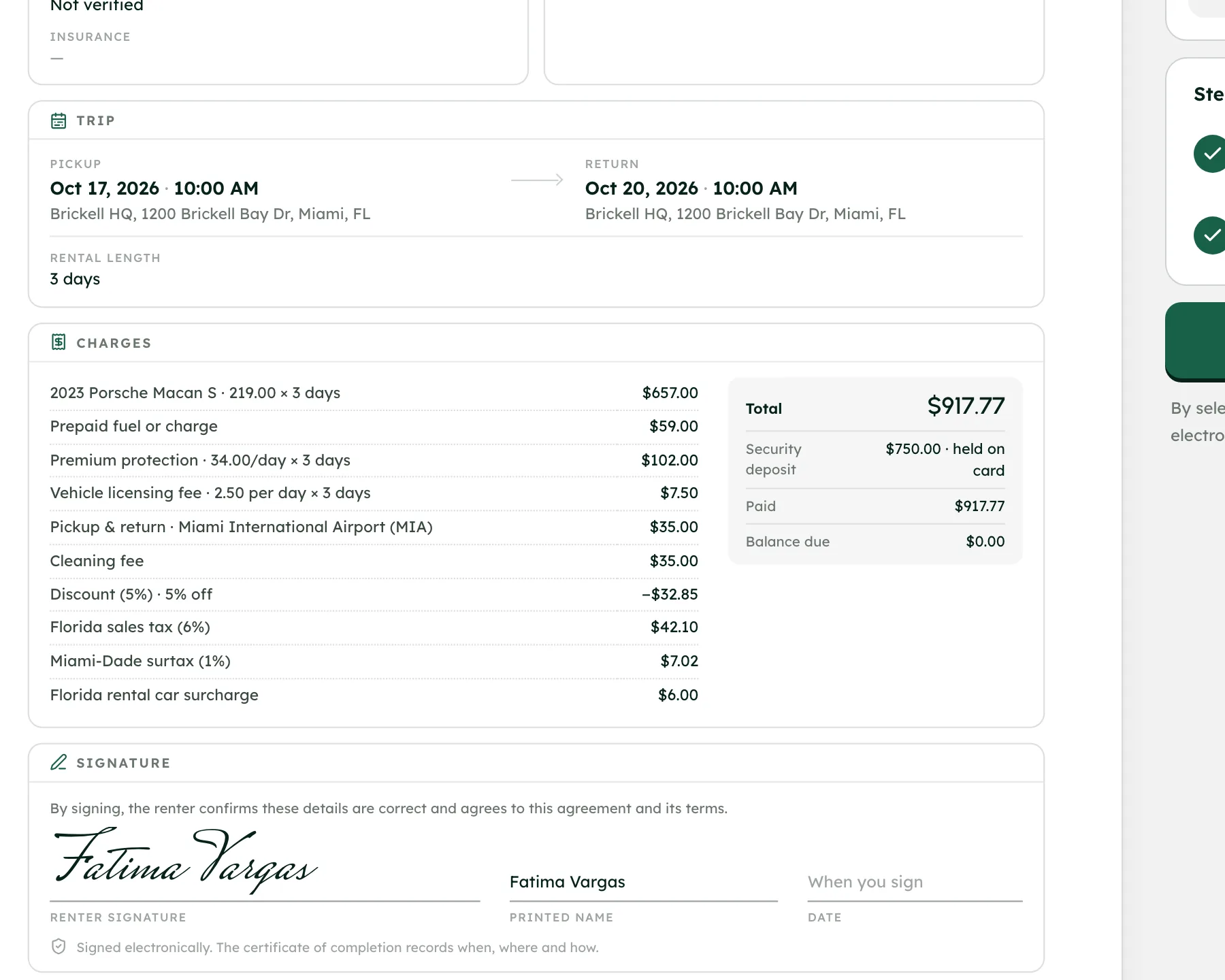
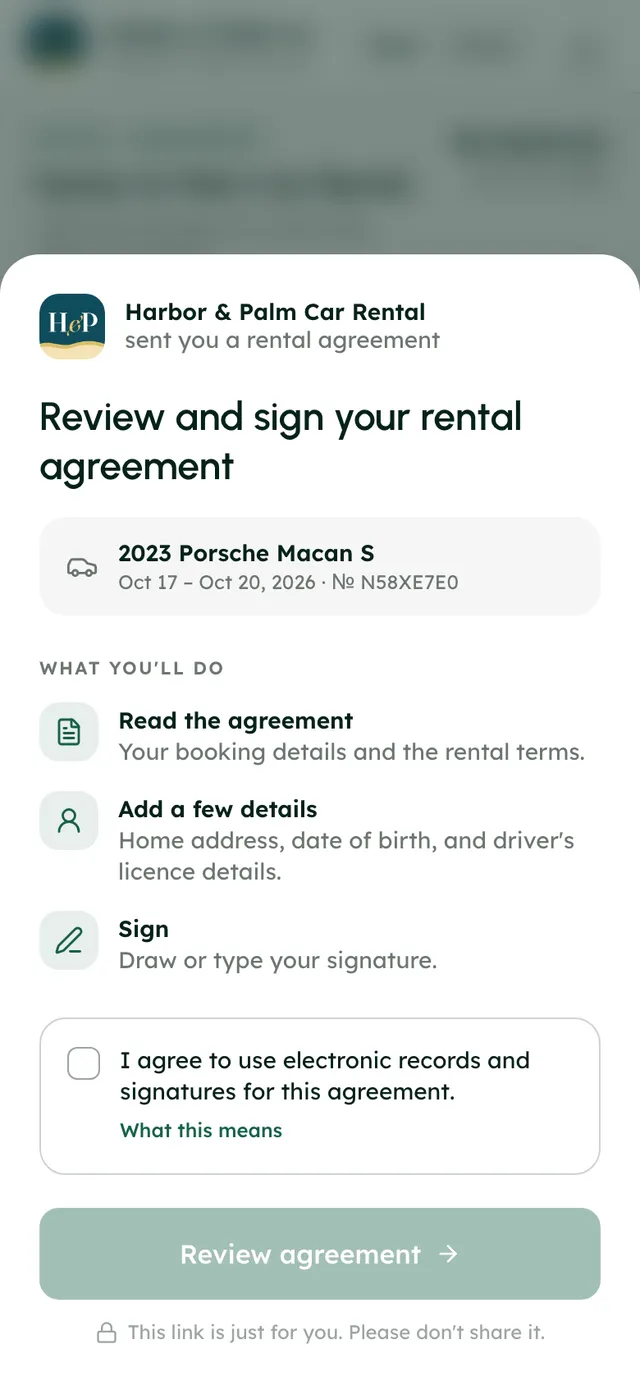
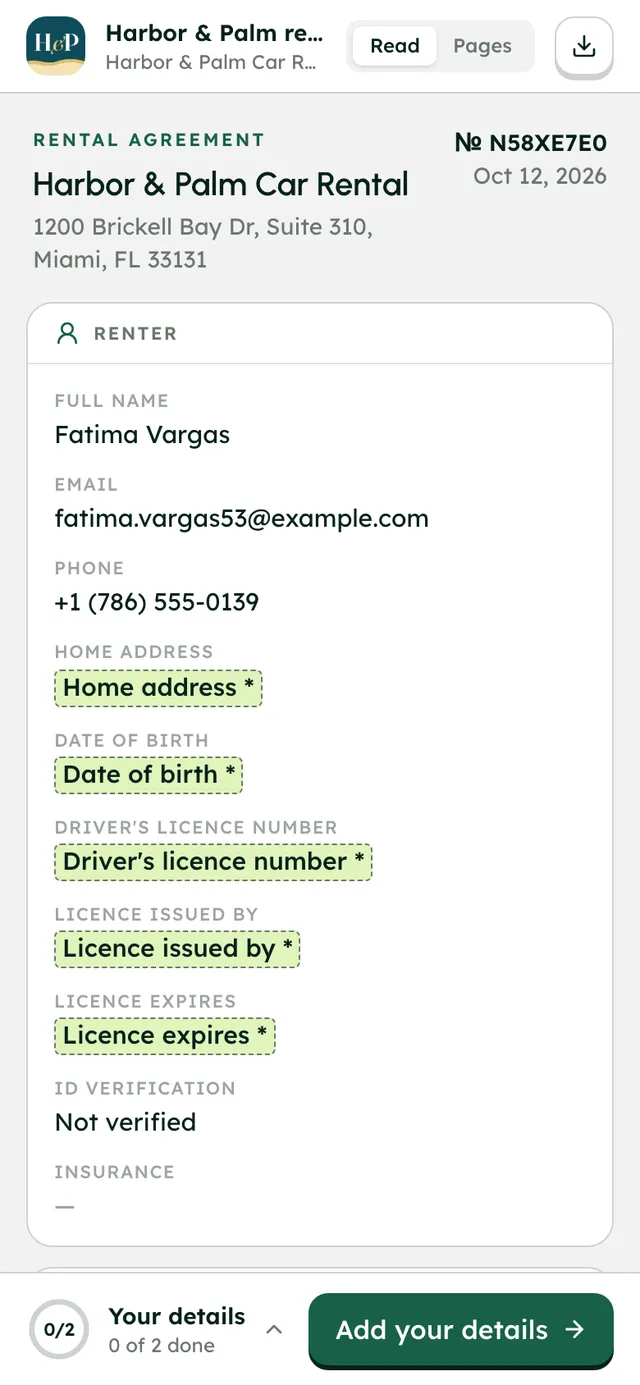
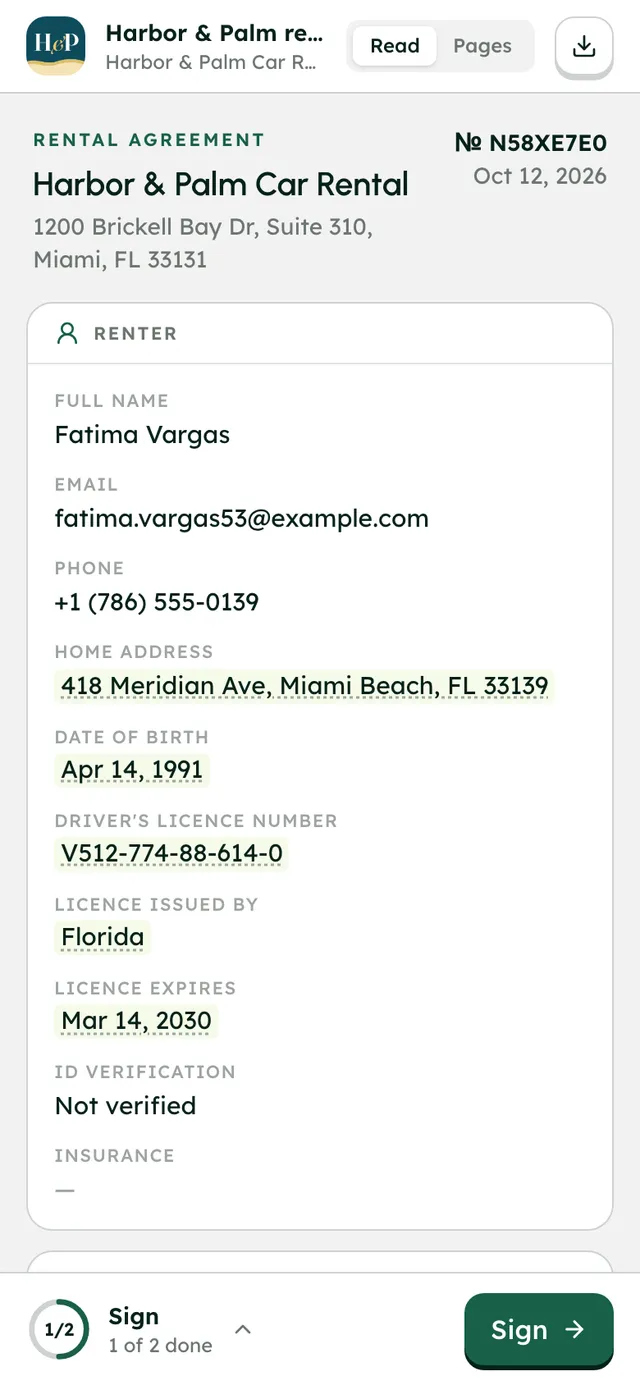
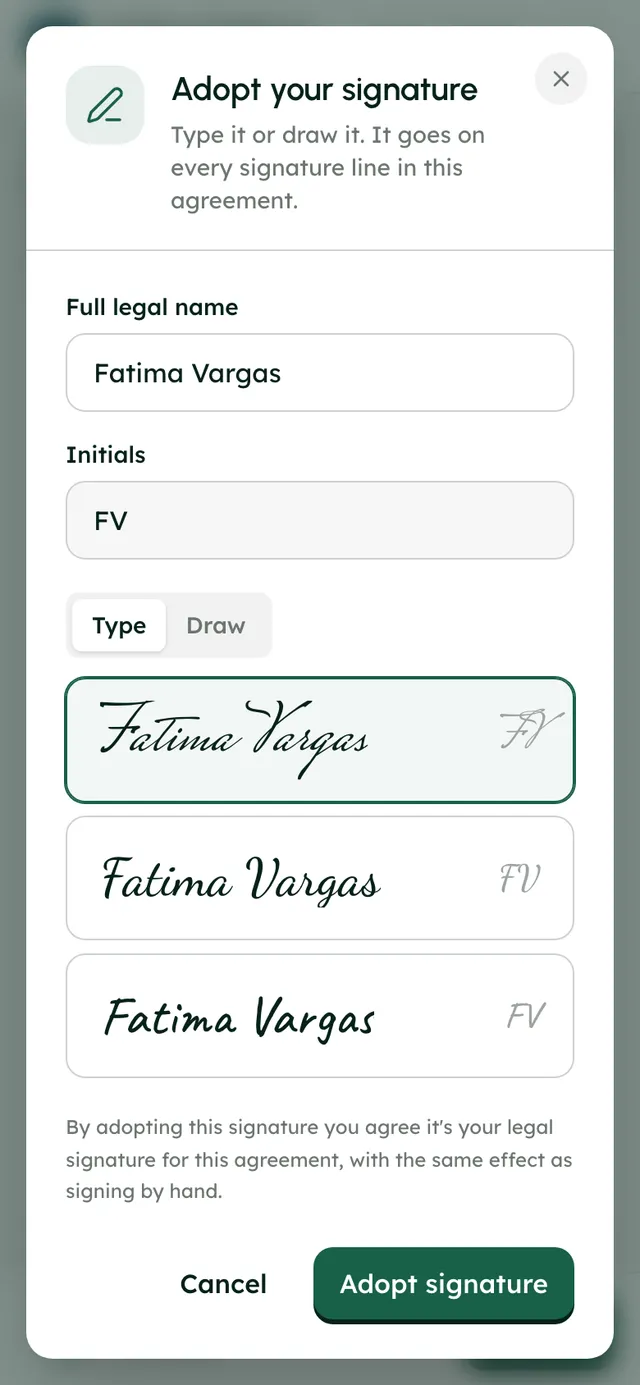
Build your agreement from our A4 template, which fills the details page from each booking, or upload your own PDF and place fields on it. Renters sign at the end of checkout, and every signature comes with a certificate of completion.
The moment
“A Word file, a PDF tool, retyping the renter's details, and a signed copy lost in an inbox.”
The usual way
A contract kept in Word
Printing it for the curb
Reminding renters to sign
Redoing it after a date change
A signed copy lost in an inbox
With RentHive
RentHive
Rental agreements
A template that fills itself
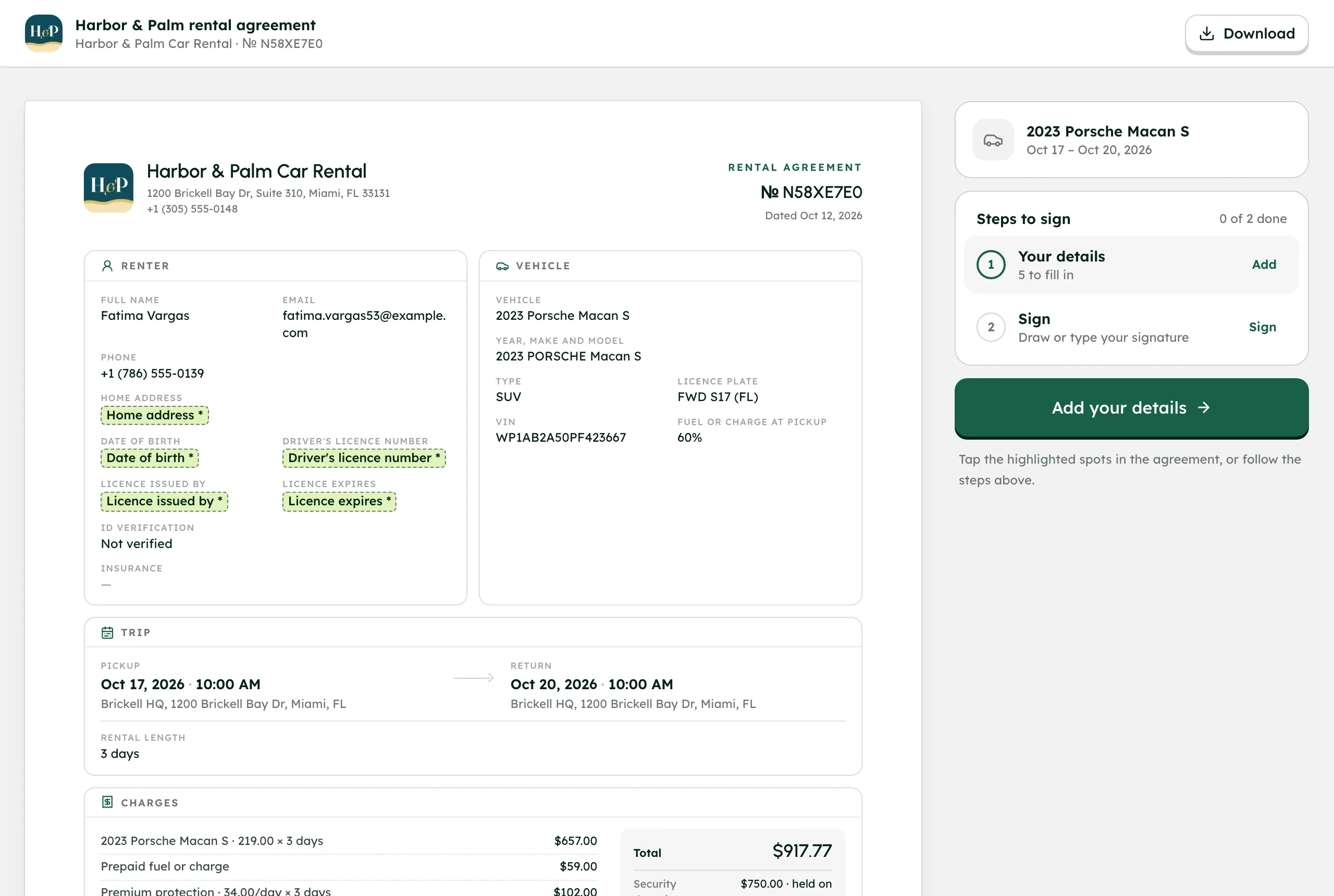
The details page is filled in from the booking
Signing built into checkout
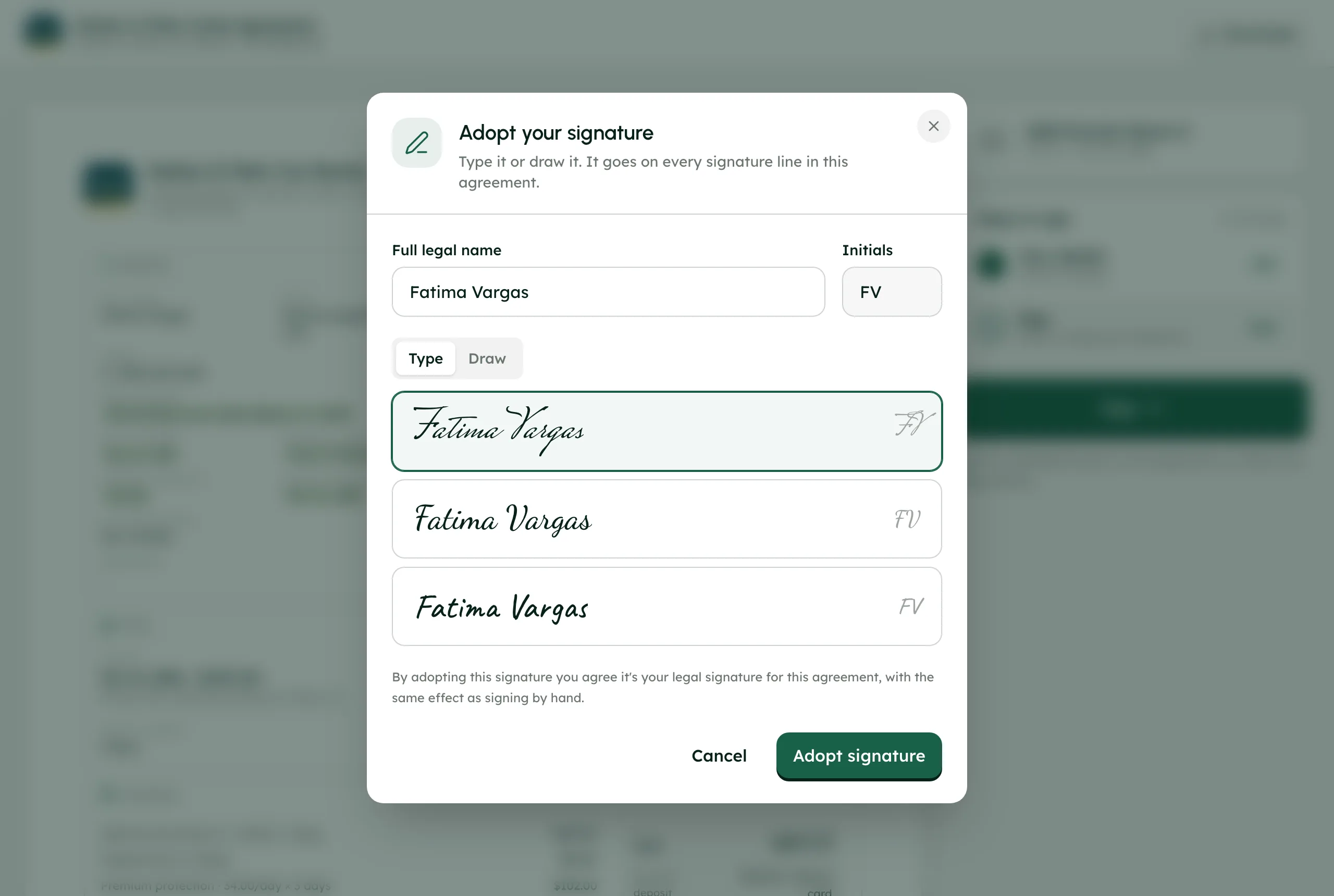
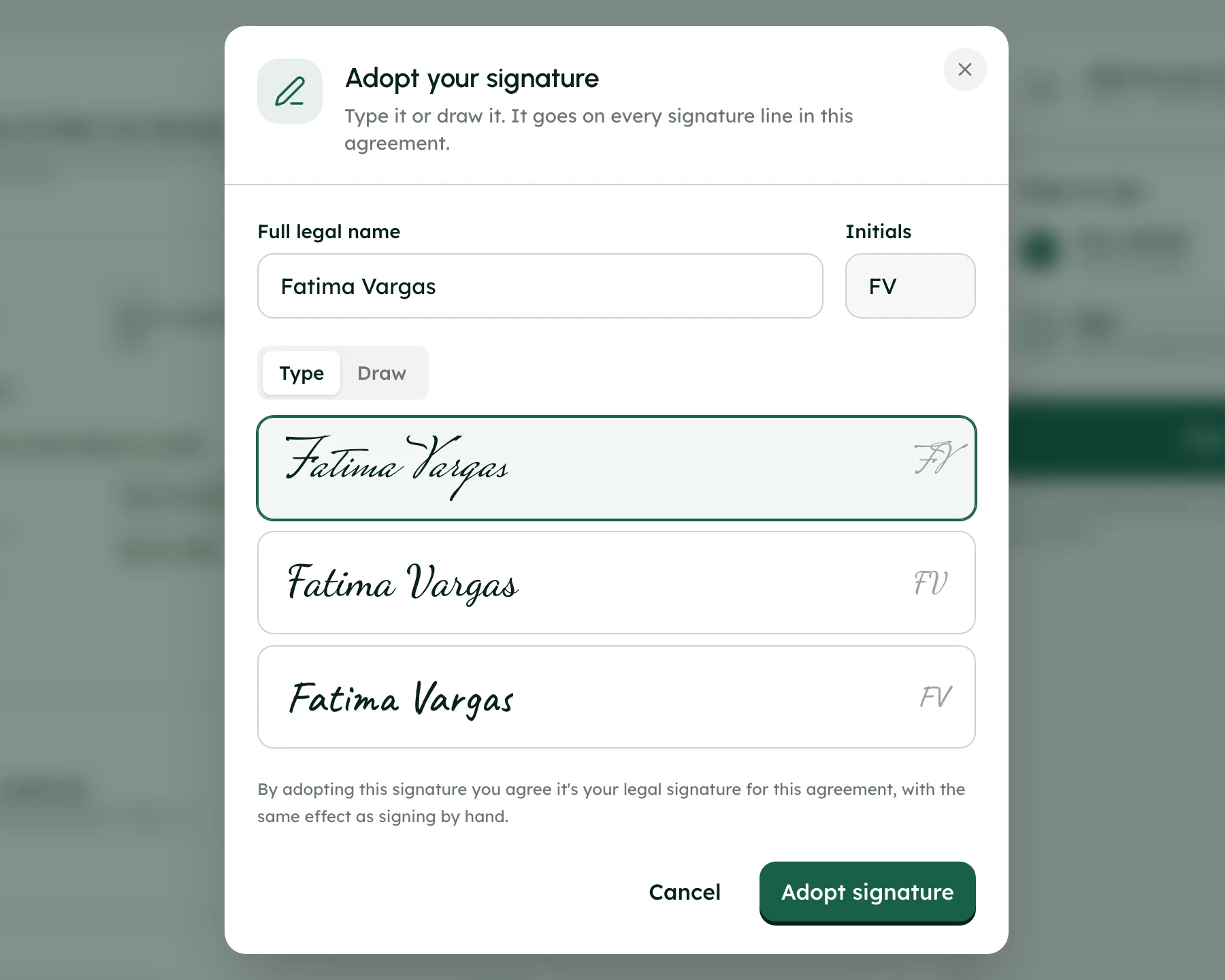
Draw, type, or sign with the ID check
Signed on their phone
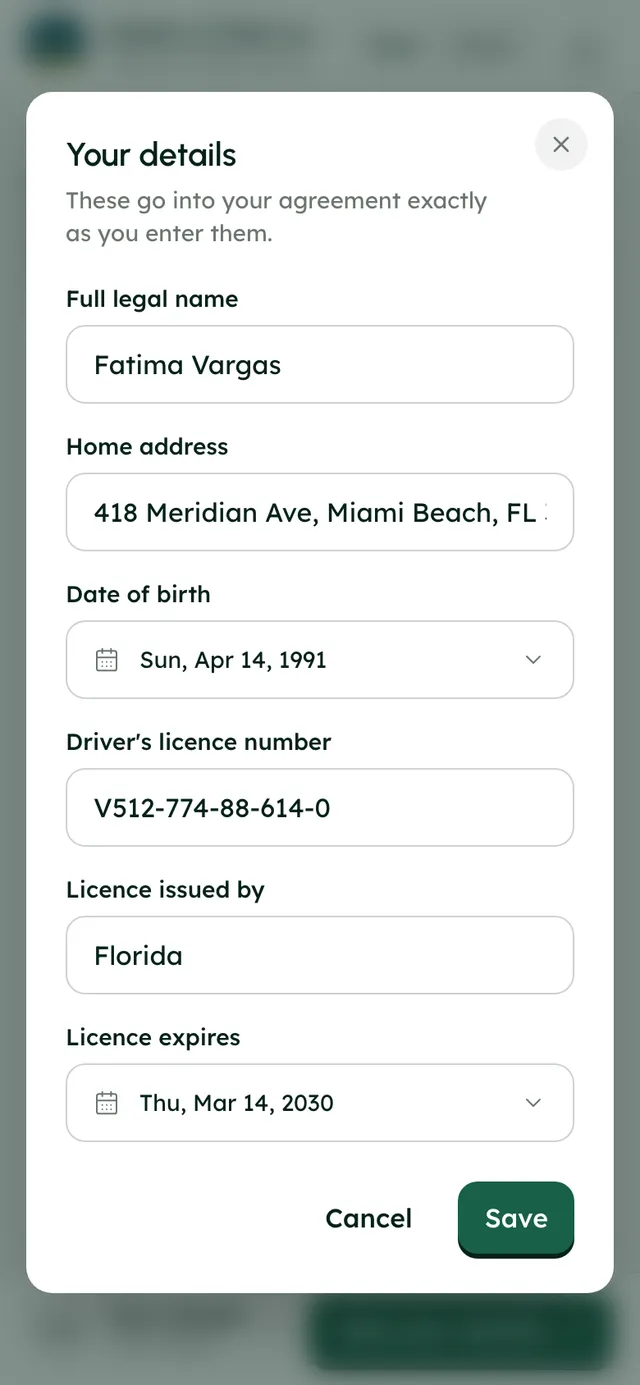
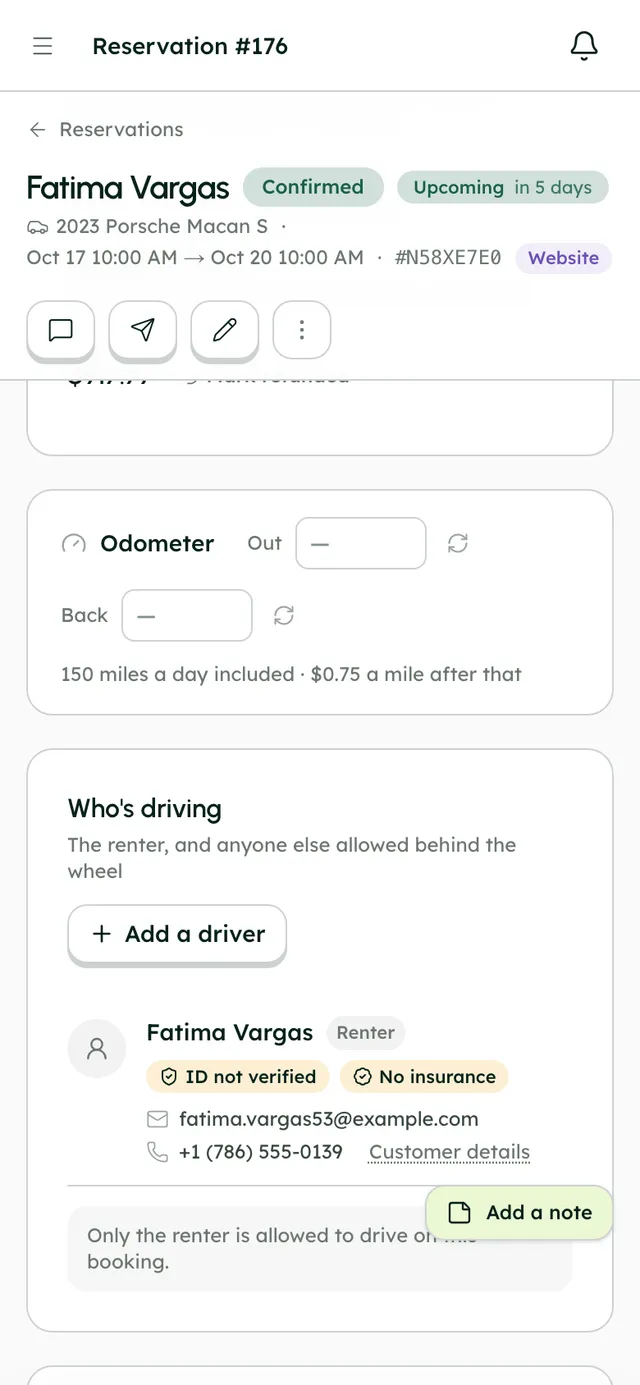
Renters fill in their own fields before pickup
Automatic sending
Sent on confirmation, with reminders 2 days and 1 day before
A new version on change
Changing the booking re-issues it to sign
Signed PDF and certificate
Download it from the booking, with its audit certificate
Your agreement fills itself from the booking, goes out on its own and comes back signed onto the booking.
Automatic4 of 5 steps happen without anyone doing them
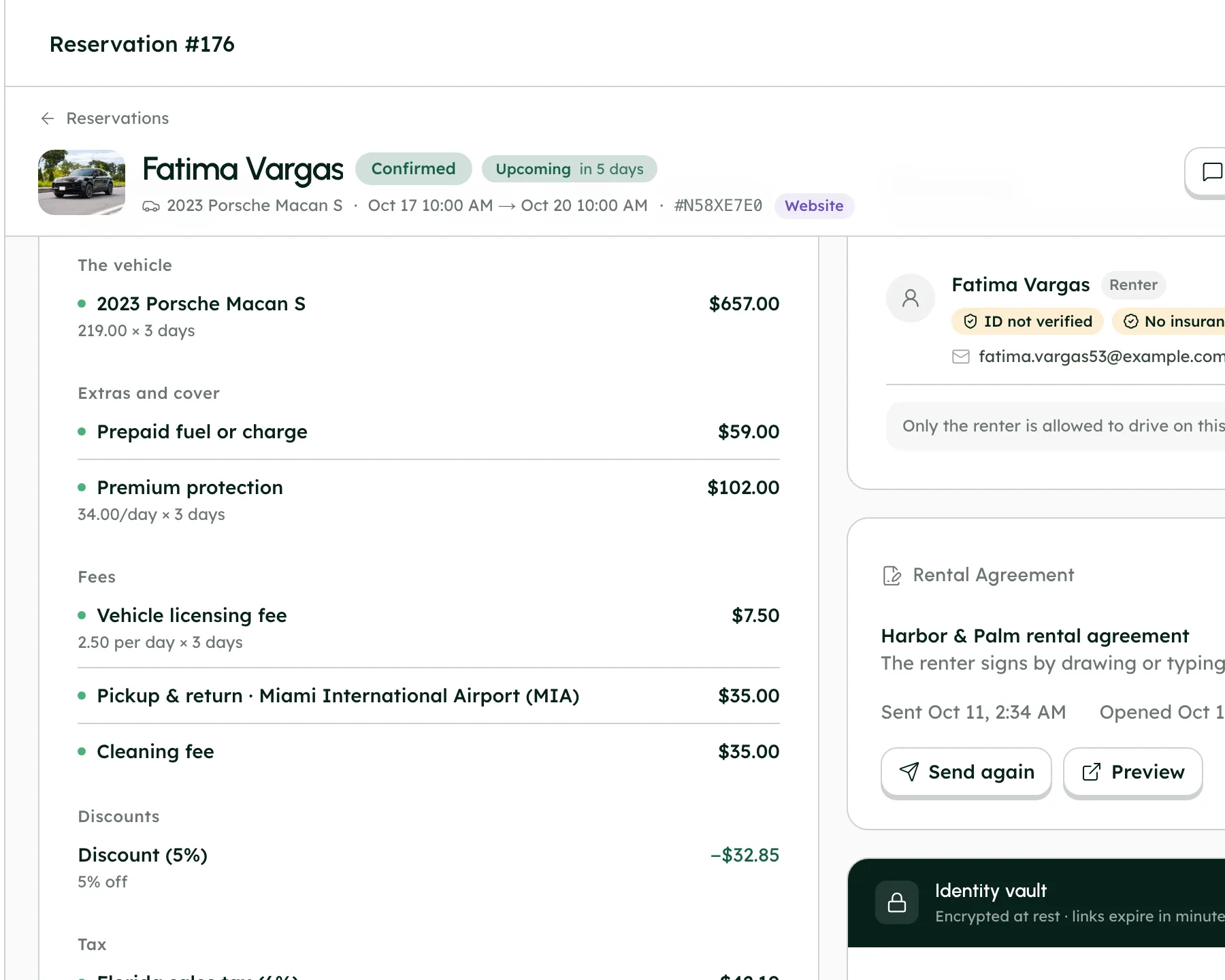
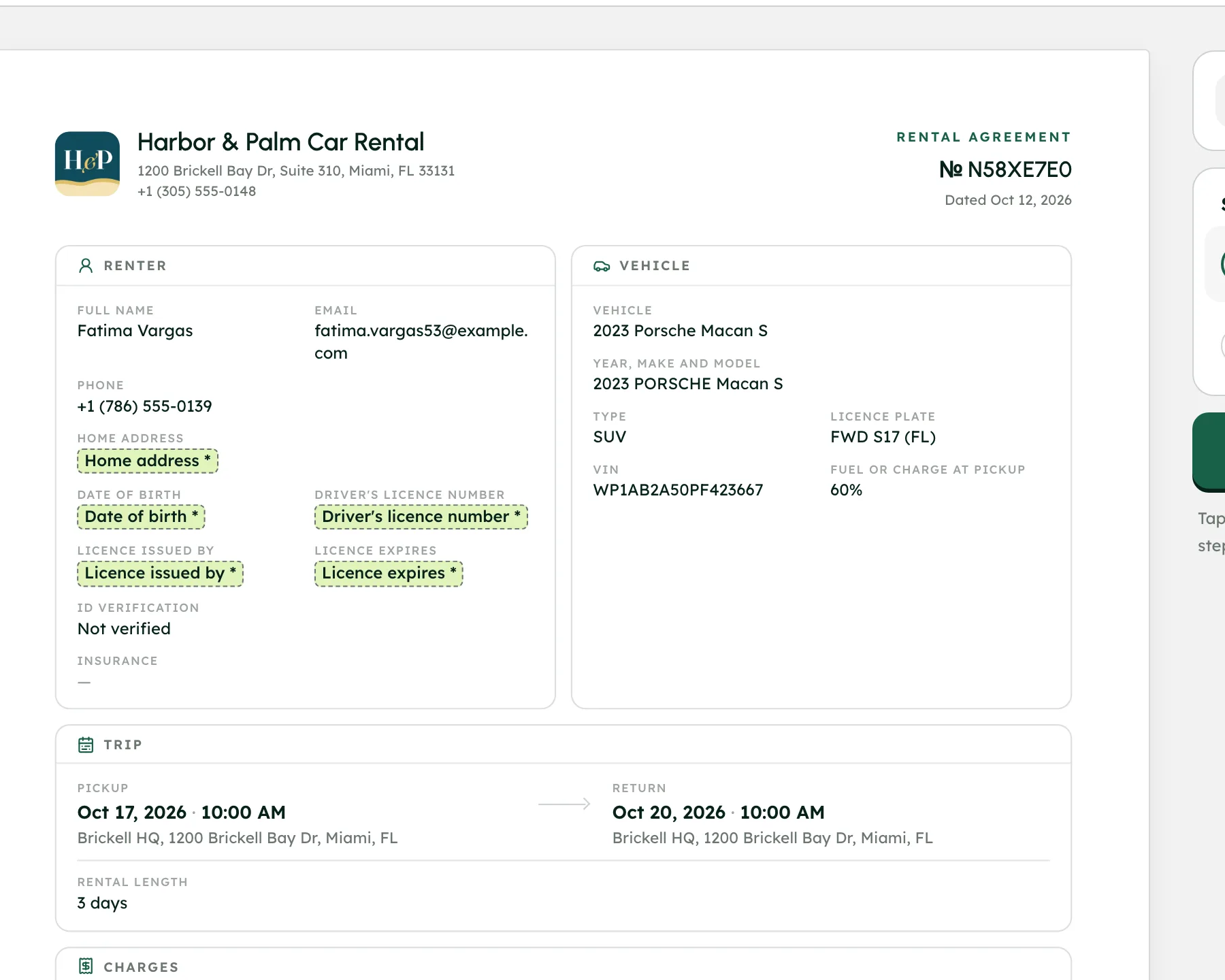
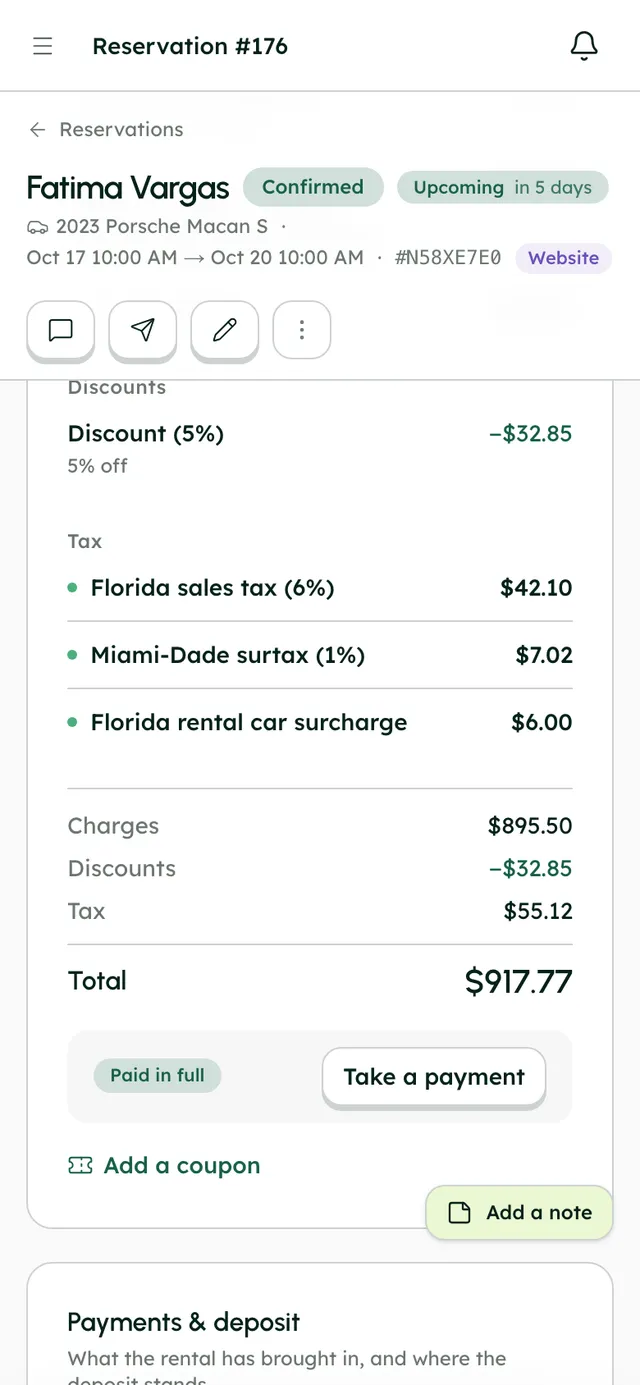
Renter, car, plate, trip dates, pickup place and every charge, already on the page.
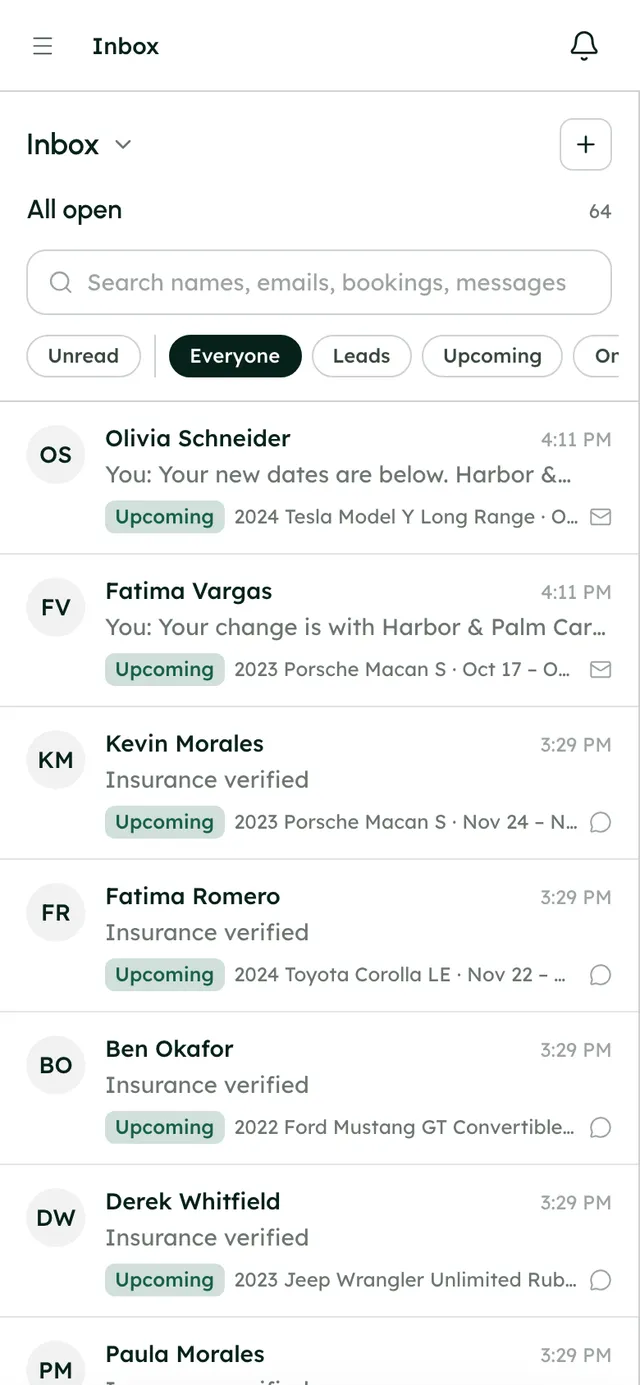
Sent when the booking is confirmed, with reminders until it's signed.
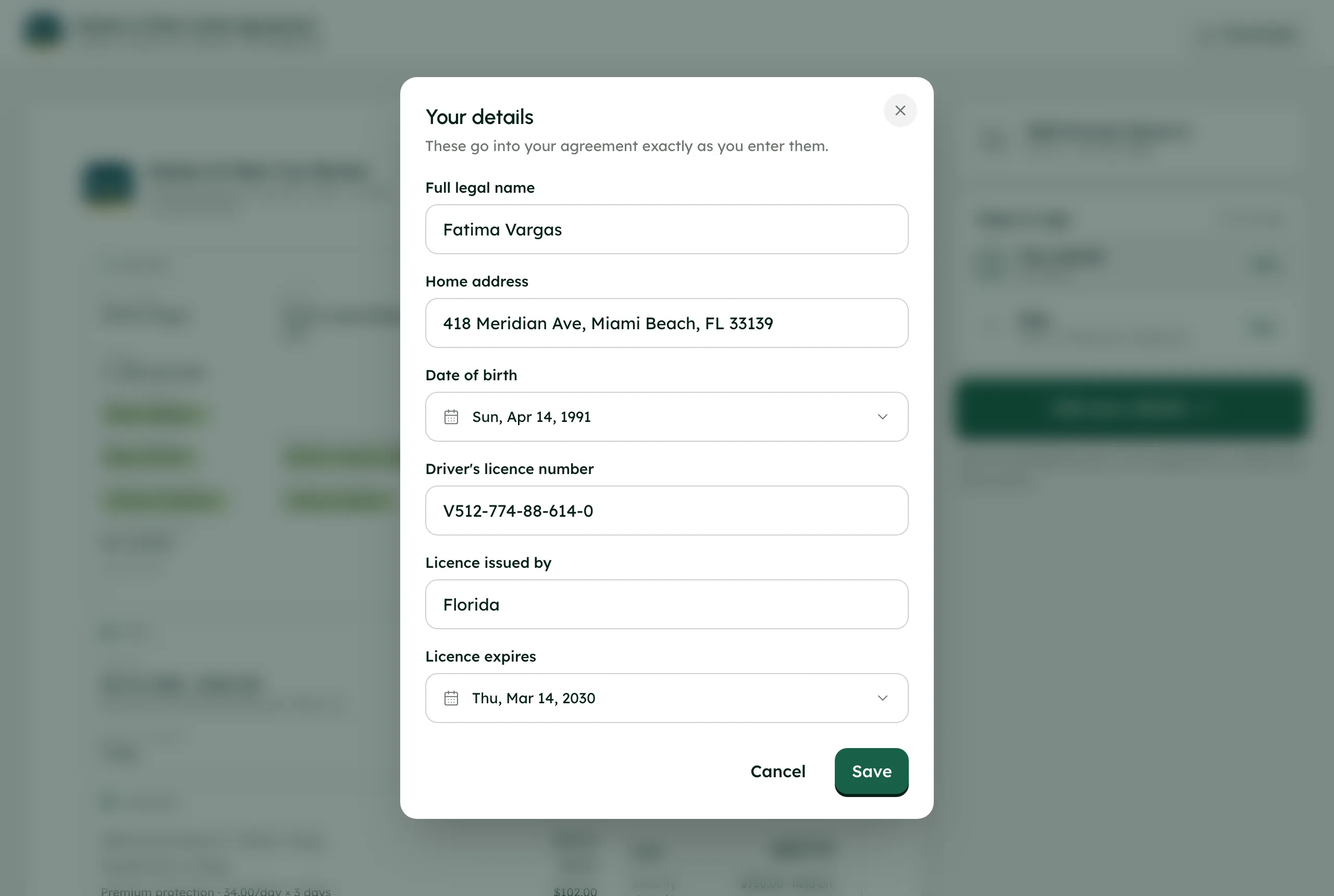
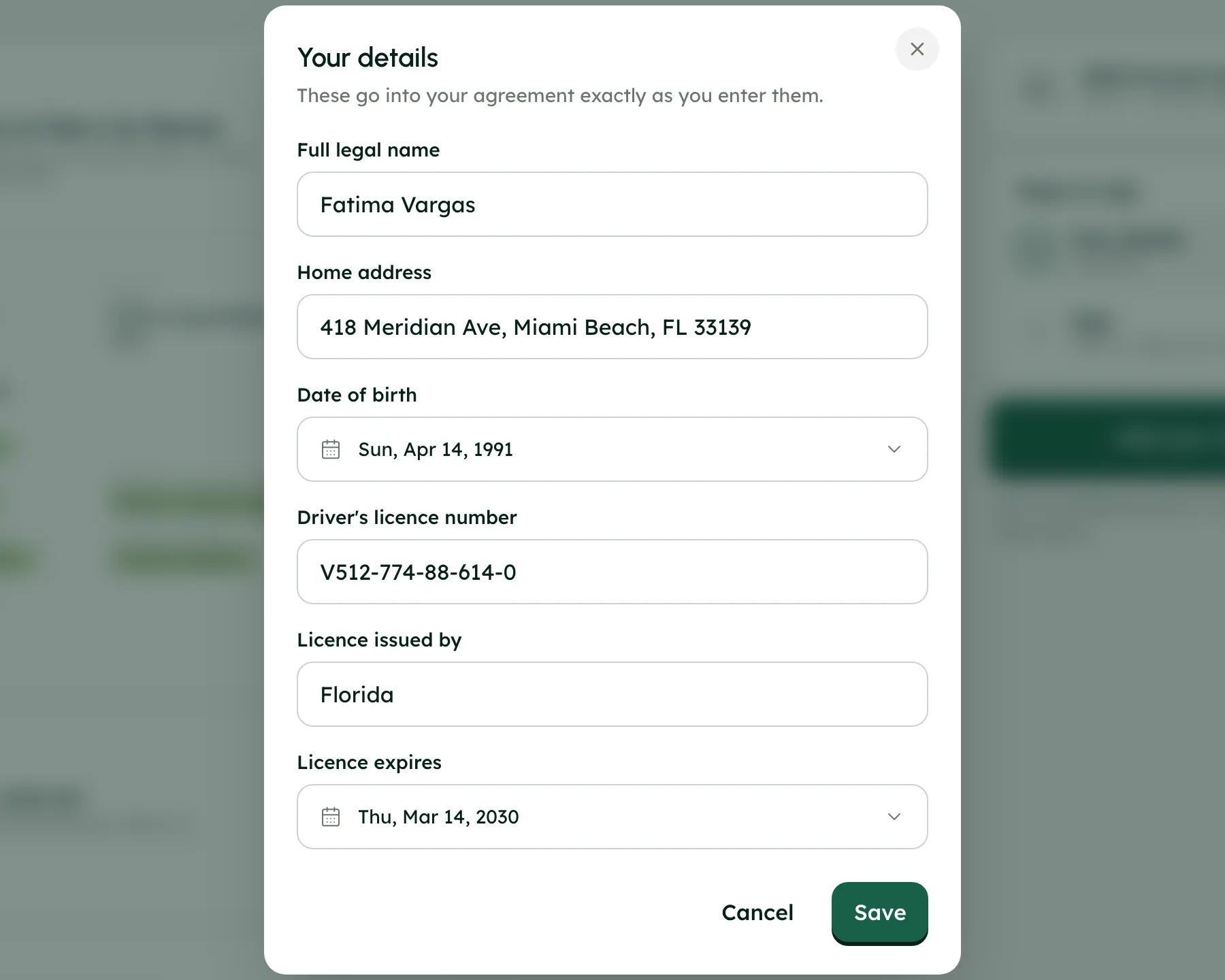
Home address, date of birth and license, then a typed or drawn signature.
A PDF with a certificate of when, where and how it was signed, for both of you.
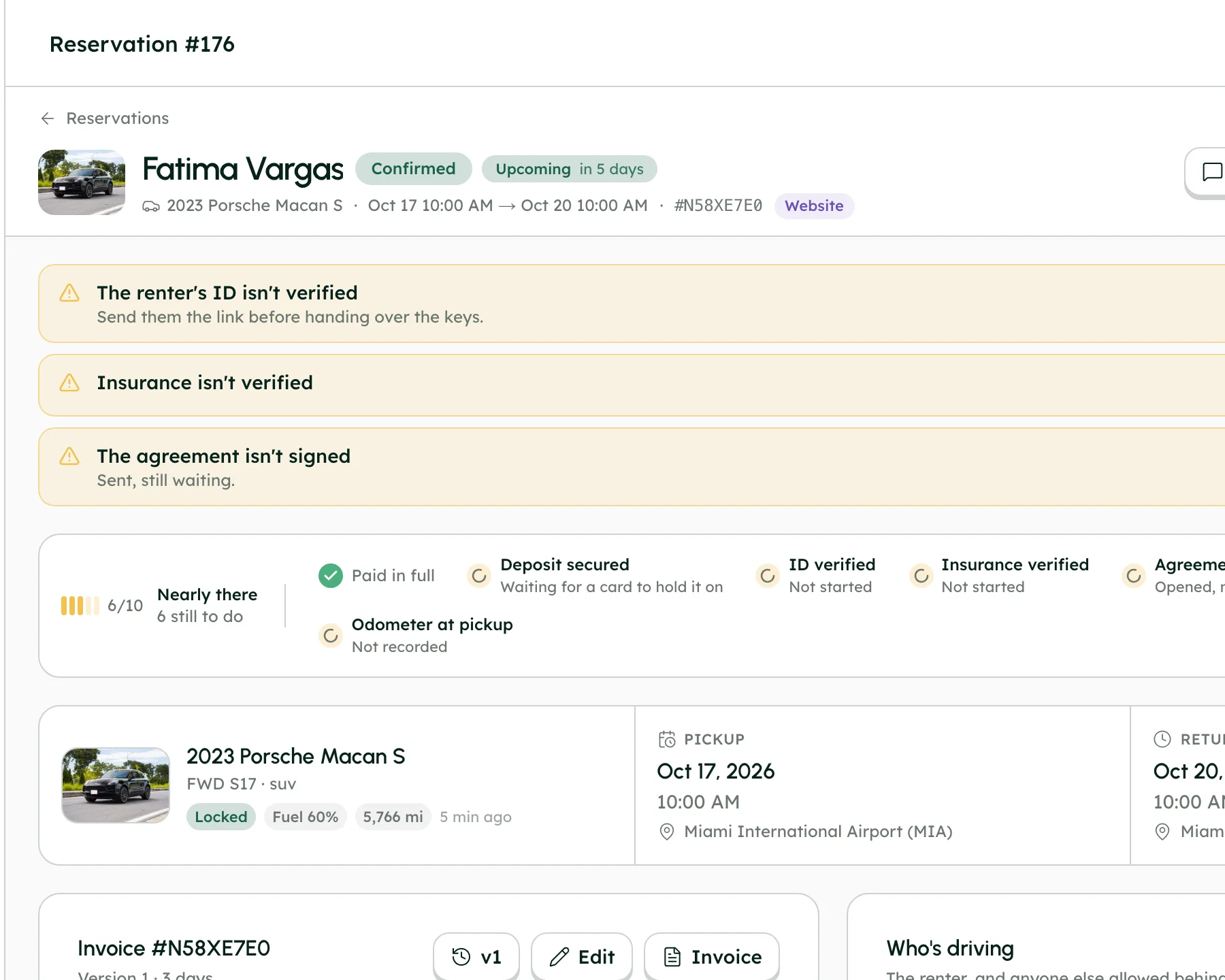
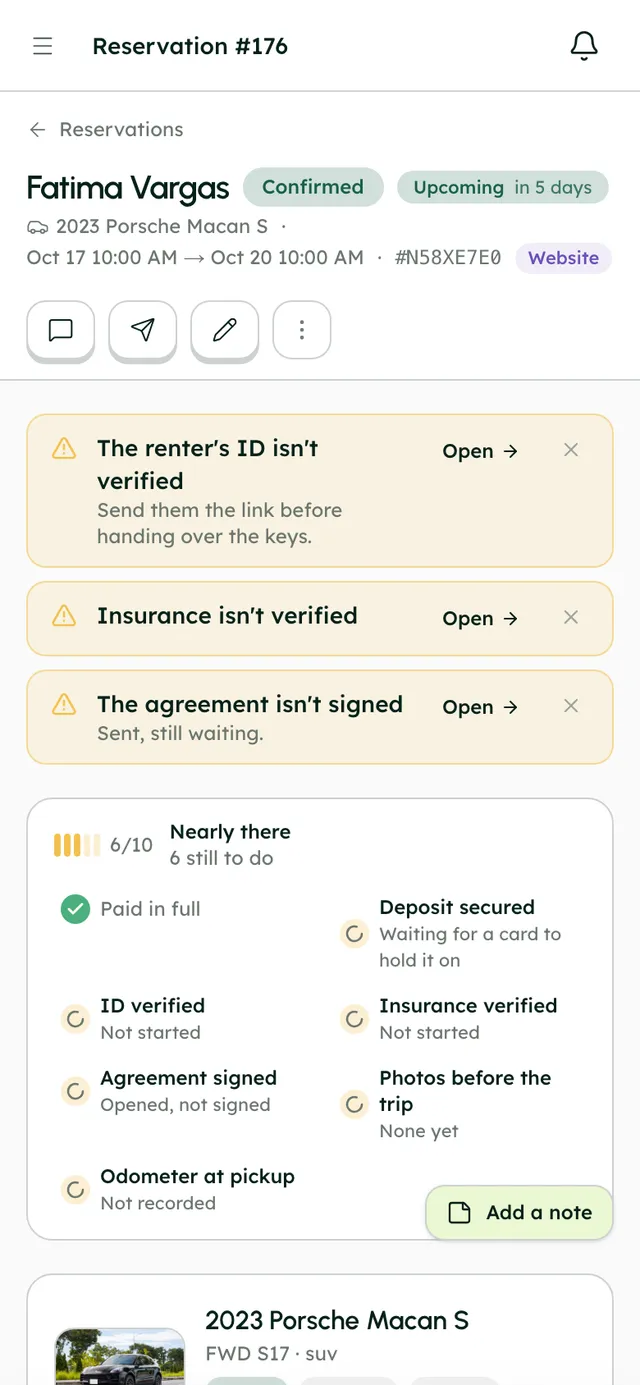
'Get Fatima Vargas to sign the agreement' moves to Done and the checklist turns green.
2022 Ford Mustang GT Convertible
Your total
Choose your dates to see the price.
On every plan, from the first day of your trial.
A details page that fills itself in from the booking, and terms you write in a rich-text editor.
Drop booking fields into your terms so each agreement fills itself in.
Upload the agreement you already use and place fields on its pages.
Your default agreement applies unless a car has its own.
Draw or type a signature, use the ID check as the signature, or ask for both.
The audit trail is printed as a certificate of completion on the signed agreement.
Sent when a booking is confirmed, with reminders 2 days and 1 day before pickup.
Changing a booking re-issues the agreement for a fresh signature.
Download the signed agreement for your records.
Follow Fatima's Porsche Macan S from chapter to chapter. Each one hands the booking on, so nothing is copied across by hand.
More in the Help Center, or email us any time.
In Settings → Legal, build an agreement from the built-in template, where the details page fills itself in from the booking and you write the terms, or upload your own PDF and place fields on it. Your default agreement applies unless a vehicle has its own.
You choose: drawing or typing a signature, using their ID check as the signature, or both. Renters fill in their own fields on their phone, and you can download the signed PDF.
Yes. Upload it as a PDF in Settings → Legal and place the fields on it. Renters fill it in and sign it the same way as the built-in template.
They can be. With automatic sending on, the agreement goes out when a booking is confirmed, with reminders 2 days and 1 day before pickup if it isn't signed yet.
Changing the booking issues a new version of the agreement for the renter to sign. Editing your template doesn't change agreements bookings already have.
Start a 7-day free trial with no card, or book a call and we'll set it up with you.
0% commission · Cancel any time · 24/7 support by email