Photos before the trip
Closes itself as soon as a before-the-trip photo exists.
AssigneeNobody
K7M2QX4P
Booking website
Templates, your own domain, checkout and a widget
Calendar & reservations
Every car on one timeline, priced by the server
Payments & deposits
Paid into your Stripe, holds released for you
ID & insurance checks
Stripe Identity and Canopy Connect at checkout
Rental agreements
Signed on the renter's phone, with an audit trail
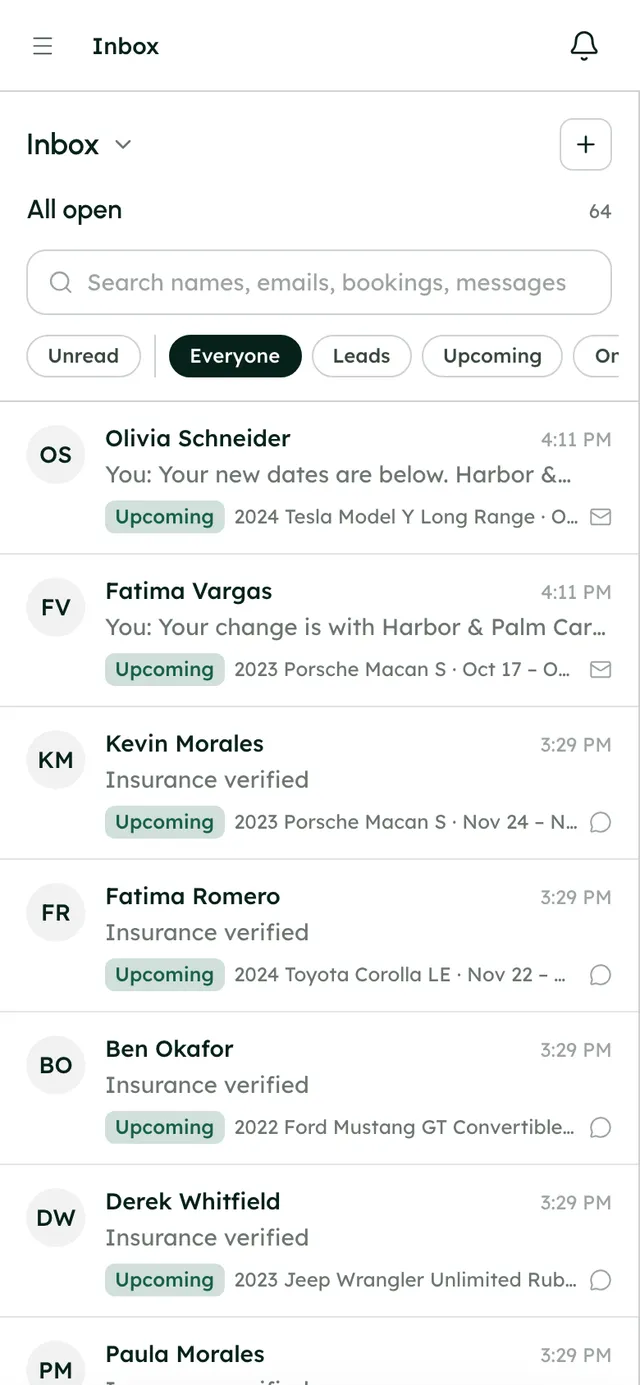
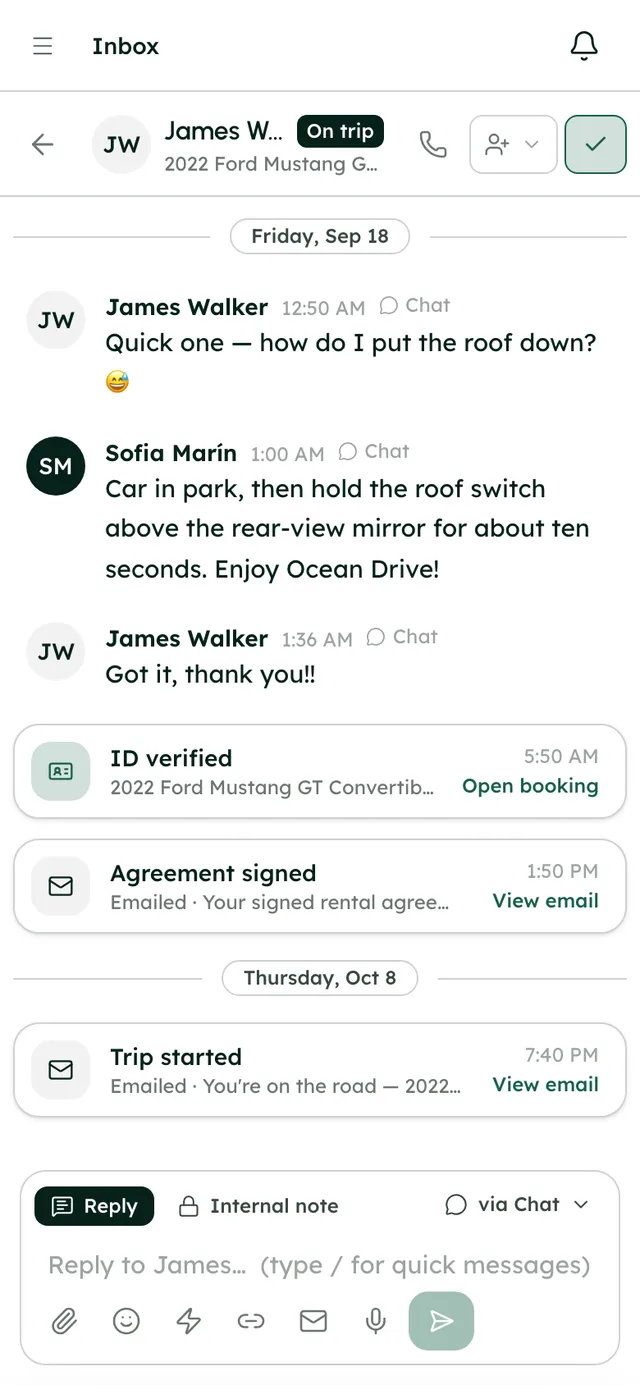
Inbox
Chat, email and booking cards in one thread
Fleet & live tracking
Per-car rules, Smartcar map and remote lock
Team & operations
Tasks, maintenance, expenses and reports
Give each person their own login and just the sections they work in. Tasks open themselves when a booking needs something and close themselves when it's done, and the team talks in the same inbox as your renters.
No card to start · Priced by cars, not seats · 24/7 support
Waiting to be picked up
Somebody is on it
Finished in the last fortnight
#tasks
4 members · Work assigned to the team, and finished.
“Settle Dana Whitfield's deposit” closed itself — 2024 Tesla Model 3 Long Range · Dana Whitfield
Kayla Chen finished “Clean 2024 Tesla Model 3 Long Range” — 2024 Tesla Model 3 Long Range · Dana Whitfield
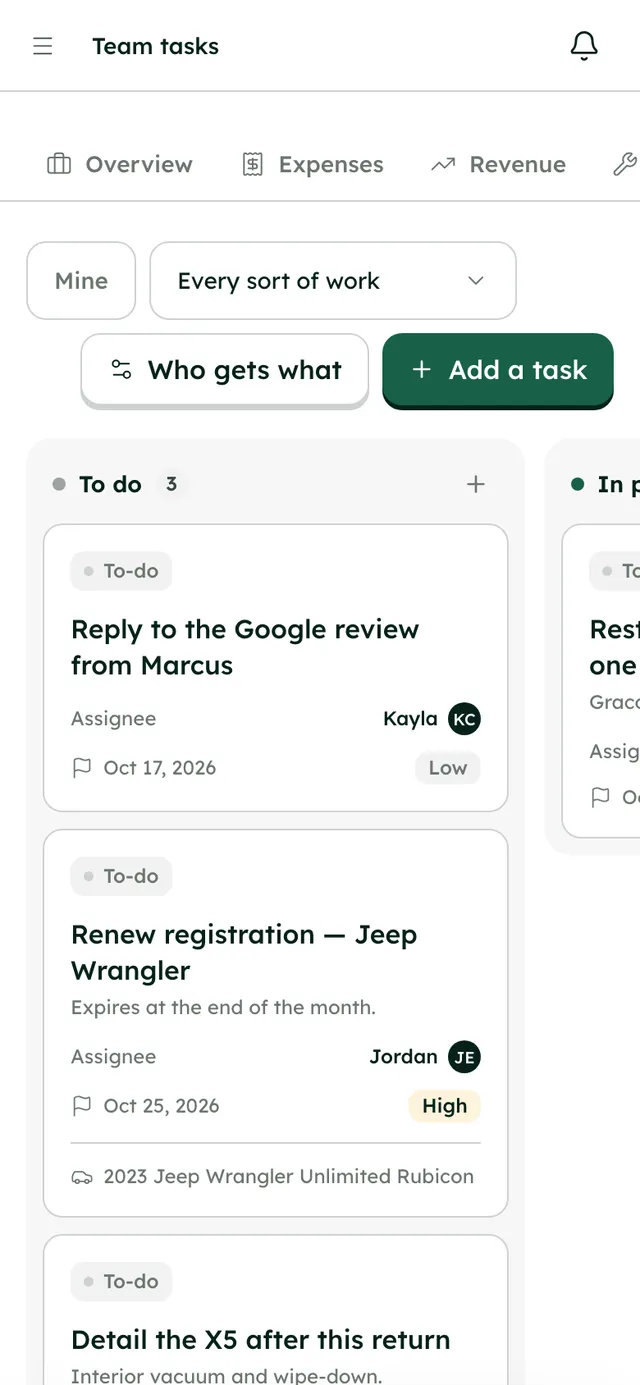
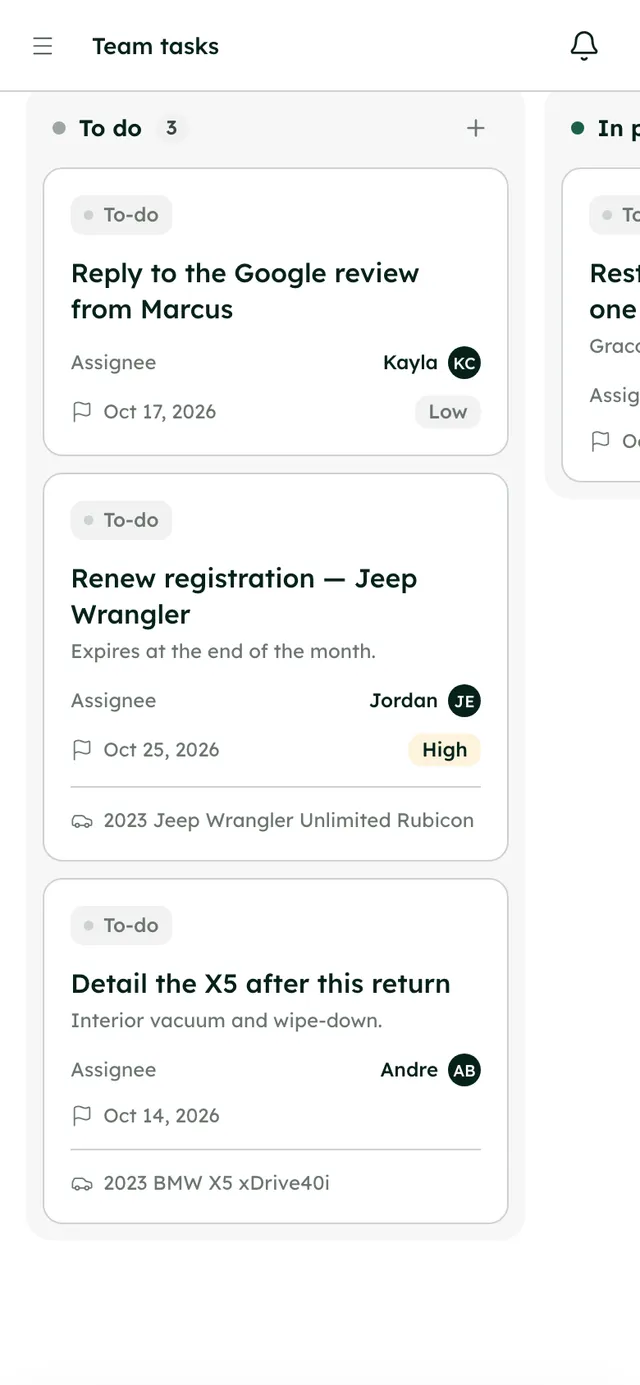
A booking turns into jobs for your team, the system notices when they're done, and the numbers update on their own.
Automatic5 of 8 steps happen without anyone doing them
Check the license, get the agreement signed, photograph the car before the trip.
Assignment rules decide who gets which kind of job, and which channel hears about it.
A bell in the app and an email, with a link straight to the job.
From his phone, in the trip camera. That's all he does.
The task moves to Done by itself, because the photos are there.
The task's channel gets a line, so the team knows without asking.
The camera turns it into an expense on the car, and #expenses gets a line.
The trip's $917.77 and the fuel land in Management, by car and by source. A digest arrives on Monday.
Add a teammate with a starting password and tick the sections they work in. The server enforces it on every request, so a section that's off is closed, not just missing from the menu.
Andre Baptiste
Team member · example
Each kind of task knows when it's needed and how to tell it's done. A licence check closes the moment the ID check passes; nobody has to tick a box for work the system can already see.
Pick a kind of task, who it goes to and, if you like, which cars. Every booking after that raises it for them, and it can post to a team channel.
When a task is due within six hours, or late, its owner hears about it in the channel and by email. Once a day at most, so nobody learns to ignore it.
Who's carrying what, what's overdue and who finishes on time. Only tasks a person closed count, so the ones that closed themselves don't flatter anybody.
The people who take cars to the workshop and buy the fuel can log it where it happens, and the money lands in your reports.
Each job moves from Booked in to In the workshop to Back. Saving one takes the car off the calendar and your website for those days.
Snap the receipt with the in-app camera and RentHive records when and where it was taken, with a checksum. Or upload the file.
More in the Help Center, or email us any time.
No. You tick the sections each person can open, from the 13 in the app. Two people with the same job get the same ticks; anyone who needs something different gets different ones. The owner can open everything.
You add them with their name, email and a starting password, and they get a welcome email. Share the password with them securely and ask them to change it in their account settings. There's no invite link to accept.
Off limits. The server checks every request against the person's sections, so a teammate without Expenses can't read or change expenses even by going to the address directly.
No. Plans are priced by how many cars they cover, not by people: Starter is $99 a month for up to 10 cars, Growth $199 for up to 50. Every plan has every feature, with a 7-day free trial and no card to start.
Deactivate them from the team page and their login stops working. You can add someone new with a fresh starting password at any time.
Start a 7-day free trial with no card, or book a call and we'll set it up with you.
0% commission · Cancel any time · 24/7 support by email