A car rental booking website that takes the whole booking.
Pick a template, add your cars and go live on a free address in minutes. Renters search dates, pay, verify and sign on your site, and the money goes straight into your Stripe account. Connect your own domain when you're ready.
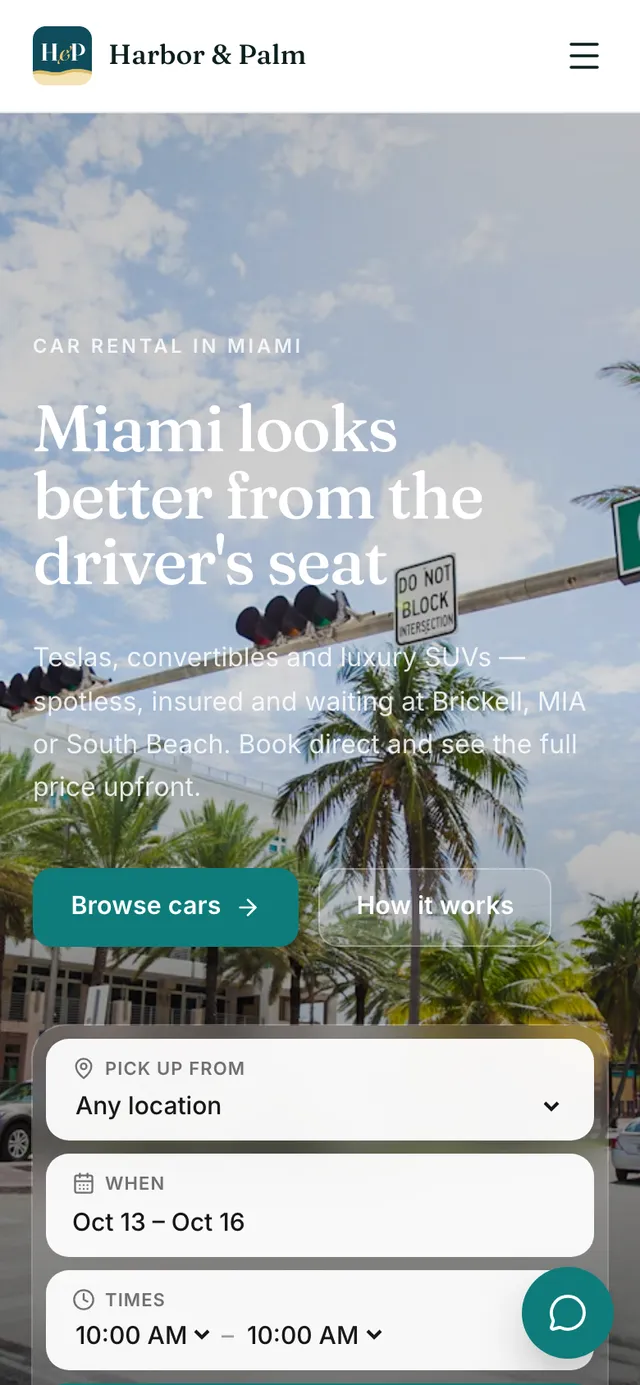
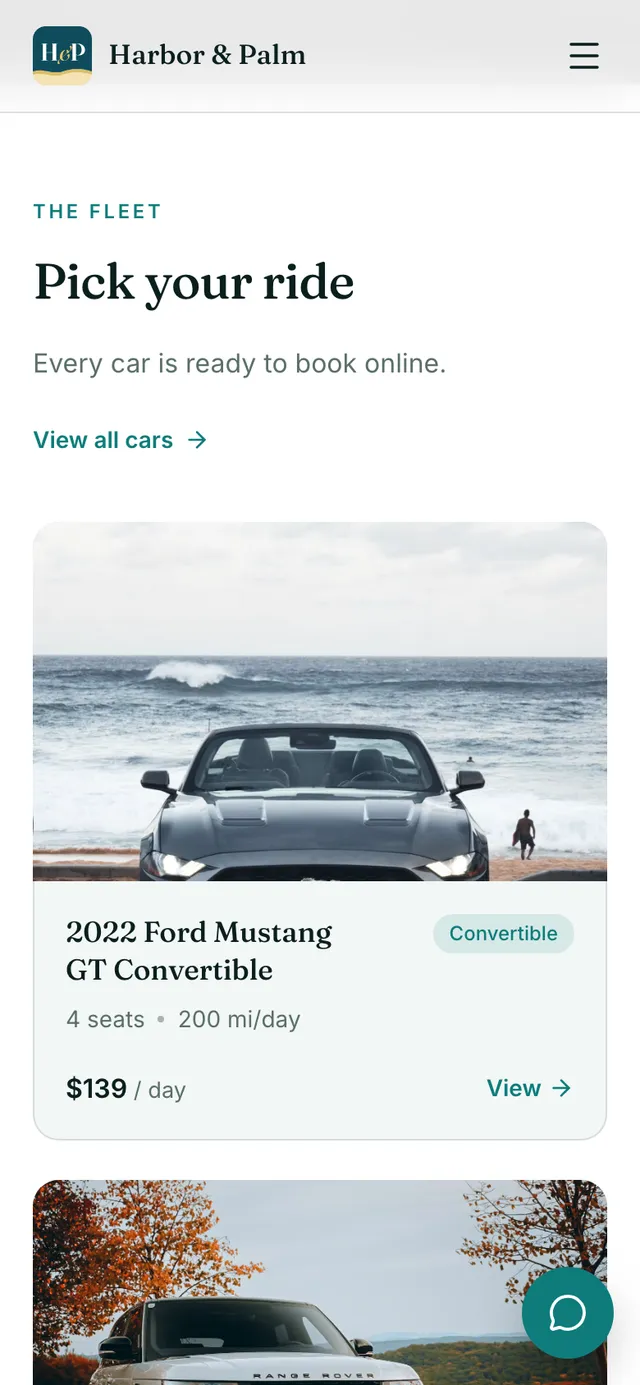
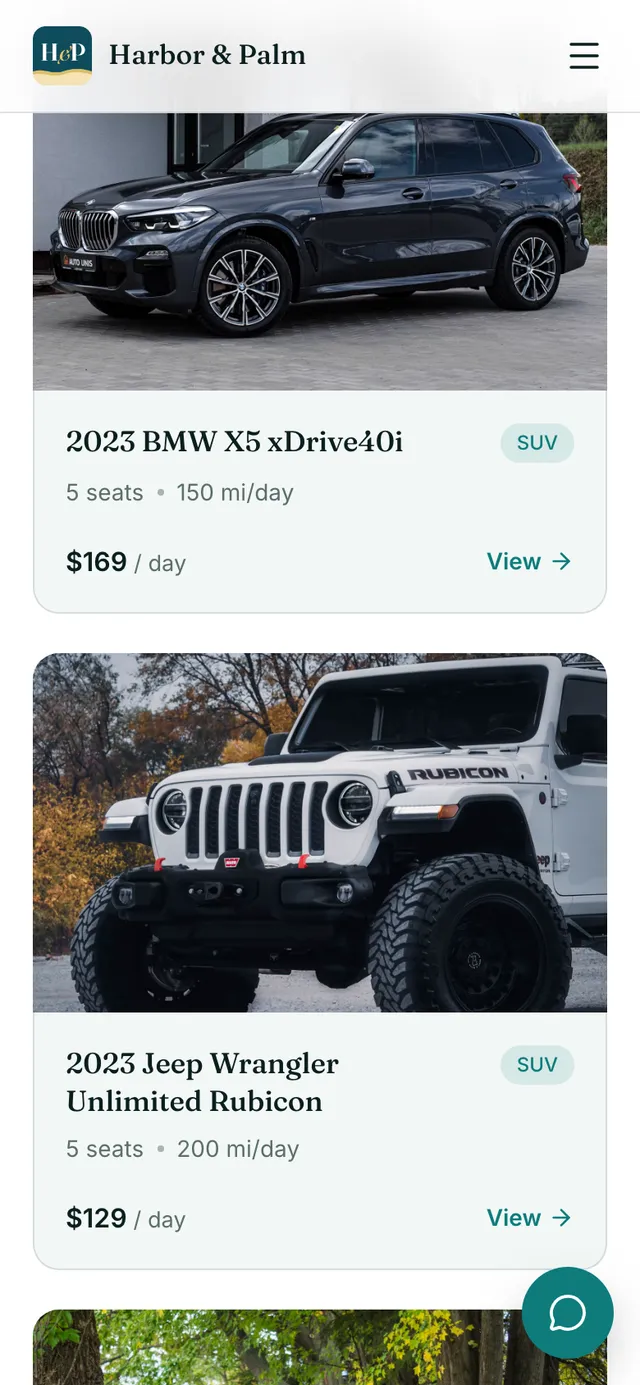
No agency, no designer, no SEO retainer.
The moment
“A renter finds you on Instagram or Google, and your link sends them to a form that only takes enquiries.”
The usual way
A booking form that only takes enquiries
you still chase the bookingSomeone to set up the domain, SSL and analytics
another favor to ask
With RentHive
RentHive
Booking website
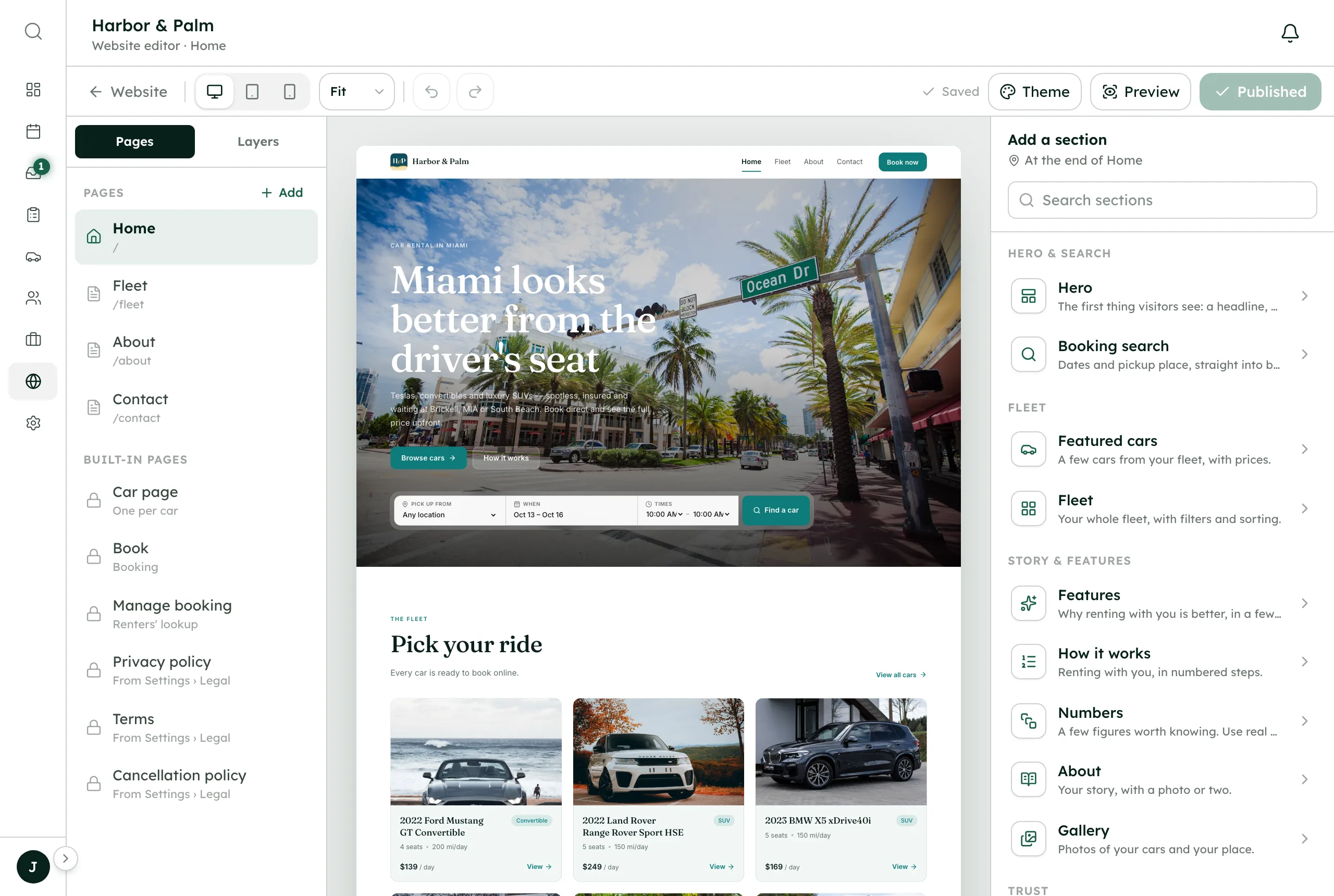
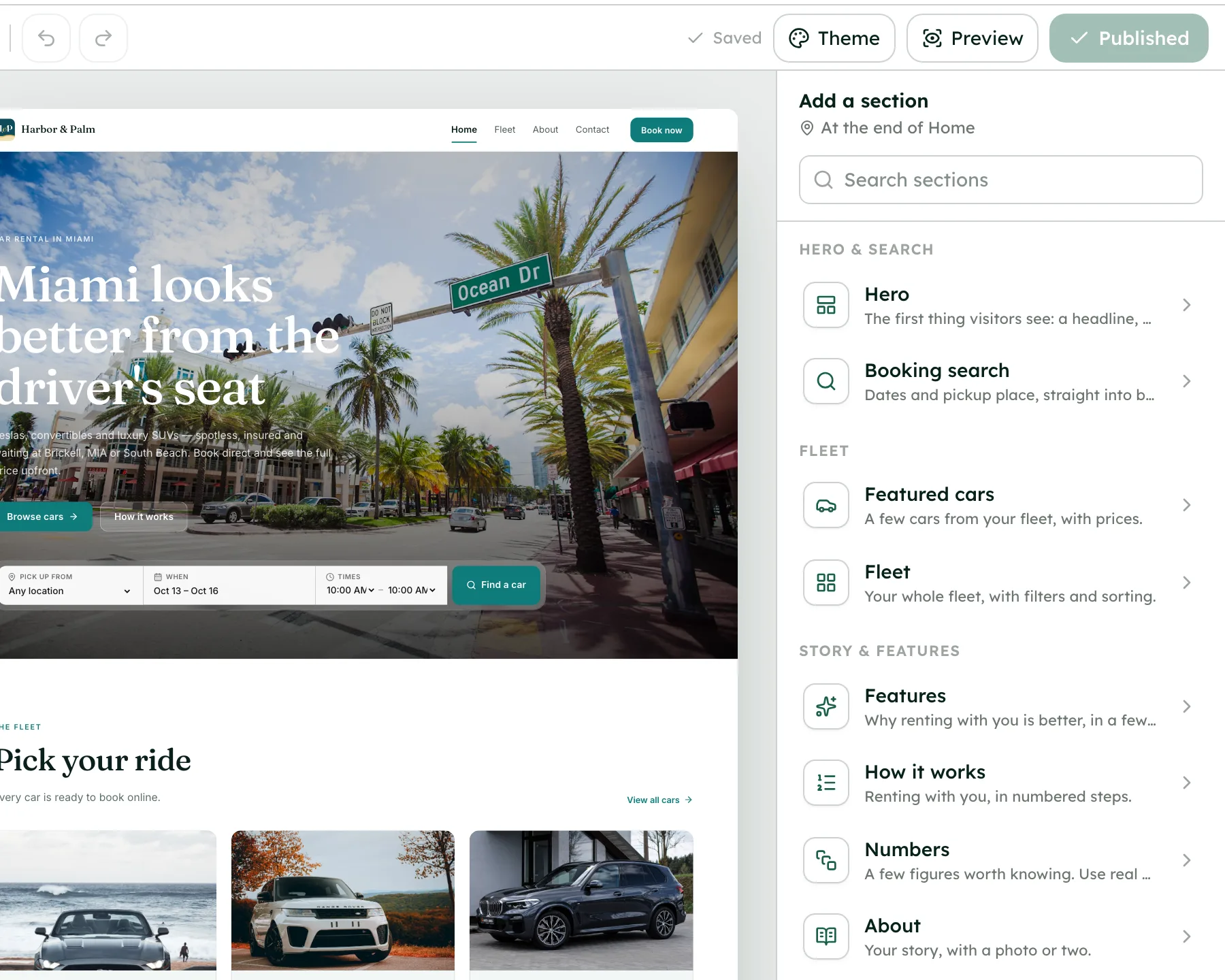
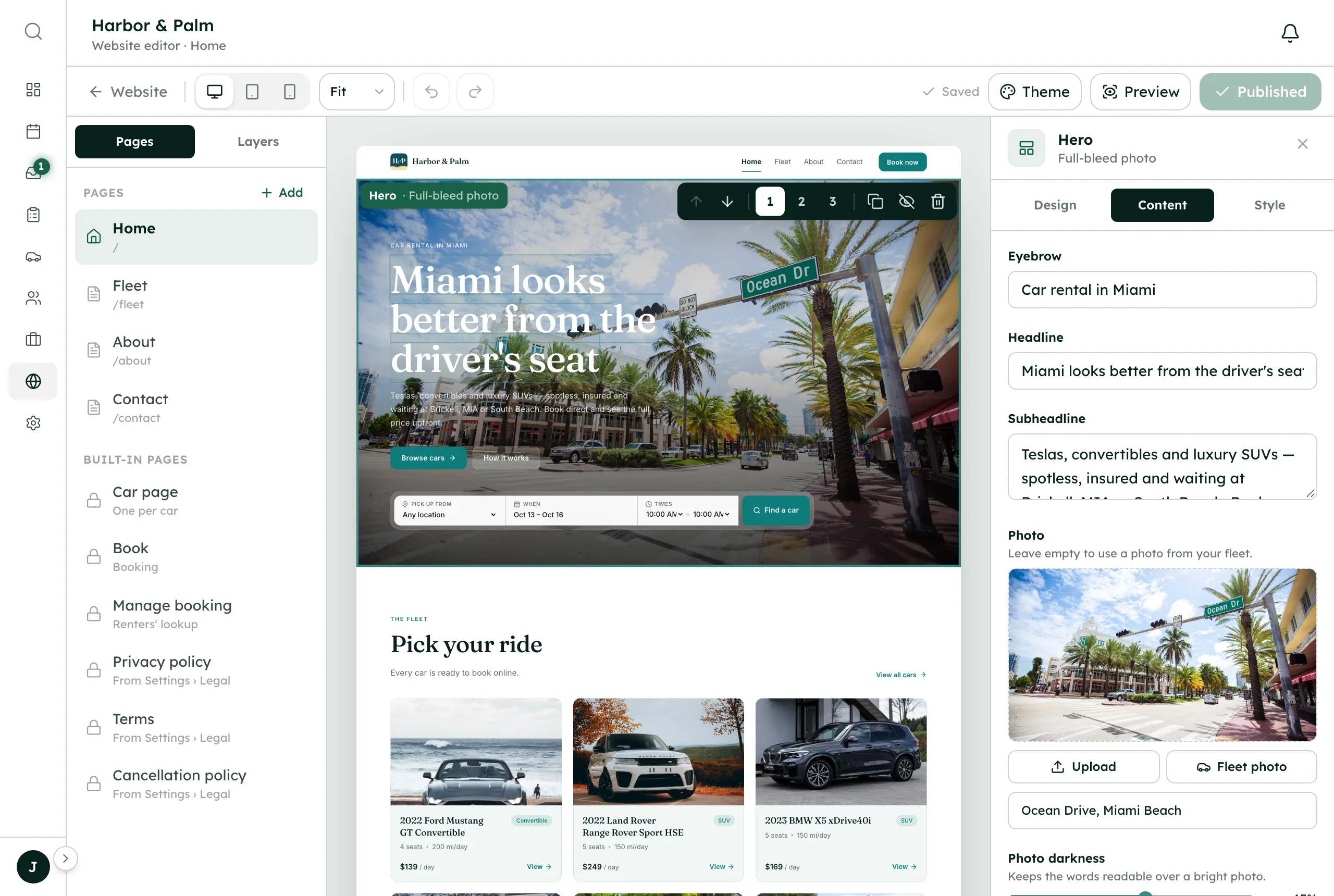
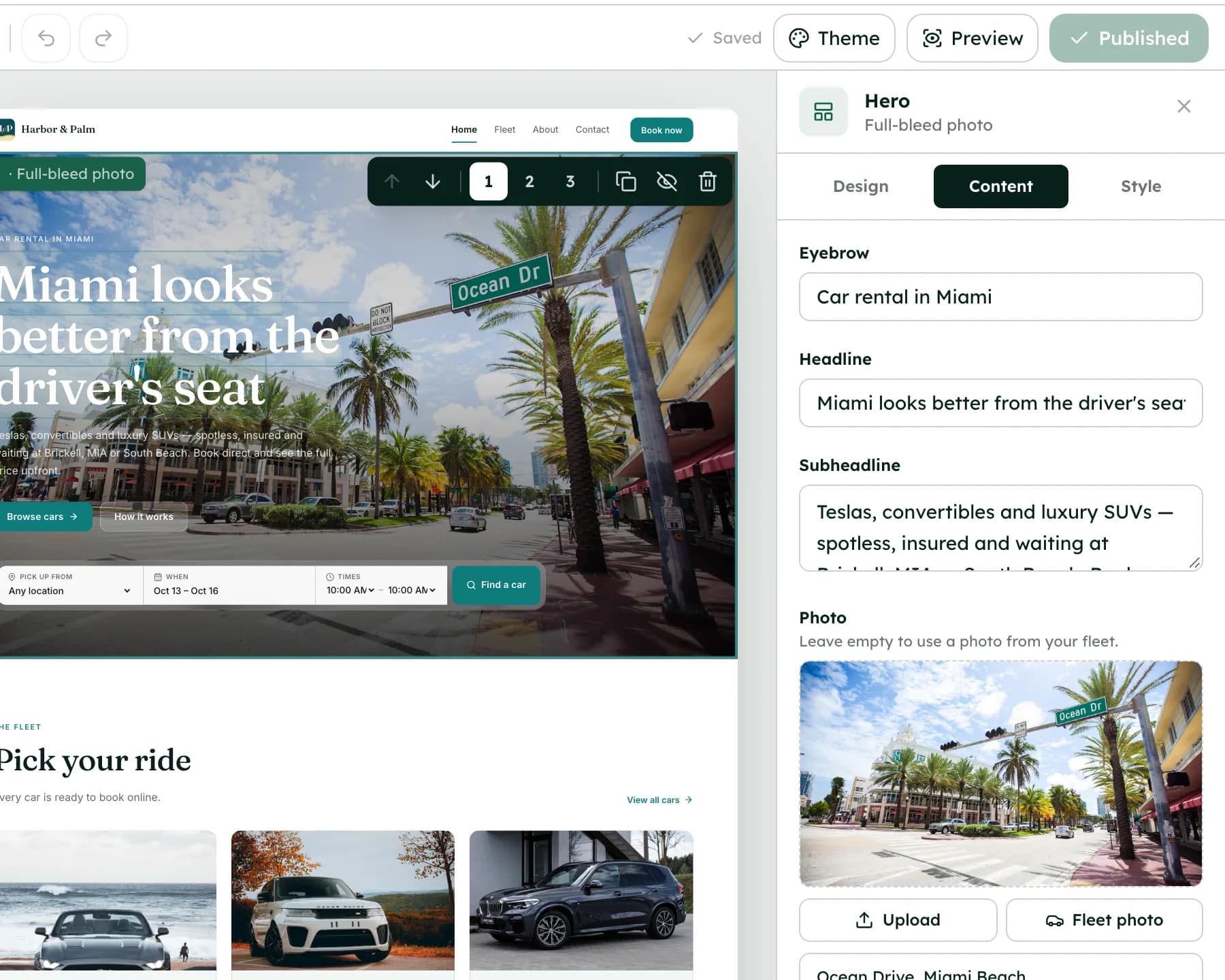
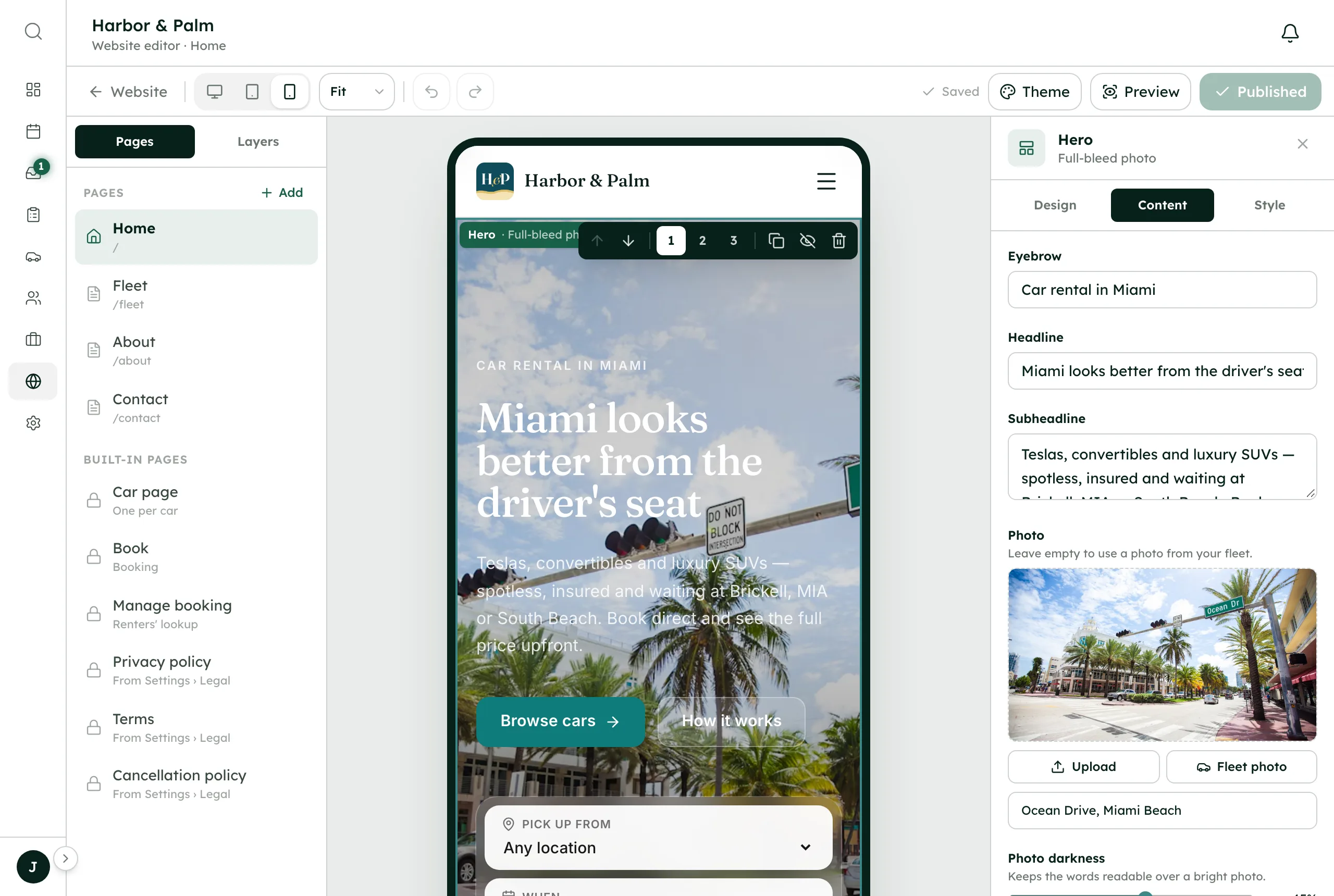
Templates and a drag-and-drop editor
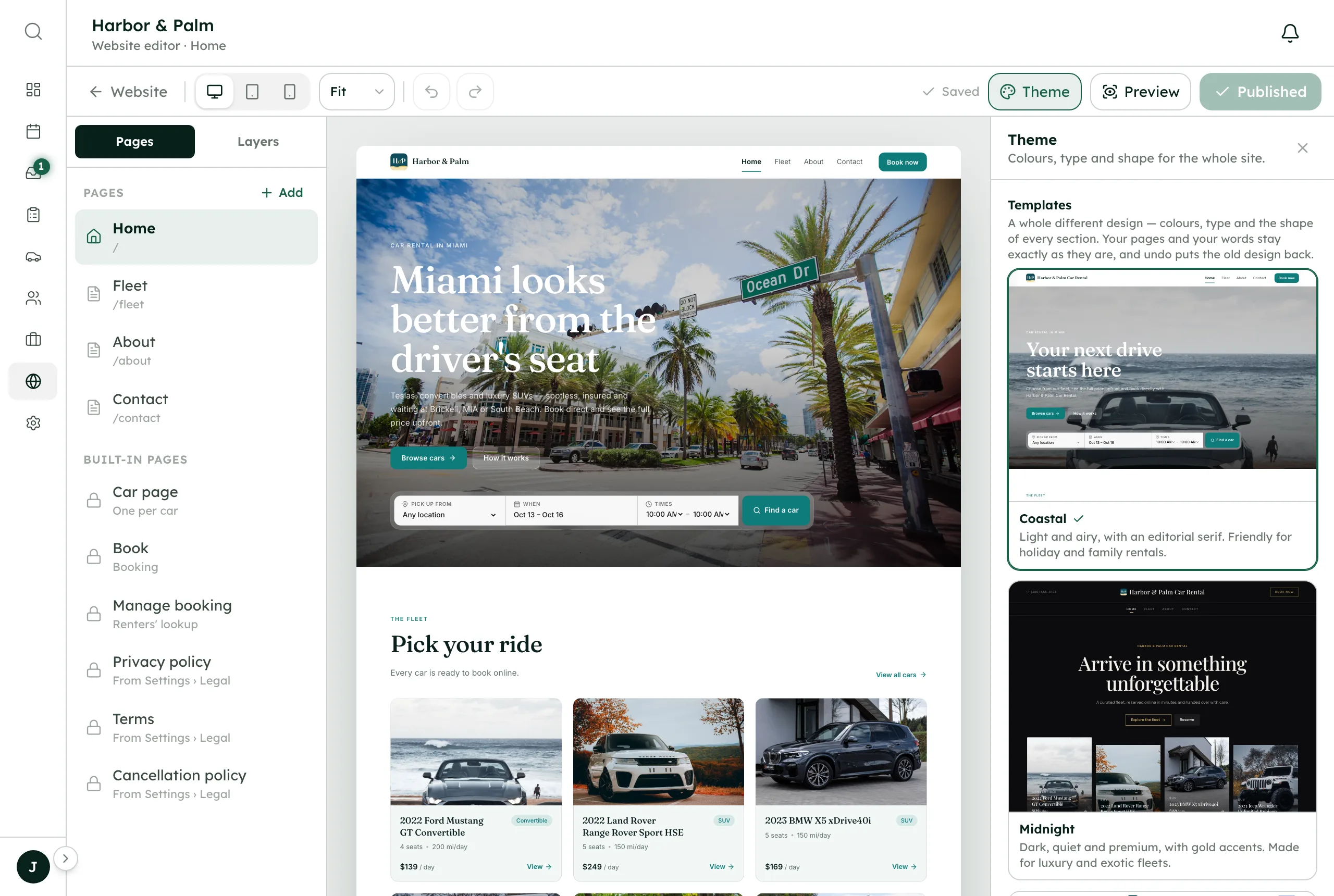
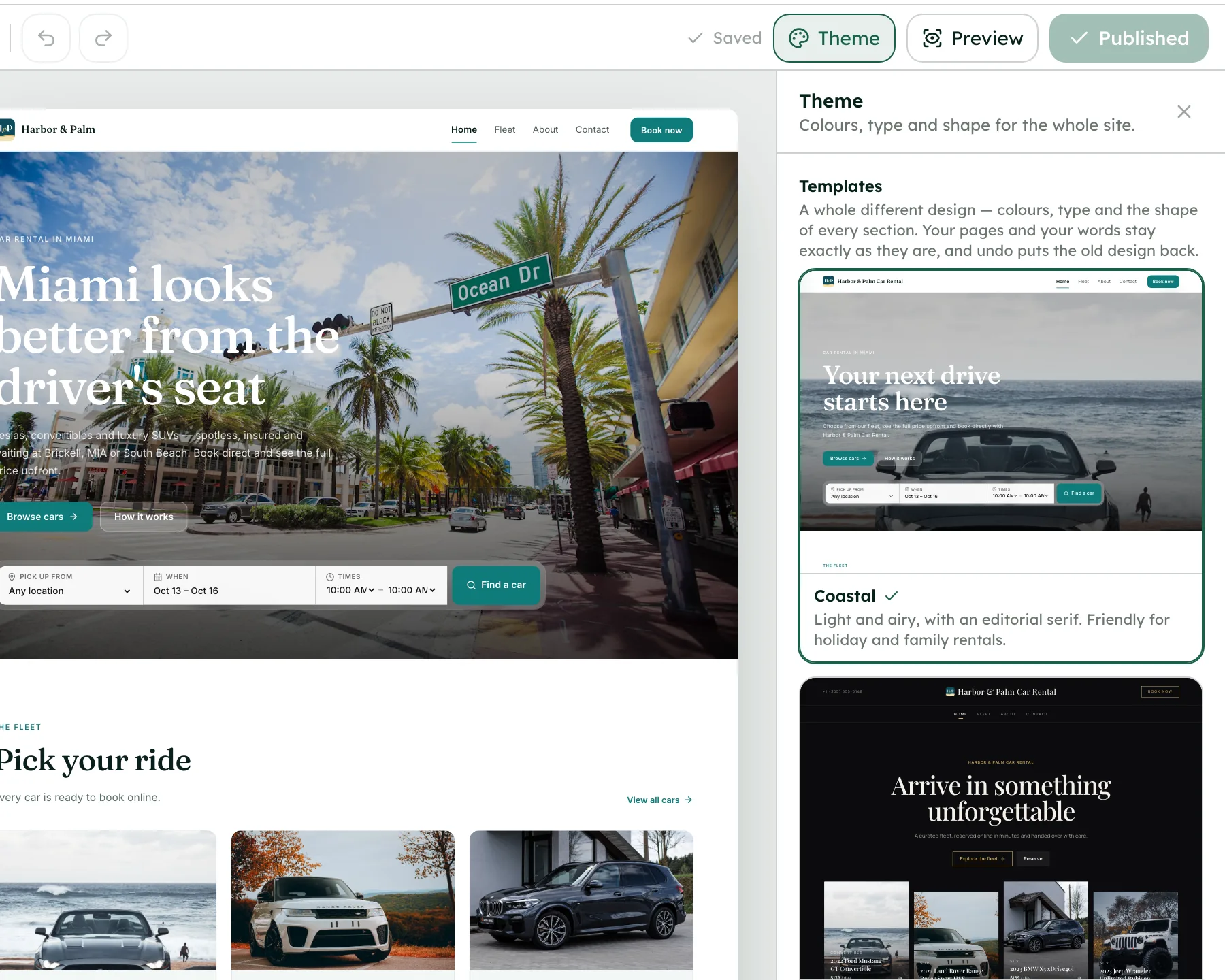
Pick Coastal, Midnight or Urban and change any page yourself
Hosting on every plan
Live on yourname.sites.renthive.co, with SSL, in minutes
A checkout that finishes the booking
Dates, payment, ID, insurance and signing on your site
SEO built in
Titles and descriptions per page, a sitemap and canonical tags
Email on your domain
Renter email goes out from your domain; replies land in the RentHive inbox
Domain, SSL and analytics
The app shows your DNS records, sets up SSL and takes your GA4 ID
From a search to a confirmed booking, while you're out with a car.
Your website isn't a brochure with a contact form. It takes the whole booking and hands it to the rest of RentHive.
Automatic2 of 6 steps happen without anyone doing them
- Fatima · renter
She finds harborandpalm.com
Your own domain with SSL, your template, your cars, your prices. Not a marketplace listing next to a competitor's.
- Fatima · renter
Only free dates can be picked
The site reads the same calendar you do, so taken days are greyed out and the price follows your rules.
- Fatima · renter
She books, pays, verifies and signs
One checkout, in the order you choose: details, payment into your Stripe, ID, insurance and the agreement.
- RentHive · automatic
The booking is everywhere at once
It's on the calendar, in Reservations, and a thread opens in the inbox with the booking card in it.
- RentHive · automatic
She gets a confirmation from your domain
Sent from your own address, with a link to her trip page to change dates or message you.
- You · Jordan
You hear about it on your phone
A notification, not a form submission to chase. The work that follows is already queued for your team.




A checkout that finishes the booking, not just the enquiry.
- Details, payment, ID, insurance, sign
- The same price your app would charge
- Unfinished checkouts hold the dates for a time you set
2022 Ford Mustang GT Convertible
Your total
Choose your dates to see the price.
Your website reads the same calendar you do.
- Blocks and maintenance take dates off sale
- Turo trips you sync block them too
- Paused cars disappear from the site
 Tesla Model 3Miami Beach
 BMW X5Brickell
 Mustang GT ConvertibleMiami Beach
 Tesla Model YMIA Airport
 Jeep WranglerBrickell
 Mercedes C 300Miami Beach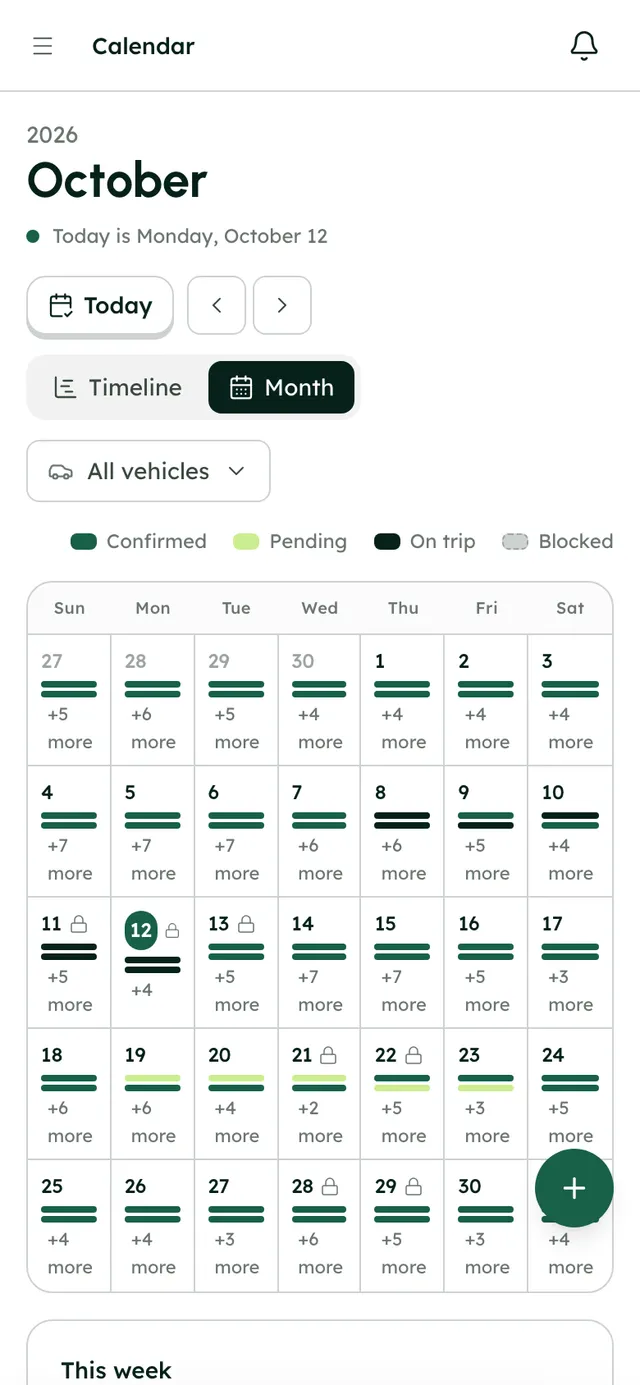
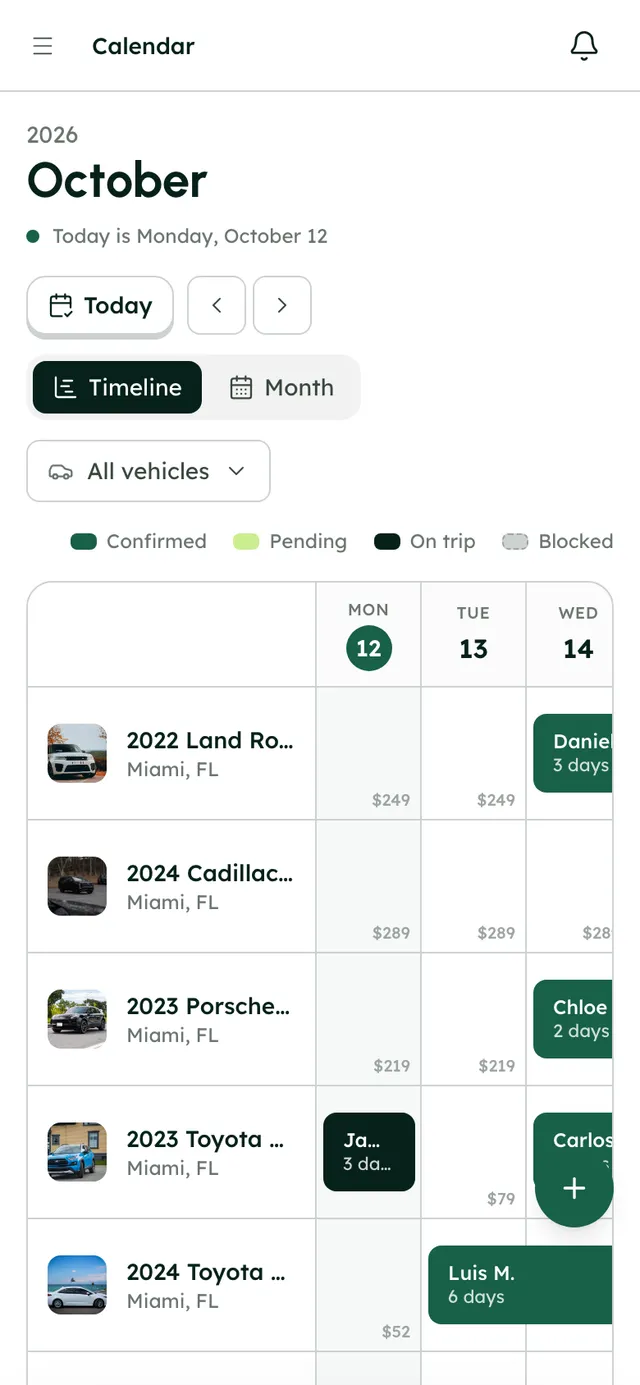
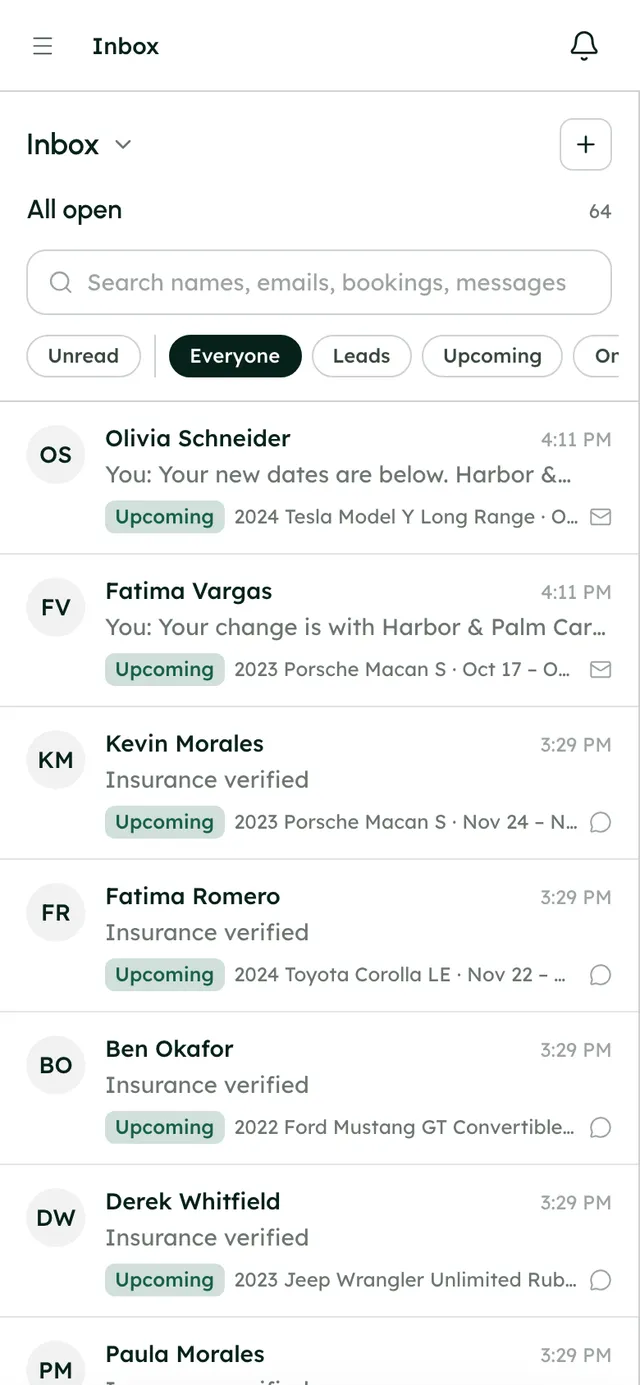
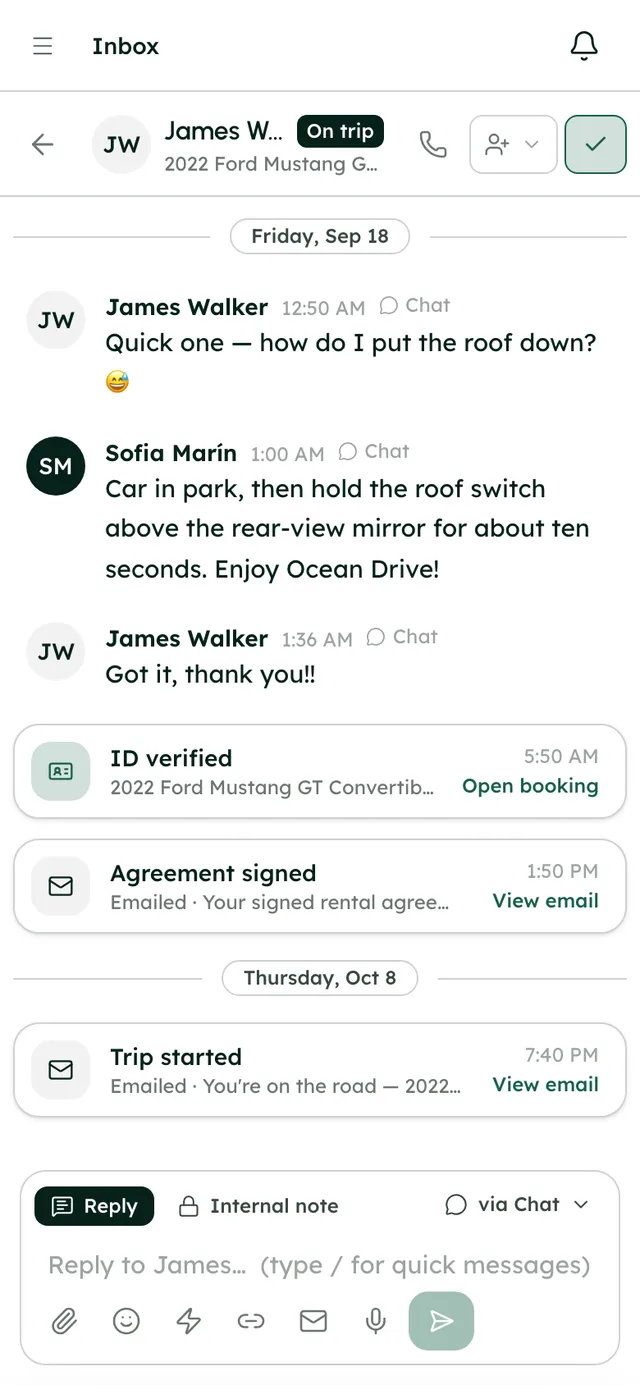
Questions from your site land in your inbox.
- A chat widget on your site
- Contact form messages become leads
- Payment links and checks sent as cards
More in Booking website
On every plan, from the first day of your trial.
Three templates
Coastal, Midnight and Urban, each restyled with your colors, fonts, corners and buttons.
Drag-and-drop editor
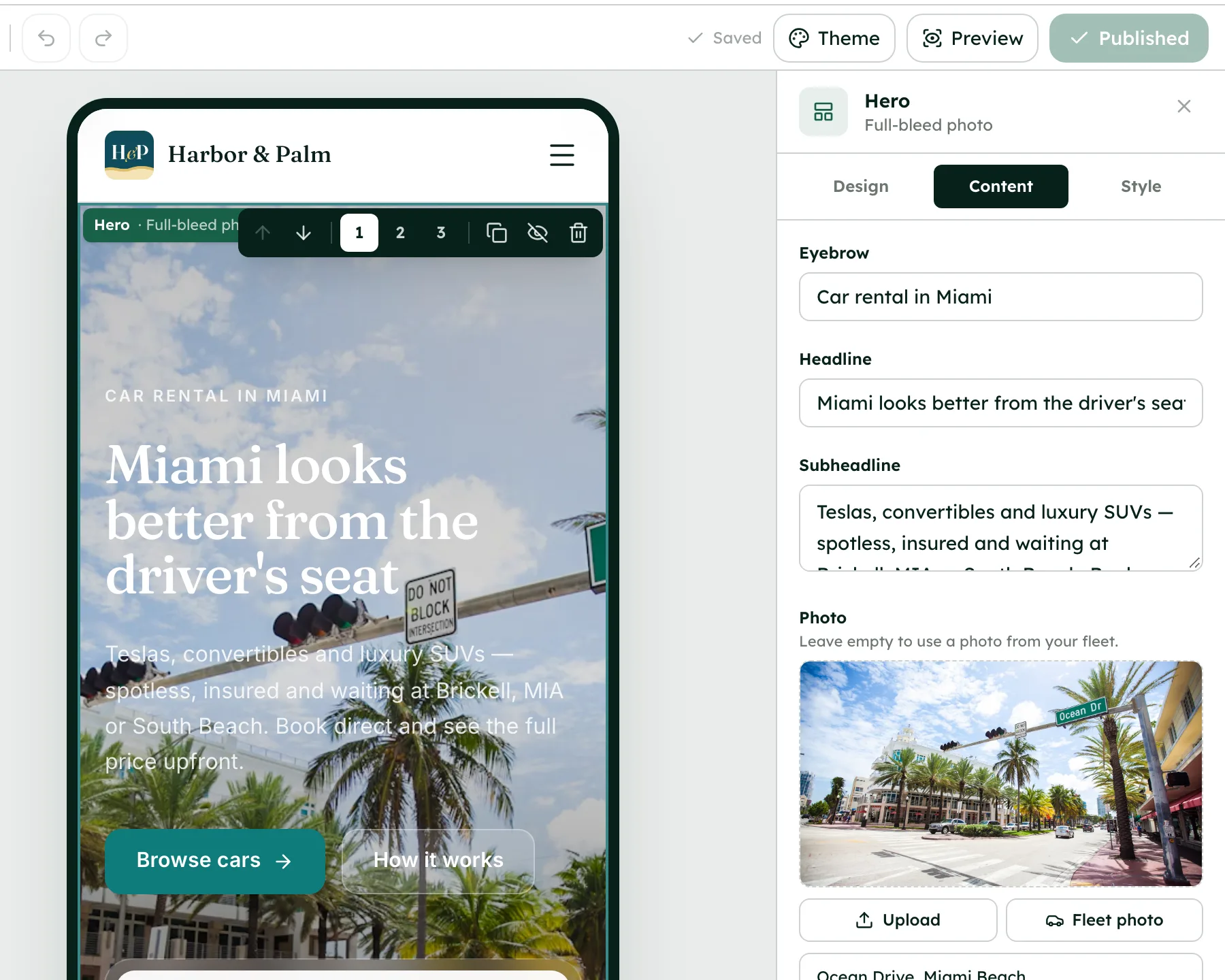
21 section types with three designs each, undo and redo, and desktop, tablet and phone previews.
Free address
Go live on yourname.sites.renthive.co with SSL before you've connected a domain.
Your own domain
Connect a domain you own; the app shows the exact DNS records, keeps checking and sets up SSL for you.
Email on your domain
Send renter emails from an address like hello@yourfleet.com, signed with DKIM, with replies landing in your Inbox.
Booking widget
Paste a script tag into a site you already have, with your colors and button label, and run the same checkout there.
Renter self-service
Renters manage their trip from their own booking link and can change dates or cancel if your rules allow.
SEO and analytics
Per-page titles, descriptions and social images, a sitemap and canonical tags, plus your Google Analytics 4 ID.
Versions
Every publish is saved, so you can restore an earlier version or unpublish the site.
One booking, handed on.
Follow Fatima's Porsche Macan S from chapter to chapter. Each one hands the booking on, so nothing is copied across by hand.
Good to know
- To connect a custom domain you need to own it already; RentHive doesn't sell domains.
- Email on your domain takes over its MX records, so it replaces any email service the domain uses today. The app warns you before that happens.
- Prices are in US dollars only.
Questions, answered
More in the Help Center, or email us any time.
Can my website go live before I have a domain?+
Yes. Every site gets a free address like yourname.sites.renthive.co with SSL, and it can be live in minutes. When you connect your own domain later, the free address redirects to it.
How do I connect my own domain?+
In Website → Domains, enter a domain you already own. The app shows the exact DNS records to add, keeps checking until they're right, and sets up the SSL certificate automatically.
What can renters do on my website?+
Search dates, open car pages with an availability calendar, and book through the full checkout: details, payment, ID check, insurance check and signing. Afterwards they manage the trip from their own booking link.
Can I add booking to a website I already have?+
Yes. Website → Booking widget gives you a script tag to paste into any site, with your own colors and button label. It runs the same checkout as your RentHive website.
Can I have email on my own domain?+
Yes, once your domain is connected. Renter emails go out from an address like hello@yourfleet.com, and mail sent to any address on that domain arrives in your Inbox, with no separate mailbox.
What SEO settings are there?+
Each page has its own title, description, social image and a noindex option. The sitemap, robots file, canonical tags, Open Graph tags and favicon are handled for you.
Your fleet, your customers, your money.
Start a 7-day free trial with no card, or book a call and we'll set it up with you.
0% commission · Cancel any time · 24/7 support by email