Renters pay straight into your Stripe account. RentHive takes 0%.
Connect your own Stripe Express account and card payments from your website, booking widget and payment links land in it directly. RentHive never holds your money and adds no fee. Deposits, refunds and price changes follow the rules you set.
Payment
$632.37 for the rental and $500.00 refundable deposit.
Handled by Stripe. Your card details never reach this site.
Your total
A refundable deposit of $500 is held separately. It isn't part of the total above, and it comes back after the trip.
No card reader, no Zelle to chase, no deposit spreadsheet.
The moment
“A deposit to remember, a Zelle to chase, a card reader at the curb, and a refund you work out by hand.”
The usual way
A card reader at the curb
another device to carryChasing Venmo and Zelle
did they send it?A deposit spreadsheet
release dates from memoryCard numbers on a notepad
a security riskRefunds worked out by hand
every cancellation a debate
With RentHive
RentHive
Payments & deposits
0% commission
Renters pay into your own Stripe account; RentHive takes no cut
Card checkout
On your website and booking widget, before pickup
Payment links
Sent as a card in the thread; it shows Paid when it is
Deposit holds
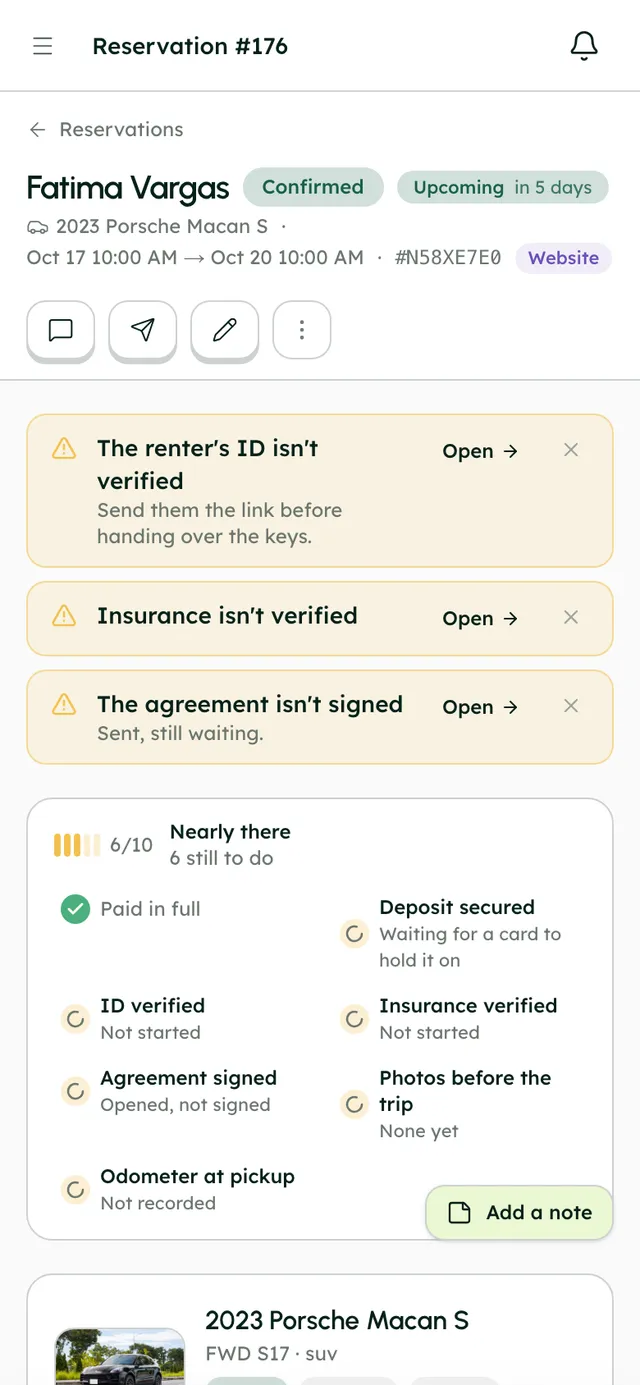
Placed the day before pickup, released 2 days after the trip
Saved cards
Charge the card they saved at checkout, later
Change and cancellation rules
Pick a preset; card refunds and differences are handled for you
The money side of a trip, start to finish, without a spreadsheet.
Payments, deposits and refunds follow the booking. You see where every dollar is, and RentHive never takes a cut.
Automatic3 of 5 steps happen without anyone doing them
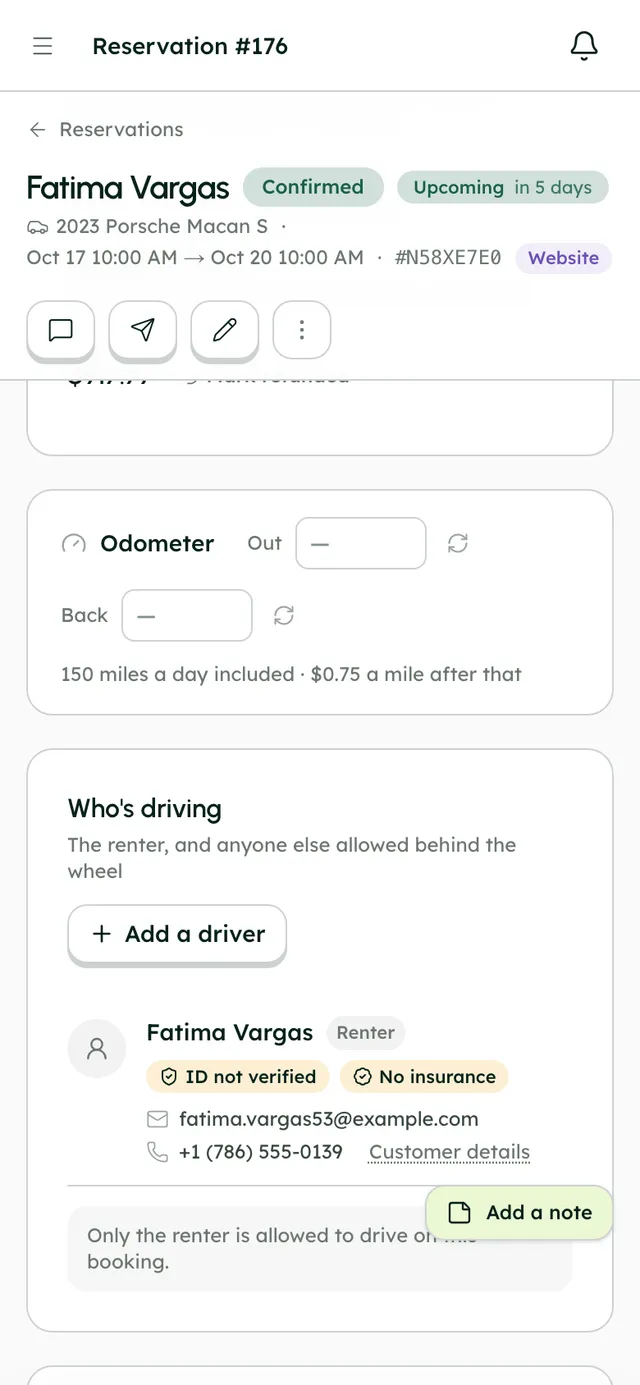
- Fatima · renter
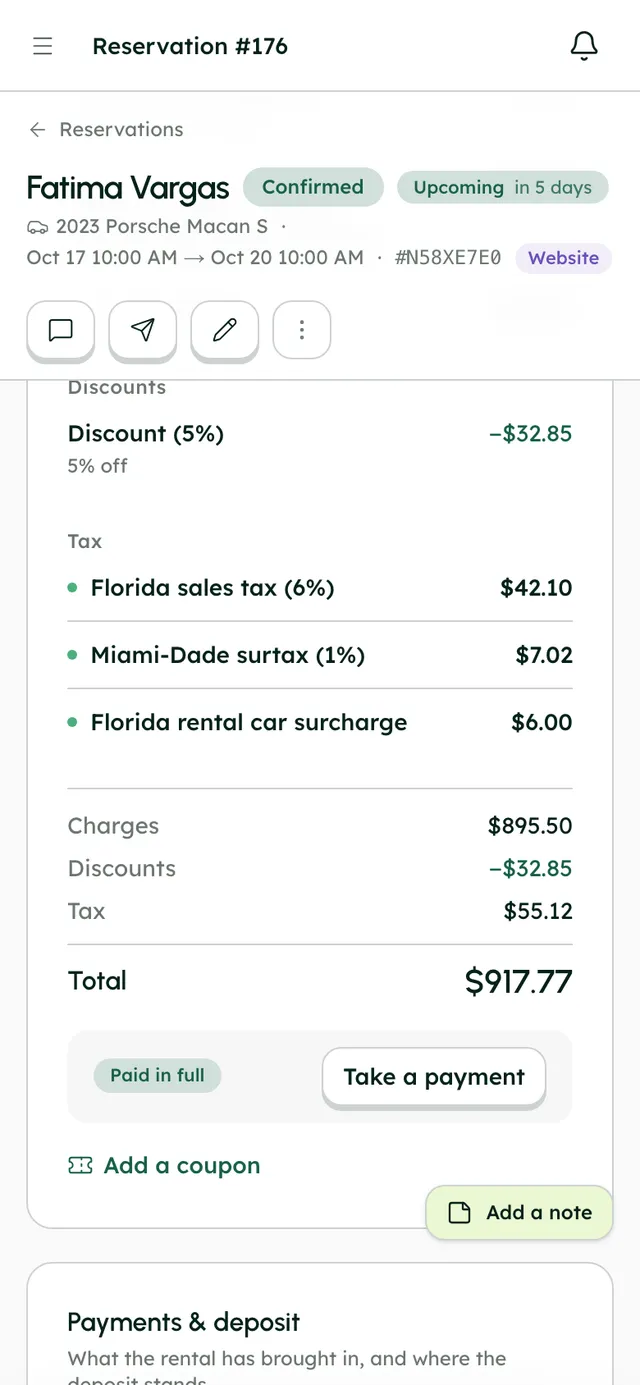
She pays $917.77 at checkout
Straight into your own Stripe account. RentHive takes 0%; you pay Stripe's normal card fee.
- RentHive · automatic
The deposit goes on the card the day before pickup
Her card is kept at checkout and the $750 hold is placed the day before pickup.
- You · Jordan
She adds a child seat; you send a link
A payment link card in the chat turns to Paid when she pays, and the booking updates.
- RentHive · automatic
After the trip the deposit is settled
Released after return, or take what's owed. The 'Settle the deposit' task closes itself.
- RentHive · automatic
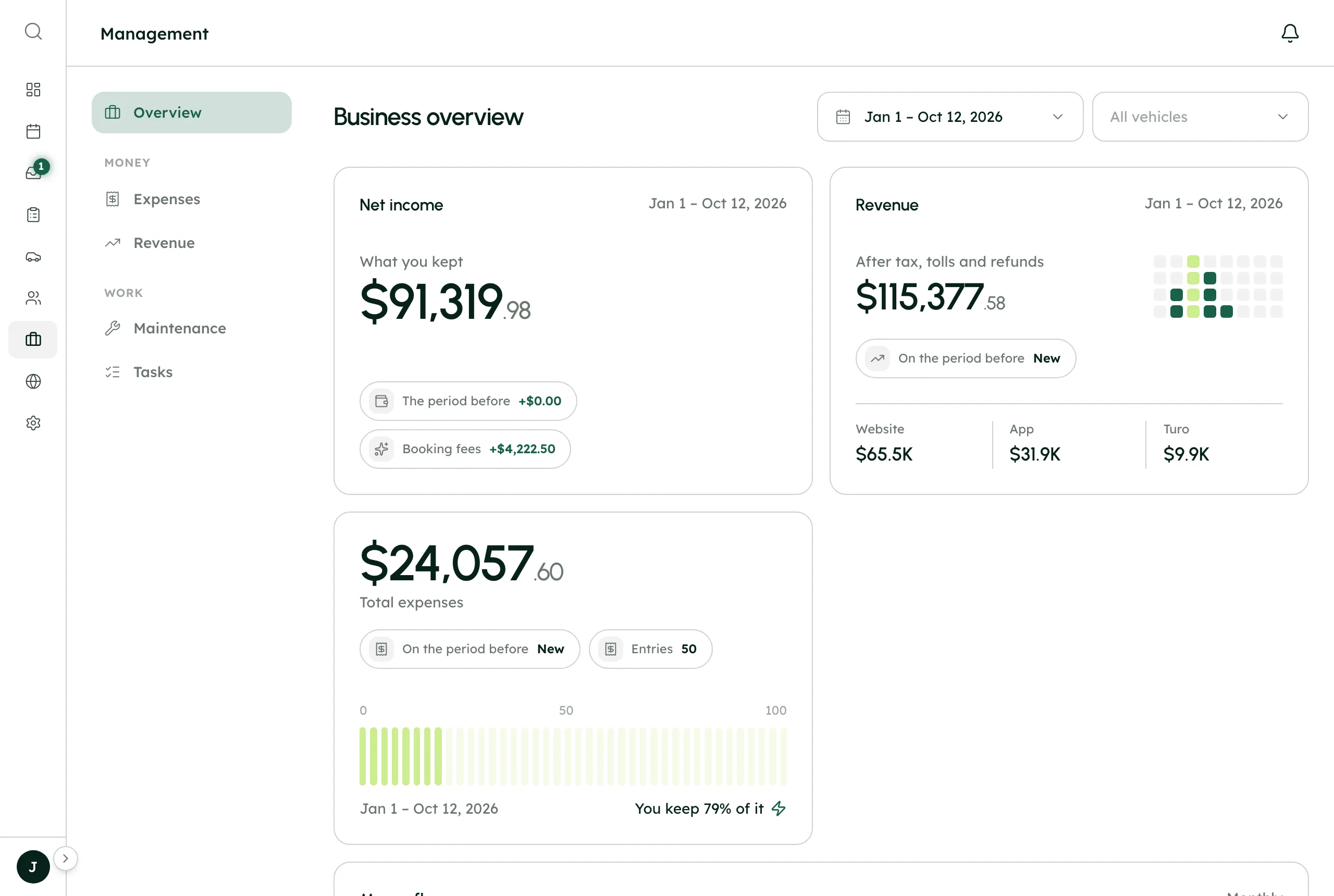
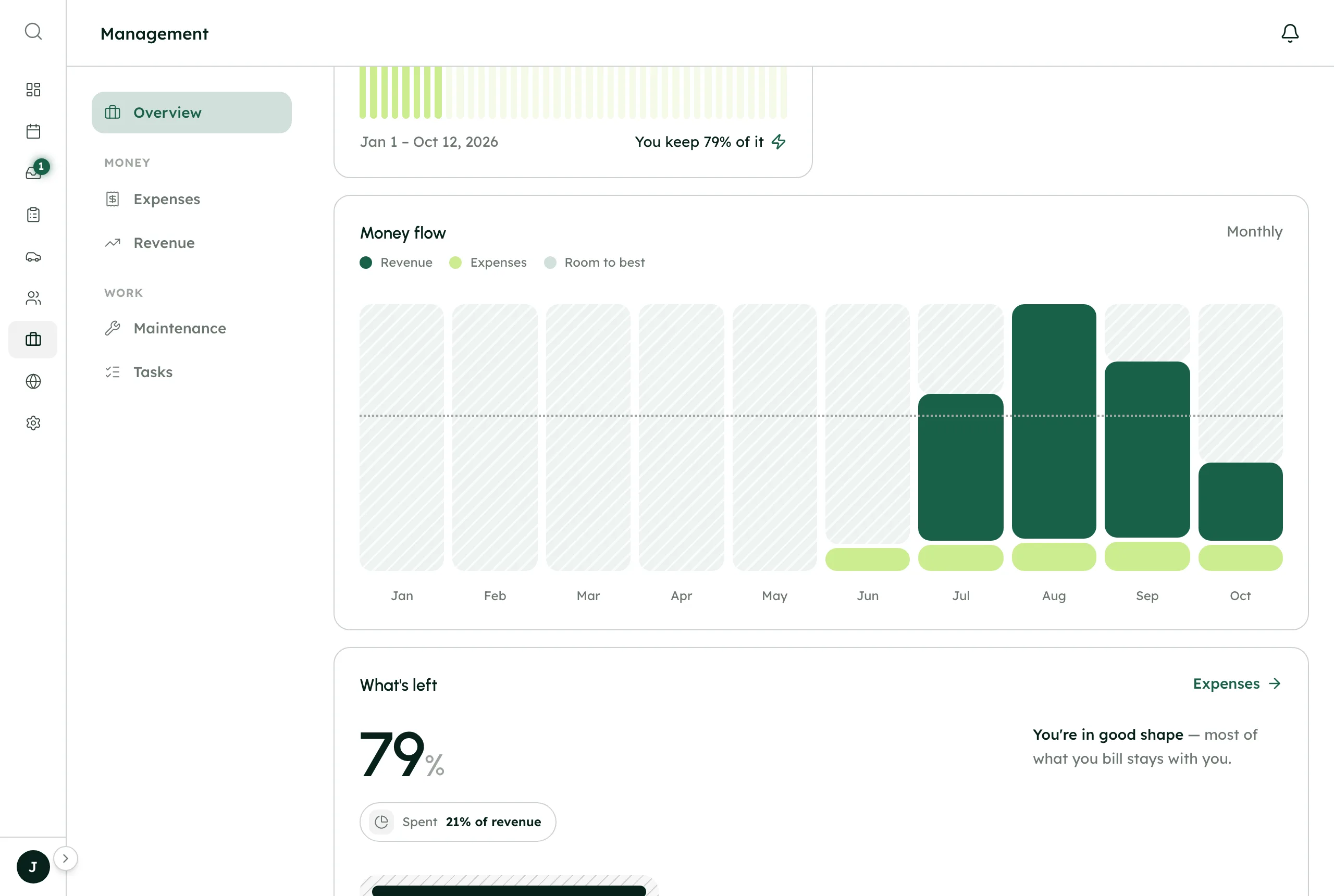
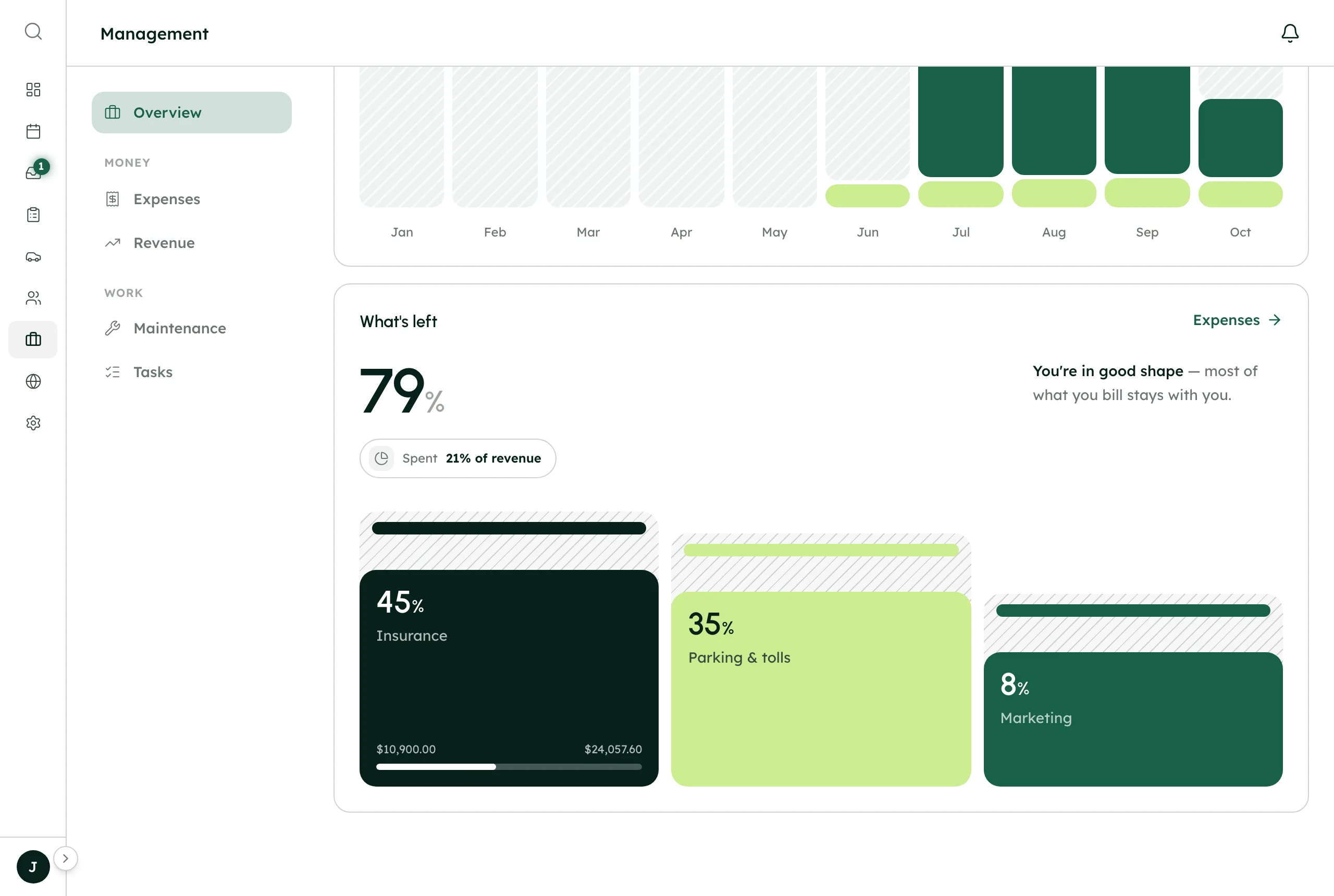
Your revenue is already counted
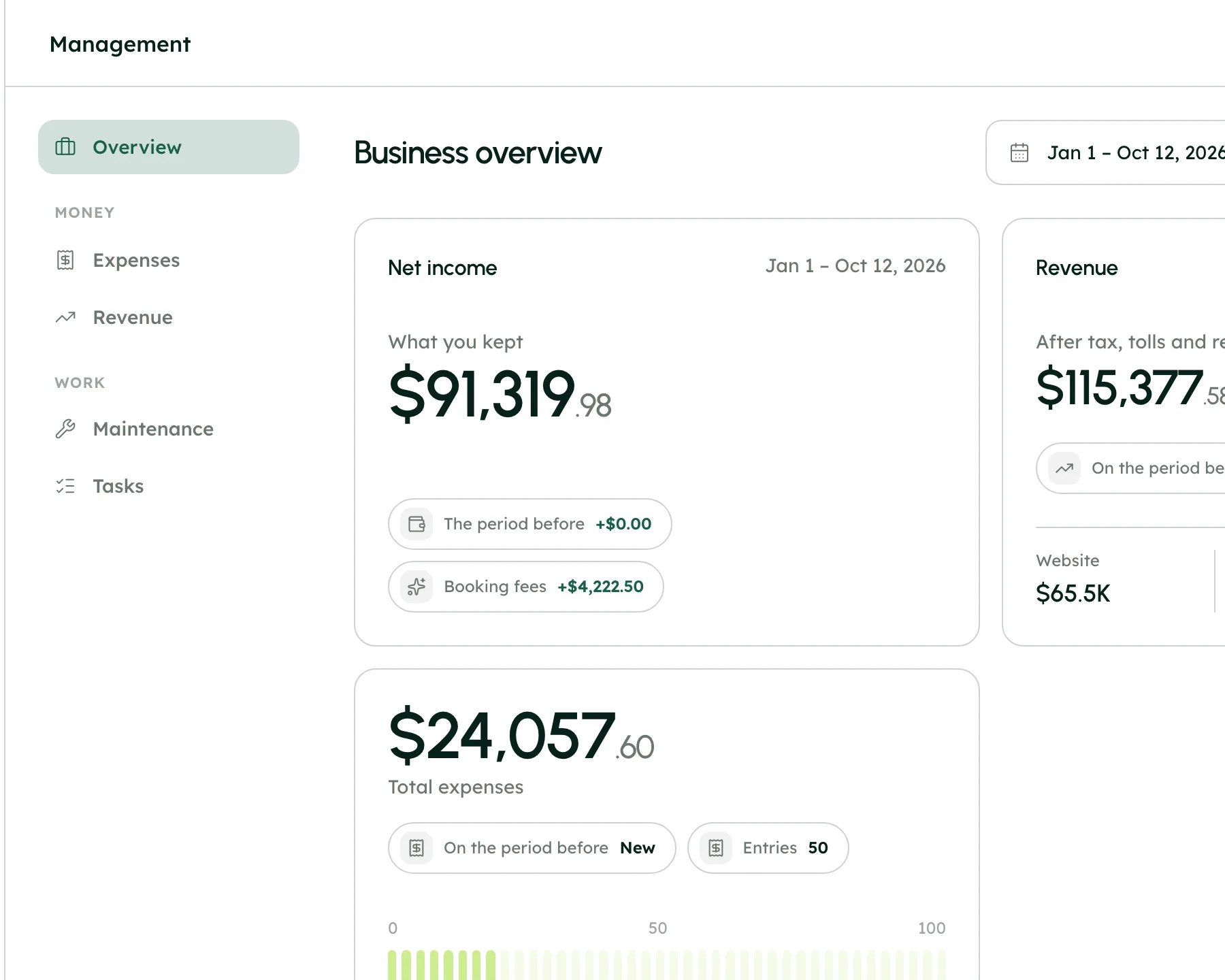
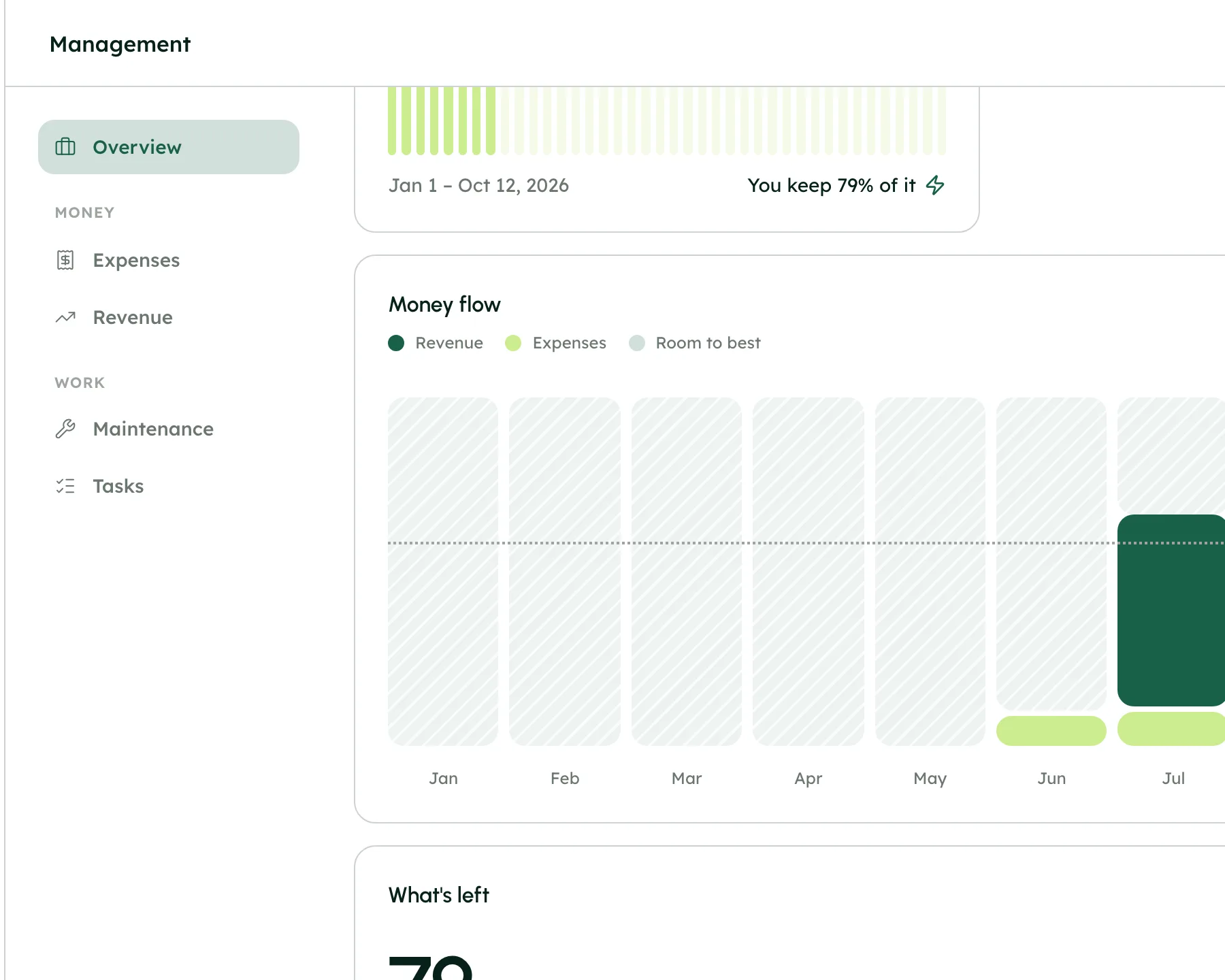
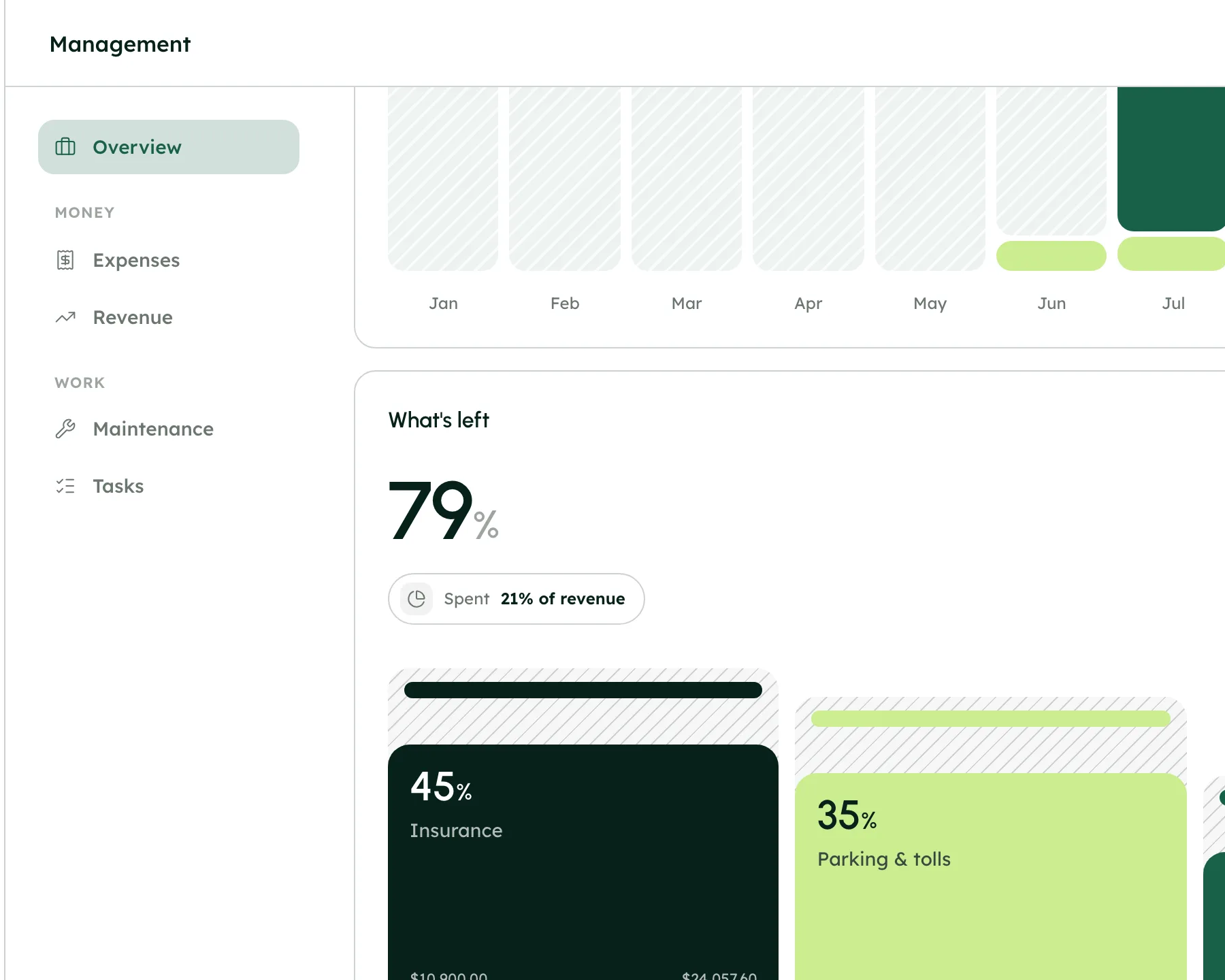
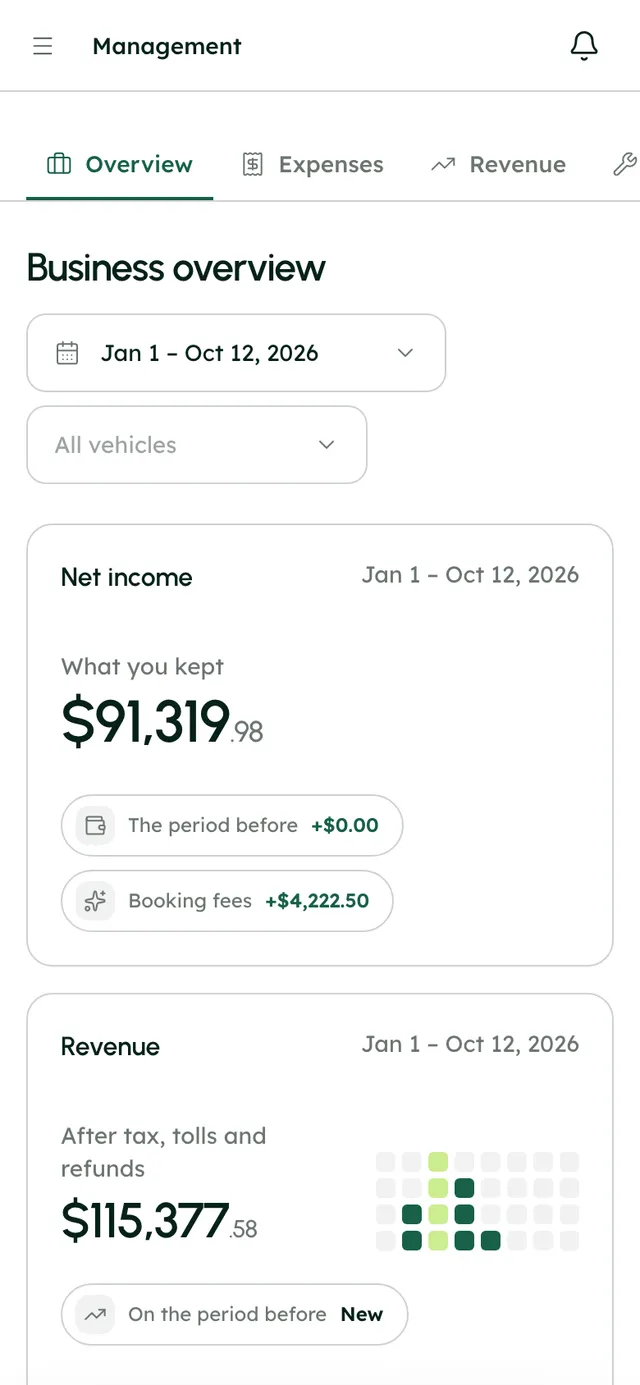
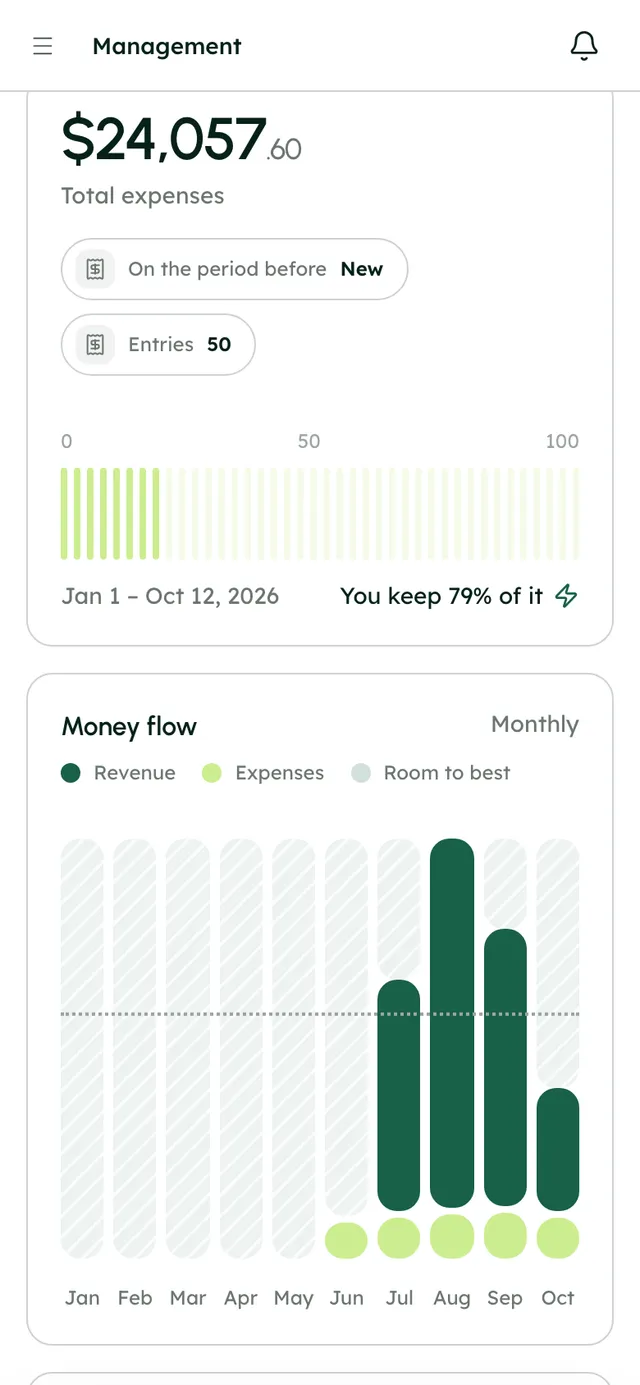
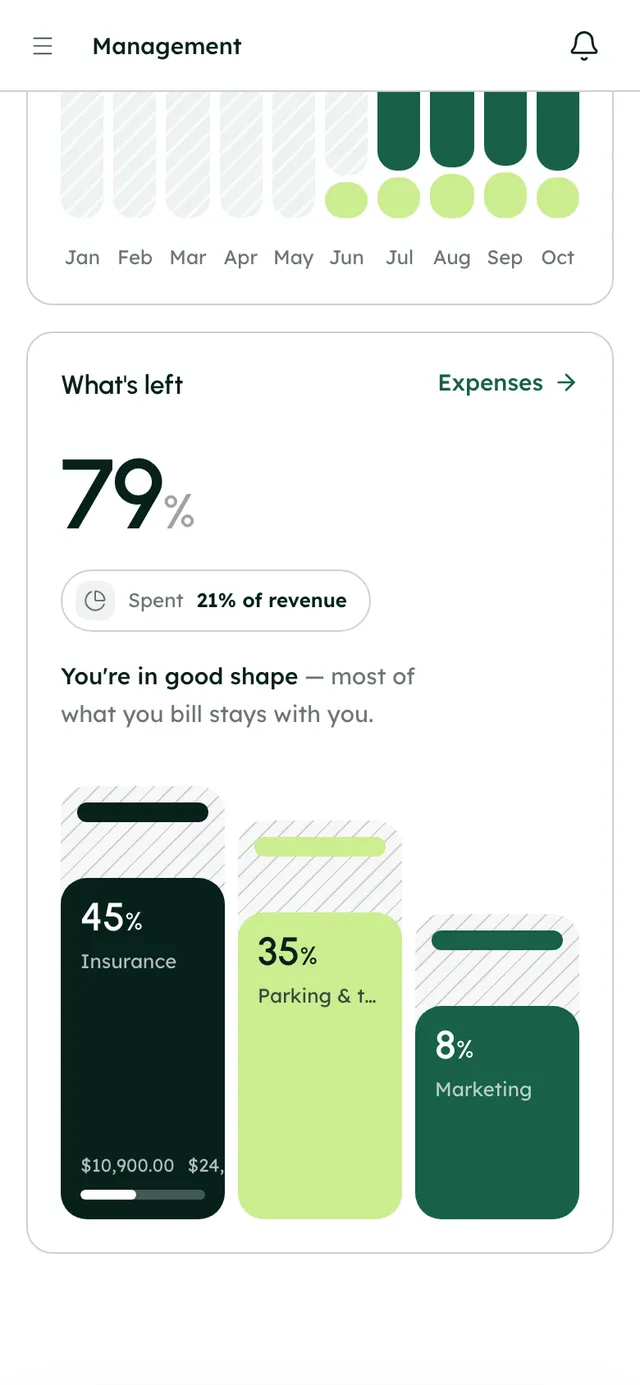
The payment shows in Payouts and in Management, by source: website, app or Turo.

Get paid at checkout, by link, or later.
- Payment links sent as a card in the thread
- Charge a saved card later
- Cash recorded, or pay on arrival if you allow it
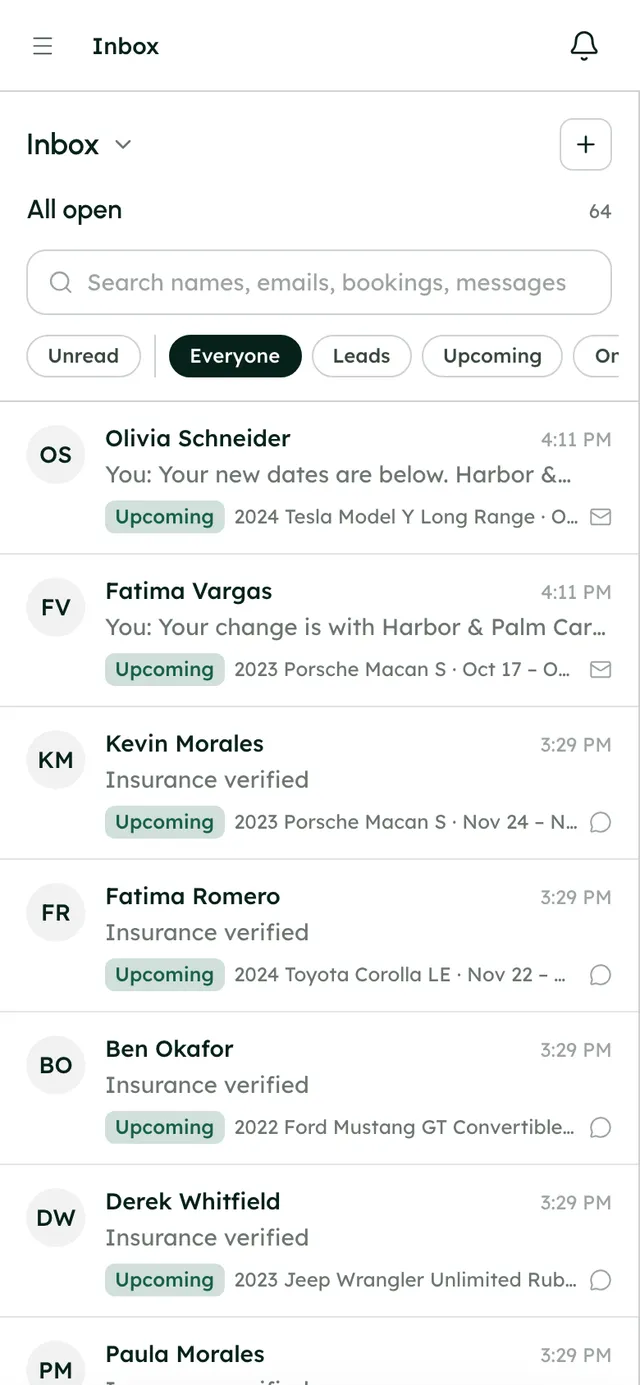
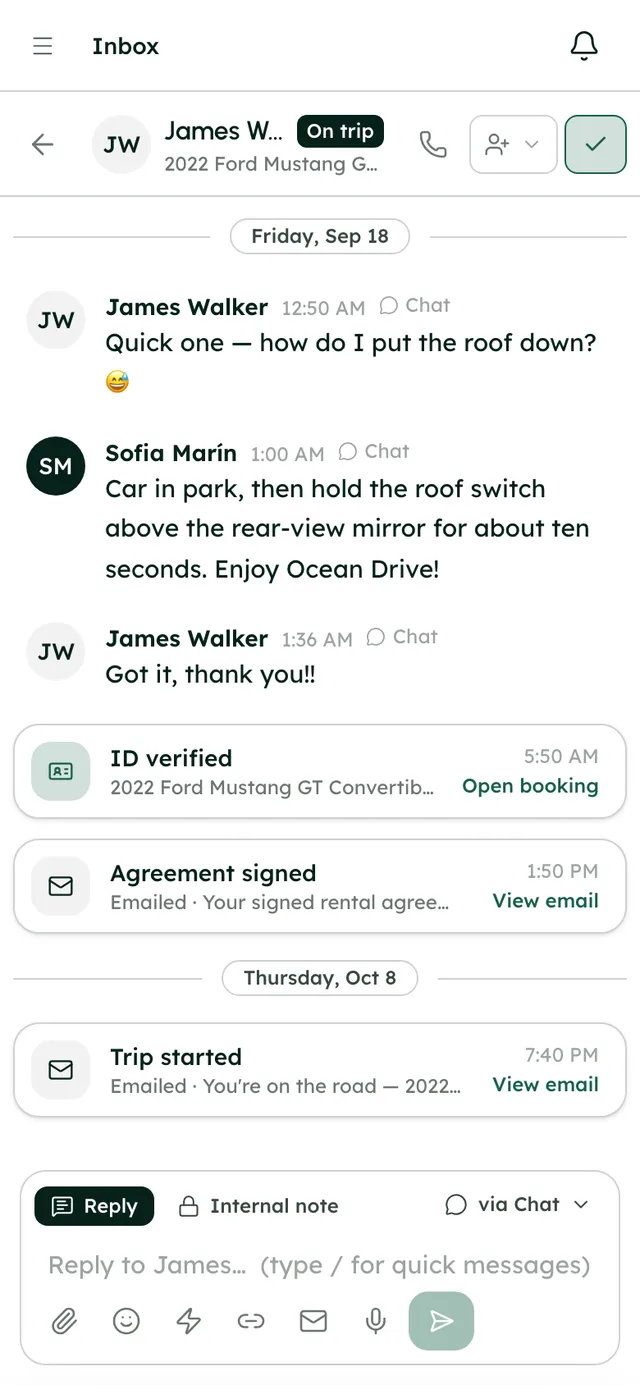
Deposit holds that place and release themselves.
- Card hold or charge-then-refund
- Capture some or all of a hold
- On every booking's readiness checklist
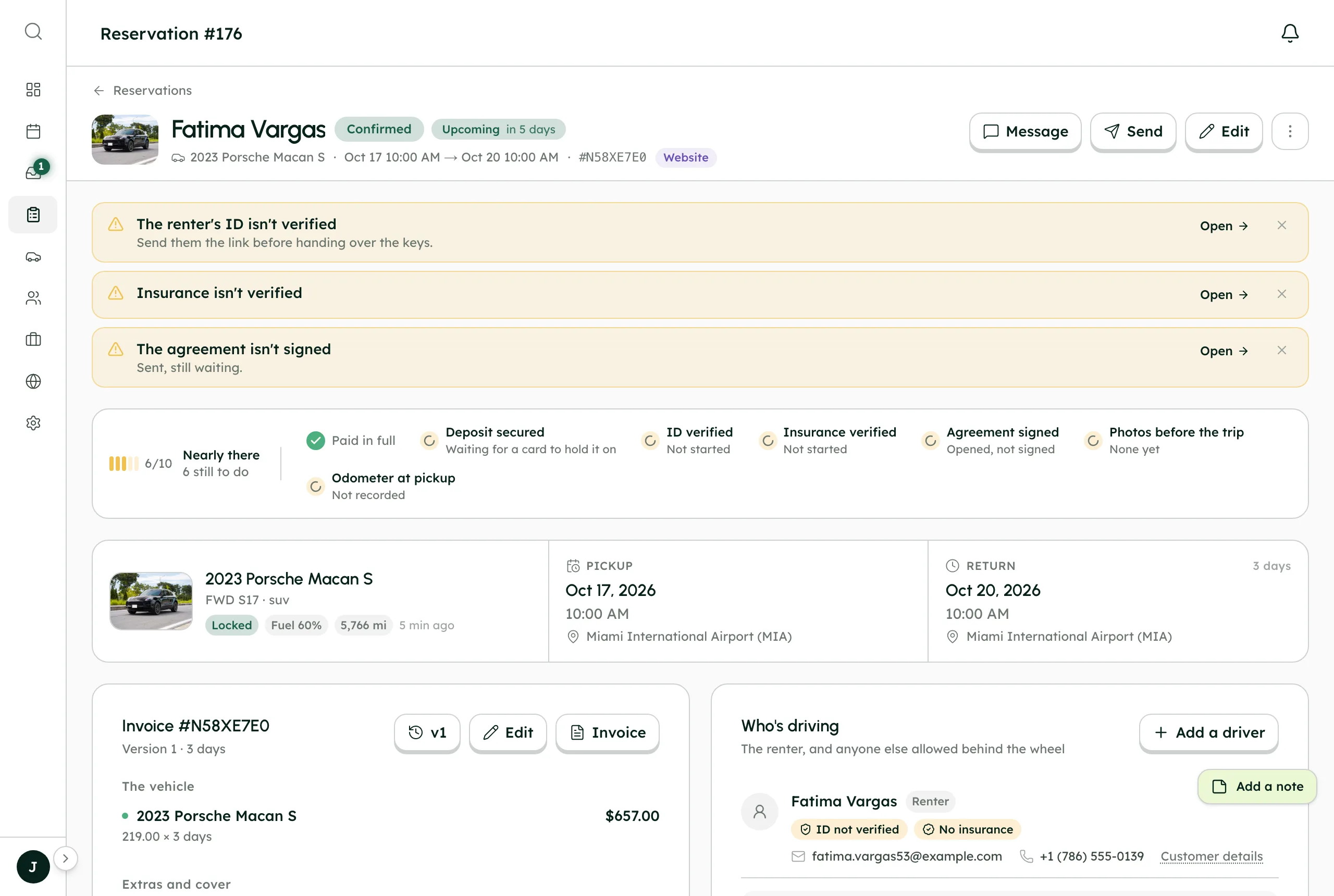
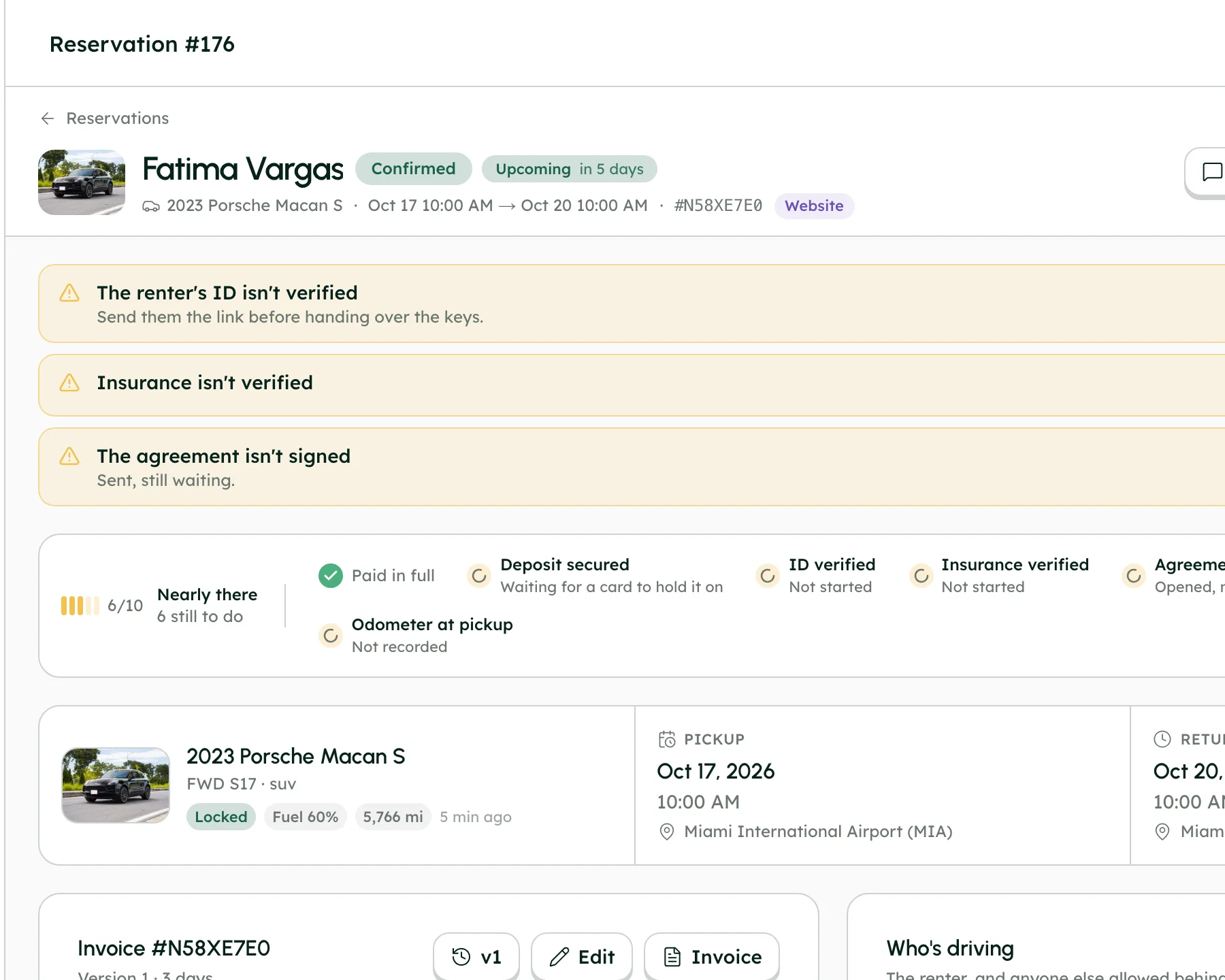
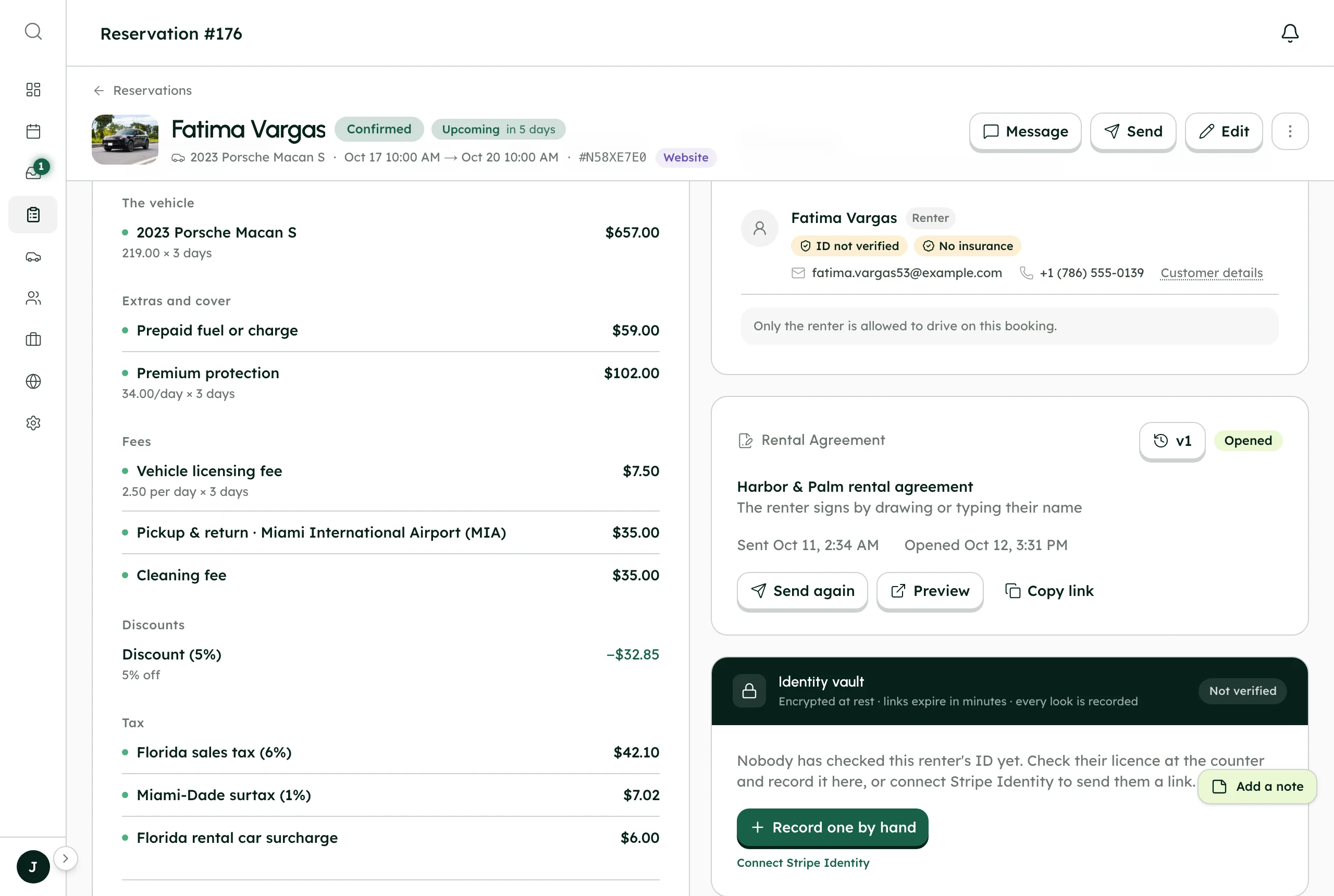
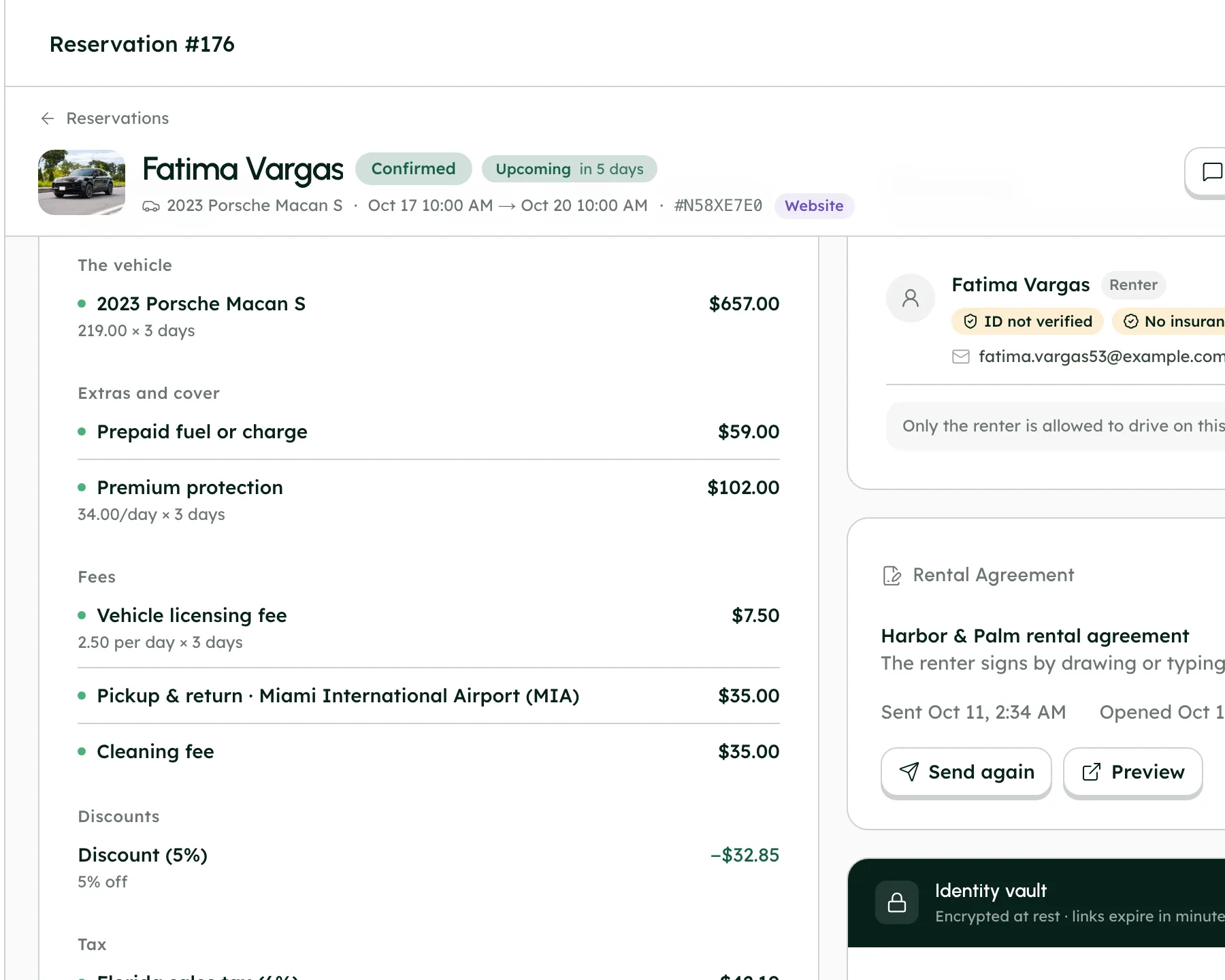
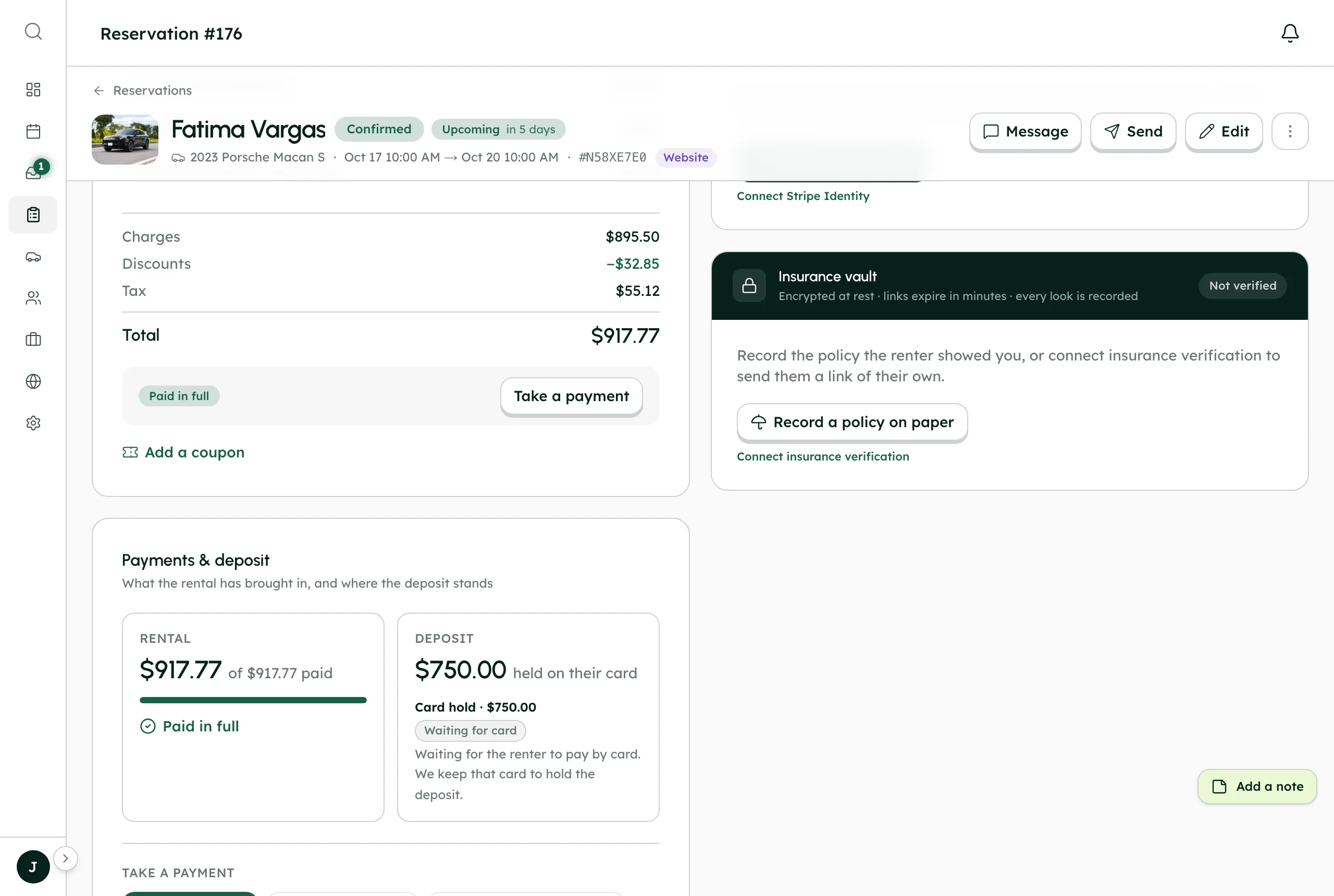
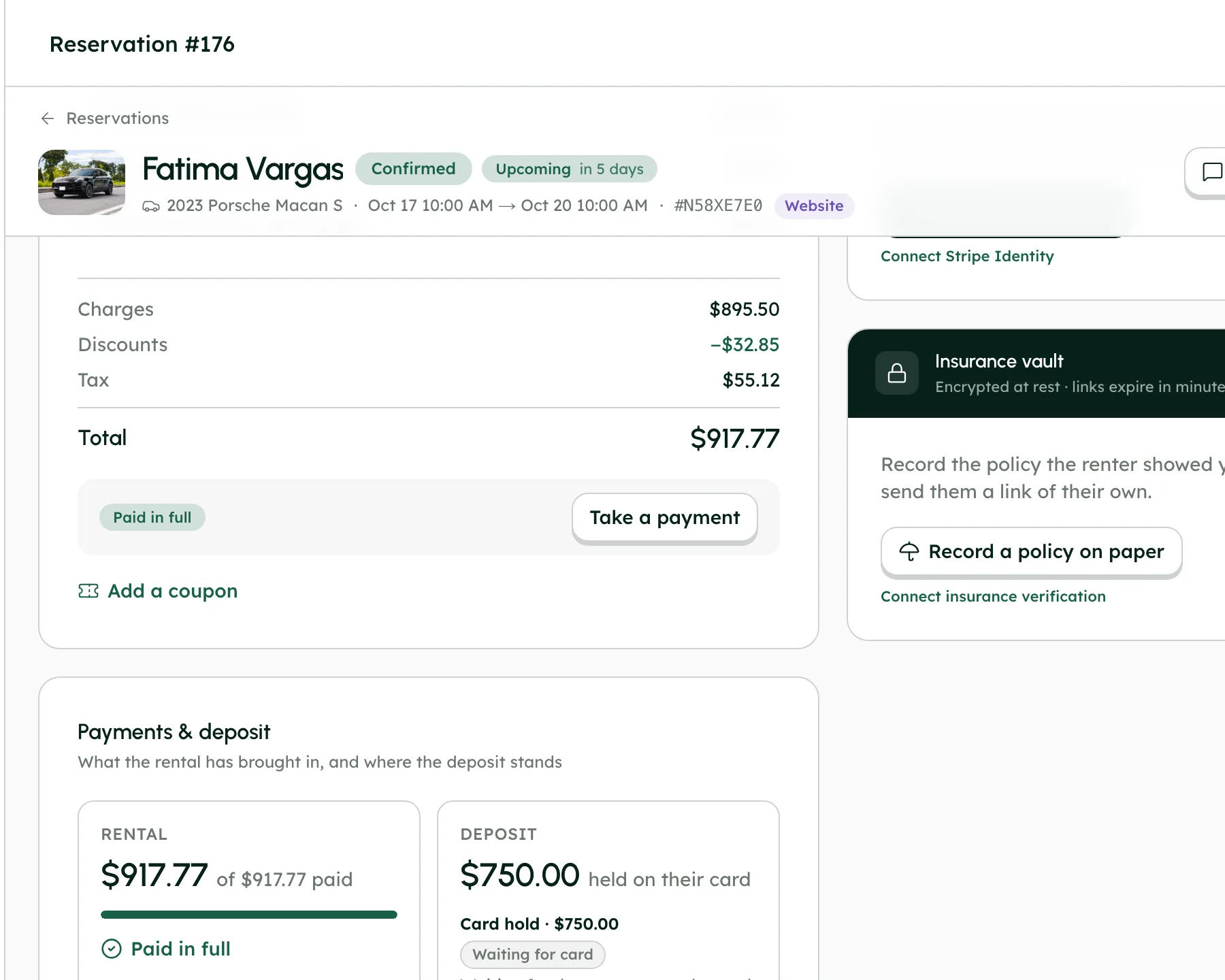
See what came in, and where it went.
- Payouts list with pending and initiated totals
- Income by source, month by month
- Refunds back to the card through Stripe
More in Payments & deposits
On every plan, from the first day of your trial.
Stripe Connect Express
Your own Stripe account, connected in Settings → Integrations → Stripe Payment.
0% commission
RentHive takes no fee from any booking; your subscription is all you pay us.
Card checkout
On your website and booking widget, with the price worked out by the server.
Cash and pay on arrival
Record cash by hand, or turn on Cash Payment so renters can choose to pay on arrival.
Refunds
Refund a payment from the booking page and the money goes back to the renter's card.
Change rules
Set renter trip changes to Off, Ask me or Instant.
Cancellation presets
Full refund, Flexible, Moderate, Strict or Custom, with cancellations set to Ask me or Instant.
Automatic differences
When a card booking changes or is cancelled under your rules, the difference is charged or refunded for you.
Edits that add up
Every booking edit shows what's left to collect or refund before you save it.
One booking, handed on.
Follow Fatima's Porsche Macan S from chapter to chapter. Each one hands the booking on, so nothing is copied across by hand.
Good to know
- Stripe's card processing fees apply on your own Stripe account. They're Stripe's fees, not RentHive's.
- Card holds only last about seven days, so on long trips a hold can lapse before the car is back. A charge-and-refund deposit avoids that.
- Card checkout turns on once Stripe marks your account ready.
- RentHive works in US dollars only.
Questions, answered
More in the Help Center, or email us any time.
Does RentHive take a commission on bookings?+
No. RentHive takes 0% of your bookings and adds no fee to your payments. Renters pay straight into your own Stripe account, and your subscription is the only thing you pay RentHive.
How do renters pay me?+
Through Stripe Connect. You connect your own Stripe Express account in Settings → Integrations → Stripe Payment, and card payments go straight into it.
When do I get my money?+
Stripe pays out to your bank on your Stripe account's payout schedule. You can see payouts on your dashboard and open your Stripe Express dashboard from there.
How do security deposits work?+
Set deposits as a card hold or a charge that's refunded later, for the company or per car. With a hold, the card is kept at checkout, the hold is placed the day before pickup, and it's released automatically 2 days after the trip unless you capture some or all of it.
Why isn't the deposit hold placed when the renter books?+
Card holds only last about seven days, so a hold placed at booking would often expire before the trip. Placing it the day before pickup keeps it alive for the rental.
Can renters change or cancel their own bookings?+
That's your call. Pick a preset (Full refund, Flexible, Moderate, Strict or Custom) and set changes and cancellations to Ask me or Instant, or switch changes off. For card bookings, price differences and refunds are handled automatically.
Your fleet, your customers, your money.
Start a 7-day free trial with no card, or book a call and we'll set it up with you.
0% commission · Cancel any time · 24/7 support by email