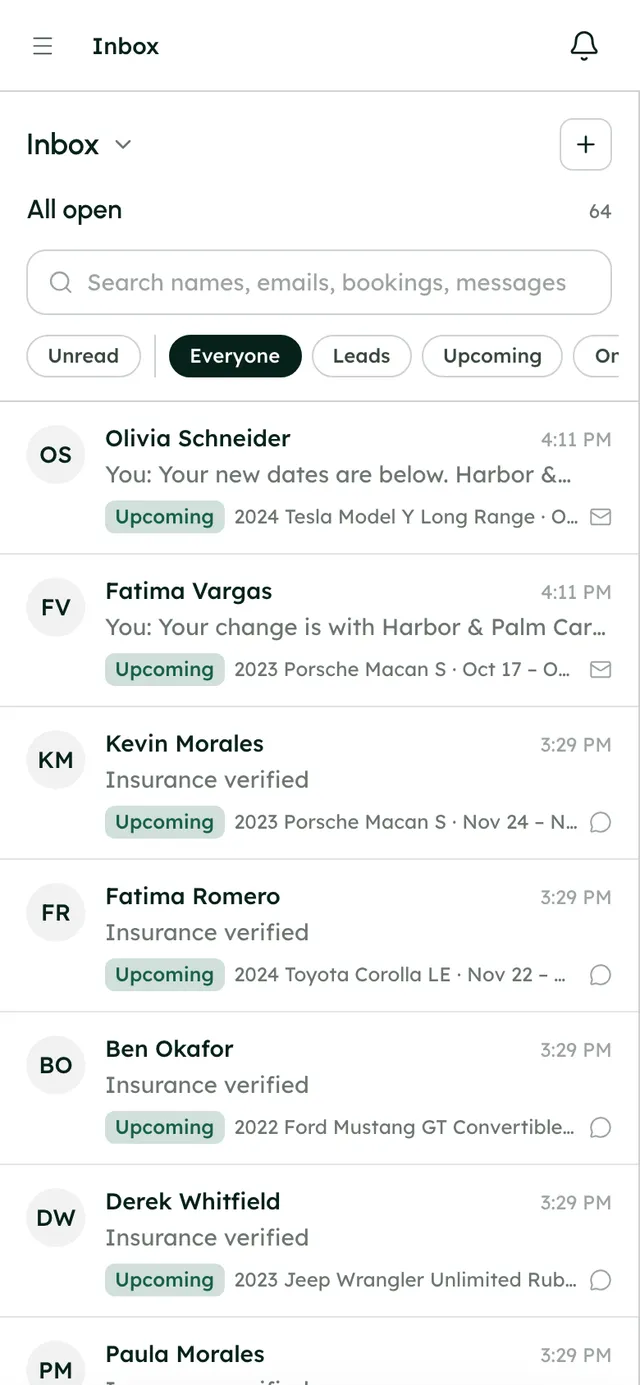
One thread per renter, with the booking right beside it.
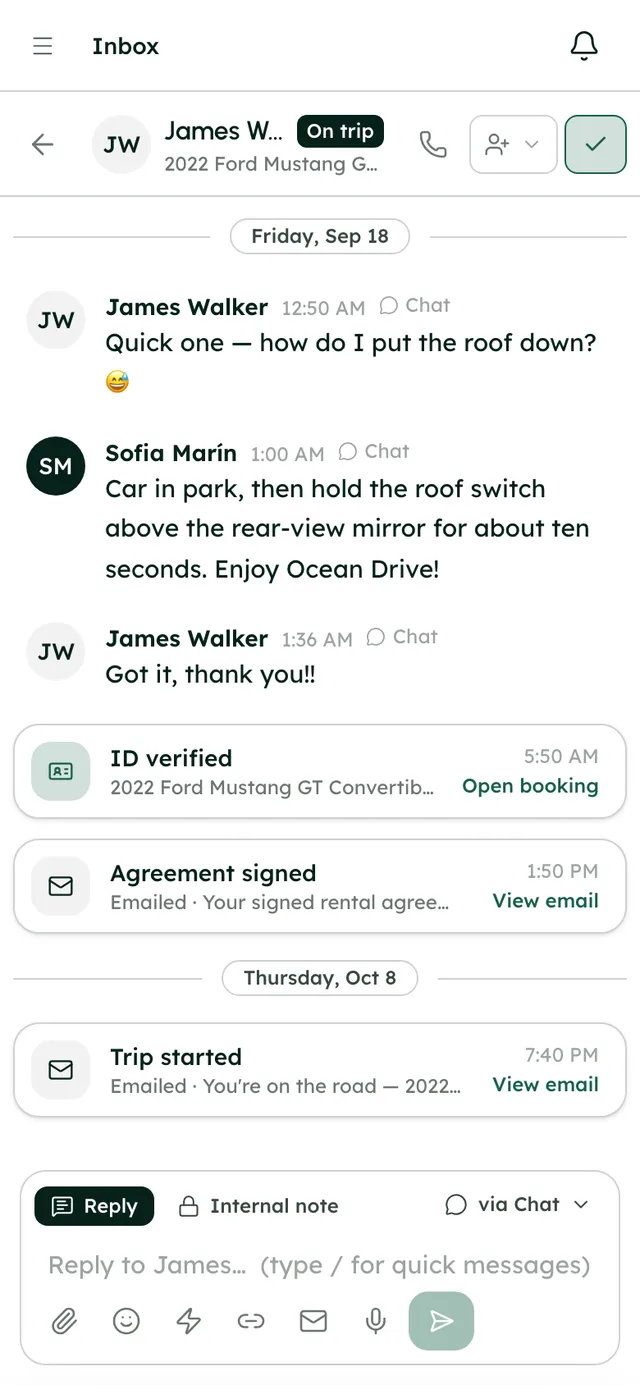
Website chat, the renter's trip page and email all land in the same conversation, along with booking events like booked, paid and ID verified. Reply once: if they're in the chat they see it there, and if not, it's emailed to them.
Off your personal phone. Out of the shared mailbox.
The moment
“Texts, WhatsApp, Turo messages and email, and the one question nobody answered.”
The usual way
Texts on your personal phone
mixed in with familyWhatsApp threads
no booking in sightThe question nobody answered
who was on it?Sticky notes about renters
lost by MondayPayment links pasted into chats
did they pay?
With RentHive
RentHive
Inbox
Website and trip-page chat
Renters message you from your site and their trip page
One thread per renter
Chat, email and booking events, beside the booking
Email in the same thread
Renter email from your domain; replies land in their thread
Assignment rules
Threads go to the right person; unassigned ones stand out
Internal notes
Your team sees them; the renter never does
Cards that update
Payment, ID and agreement cards show when they're done
Every conversation next to the booking it's about.
Renters write from wherever they are. Your team answers from one place, with the booking's events in the thread.
Automatic3 of 4 steps happen without anyone doing them
- Fatima · renter
She writes from your website, her trip page or email
All three land in one thread per renter. No WhatsApp, no hunting through texts.
- RentHive · automatic
The booking writes in the thread too
New booking, Paid, ID verified: each event appears as a card where the conversation is.
- RentHive · automatic
Pickup instructions send themselves
A quick message set to 'Before pickup' goes out on time, by chat and email.
- RentHive · automatic
The thread goes to the right person
An assignment rule hands it to Sofia; she gets a desktop notification, and you can @mention her.
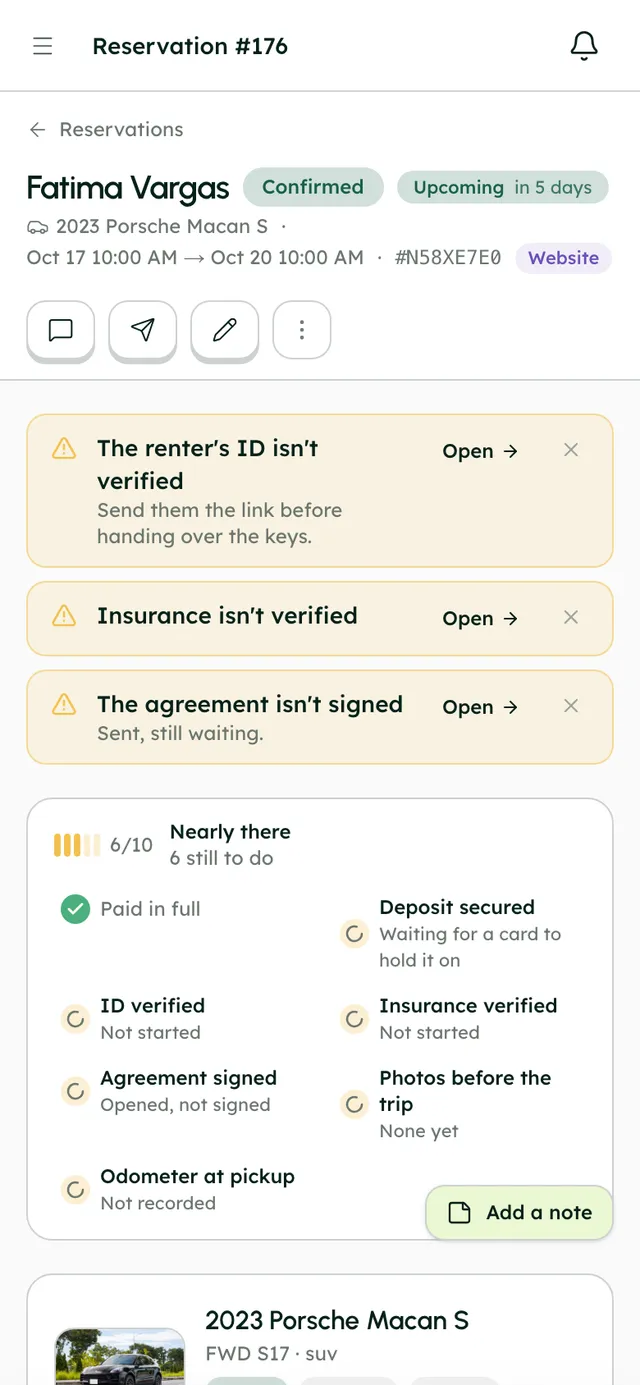
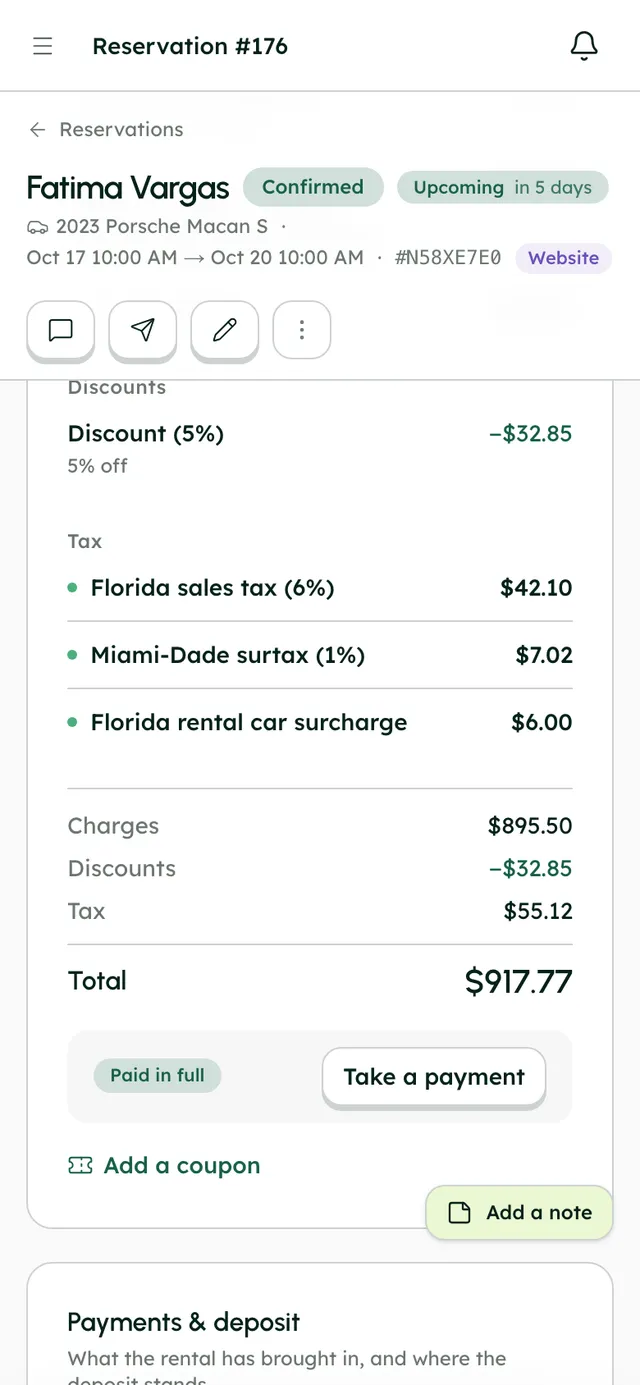
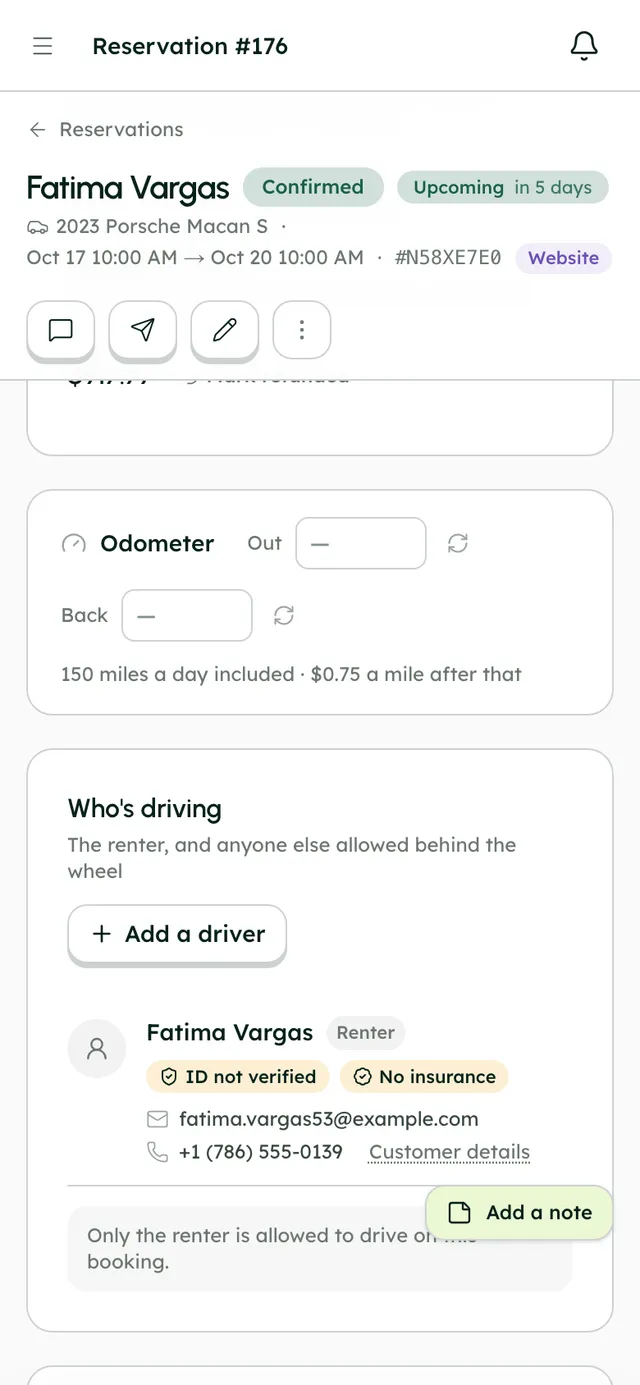
Send the next step as a card that updates itself.
- Payment request, ID check, insurance check
- Trip page and agreement links
- Quick messages that send themselves on booking events
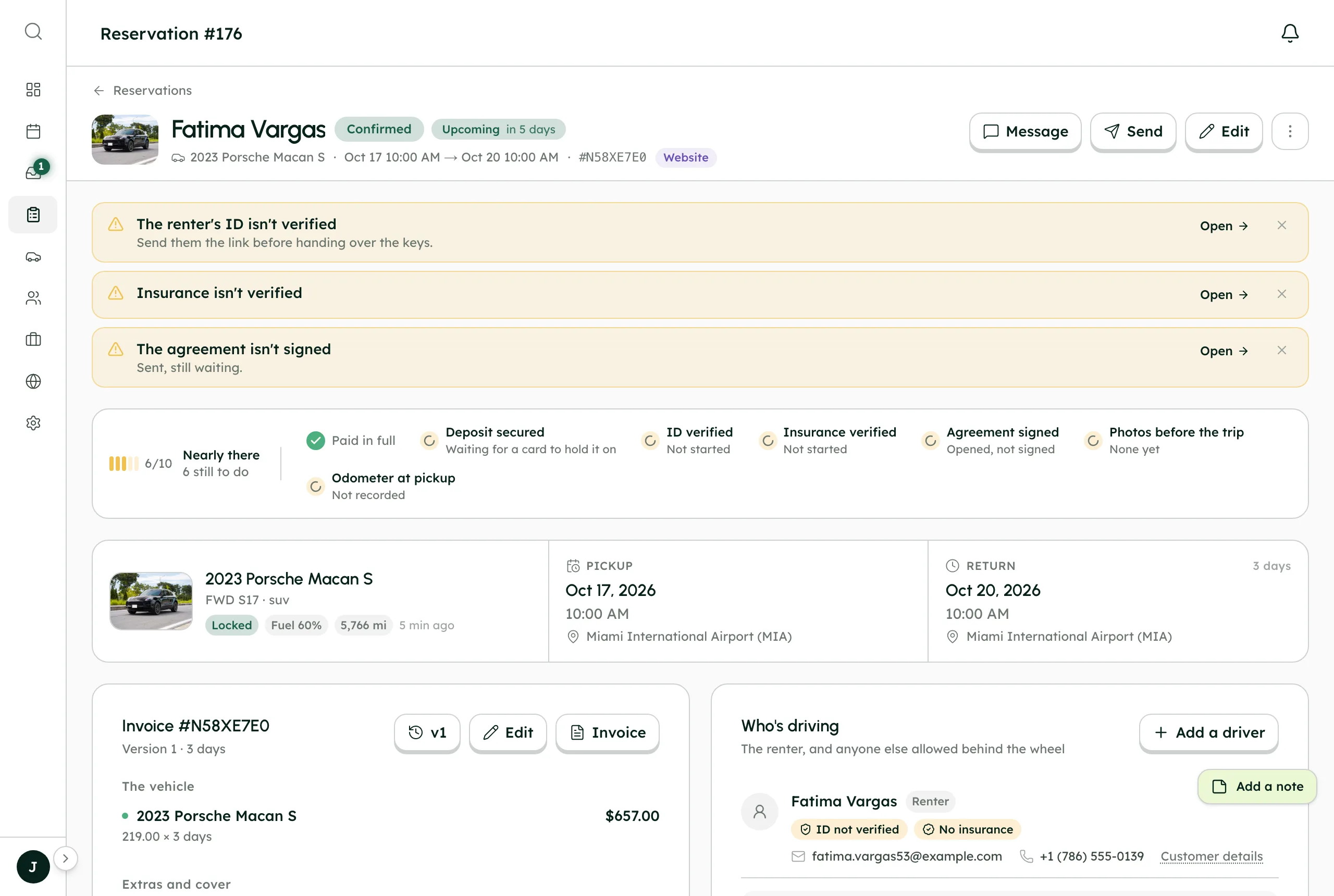
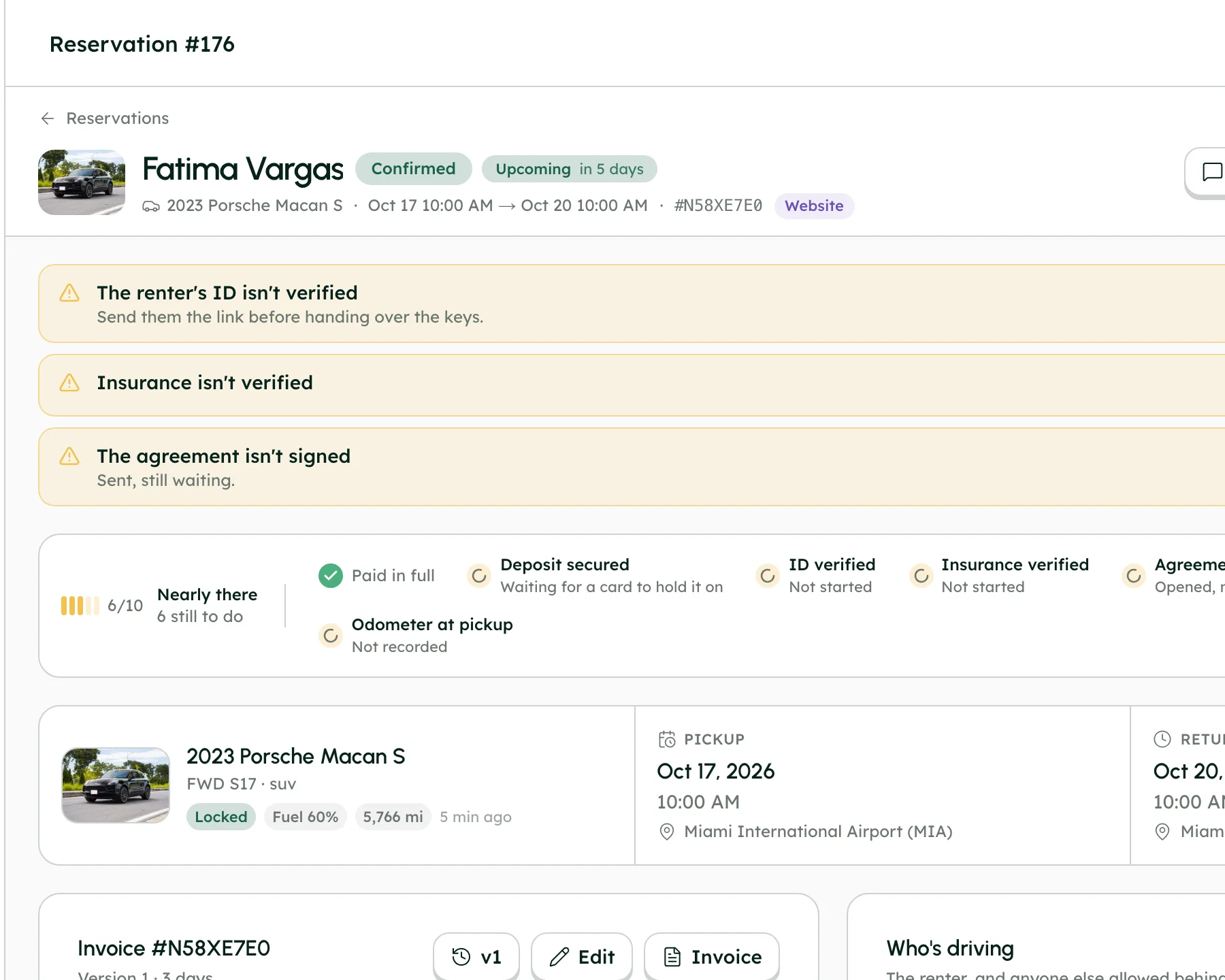
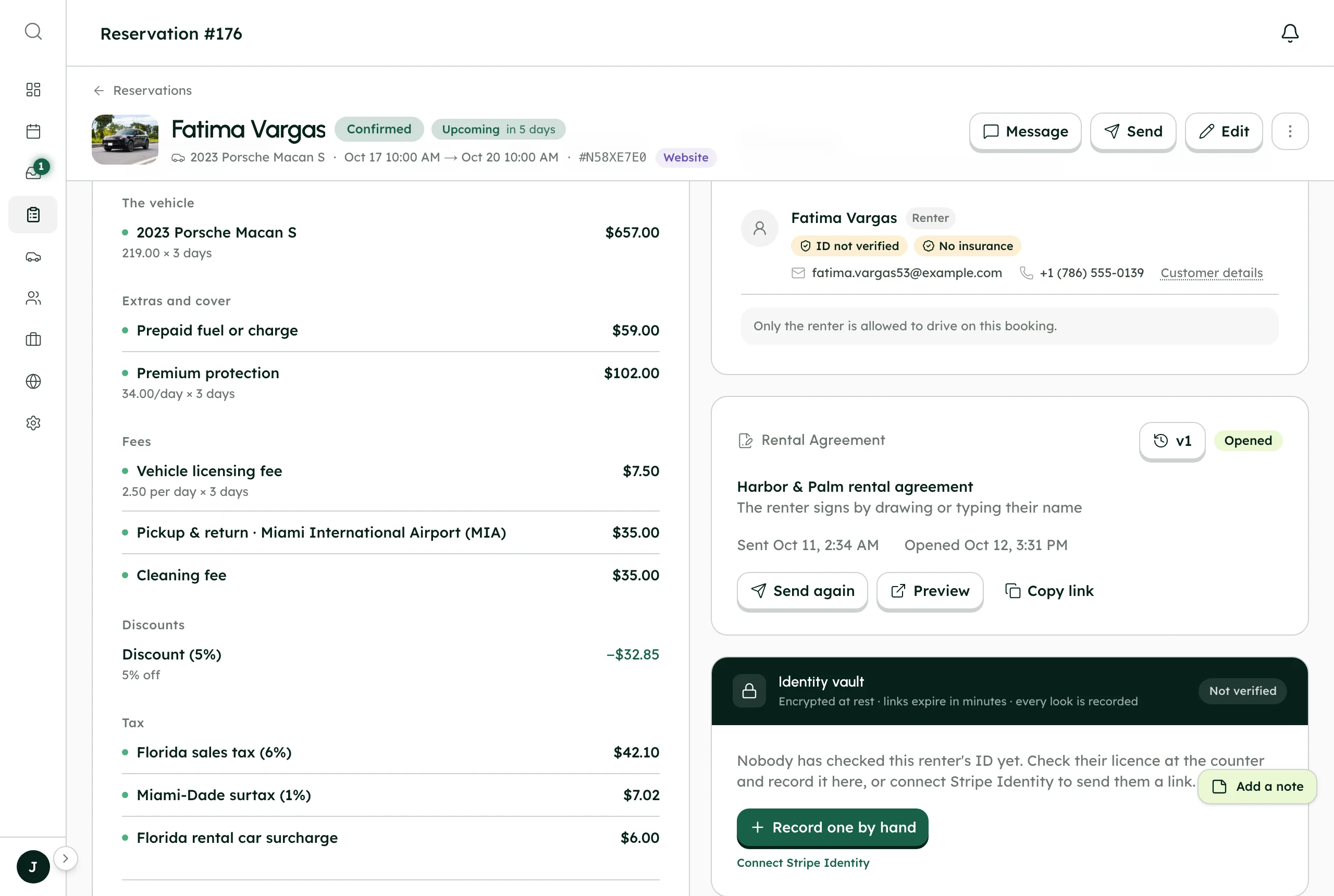
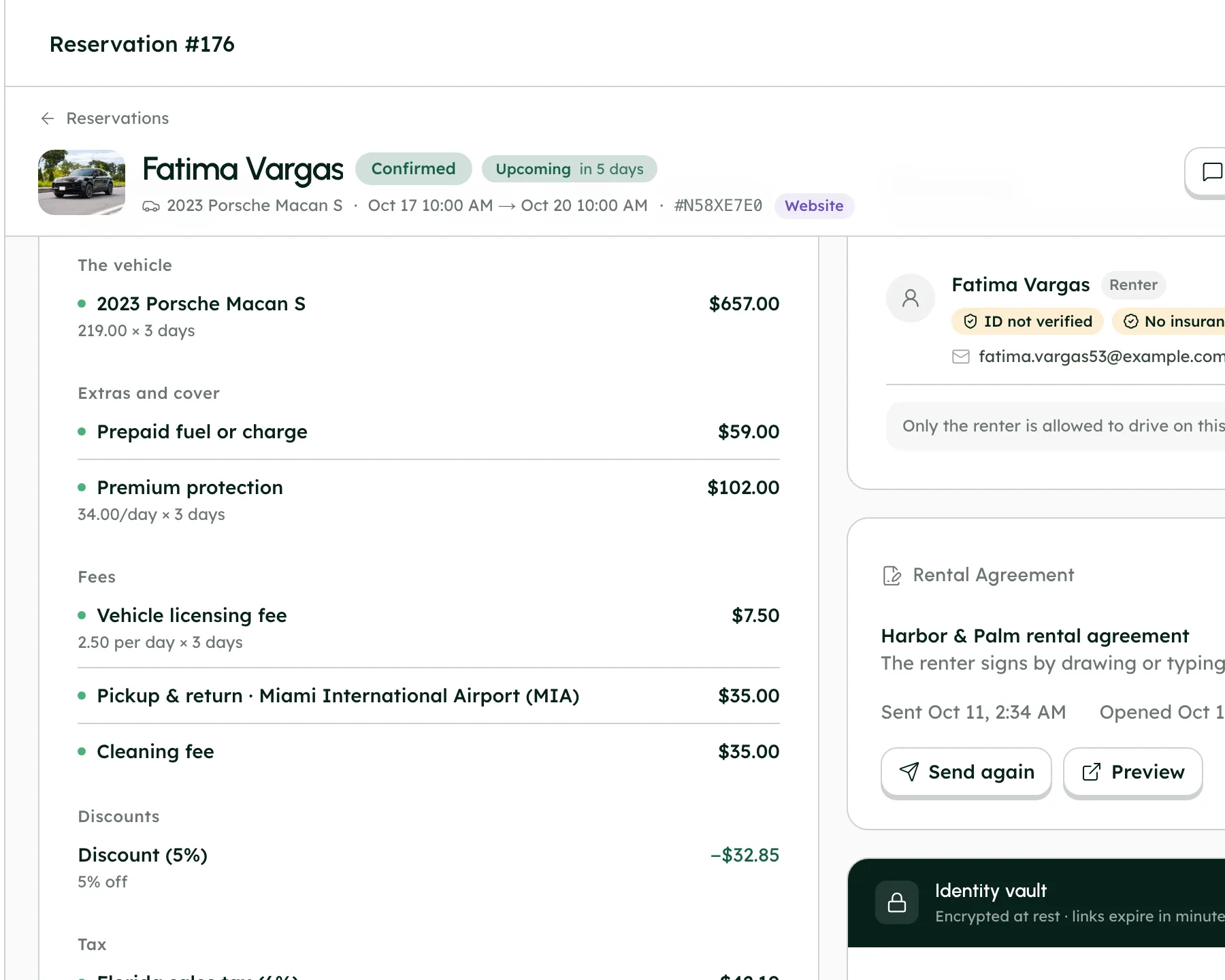
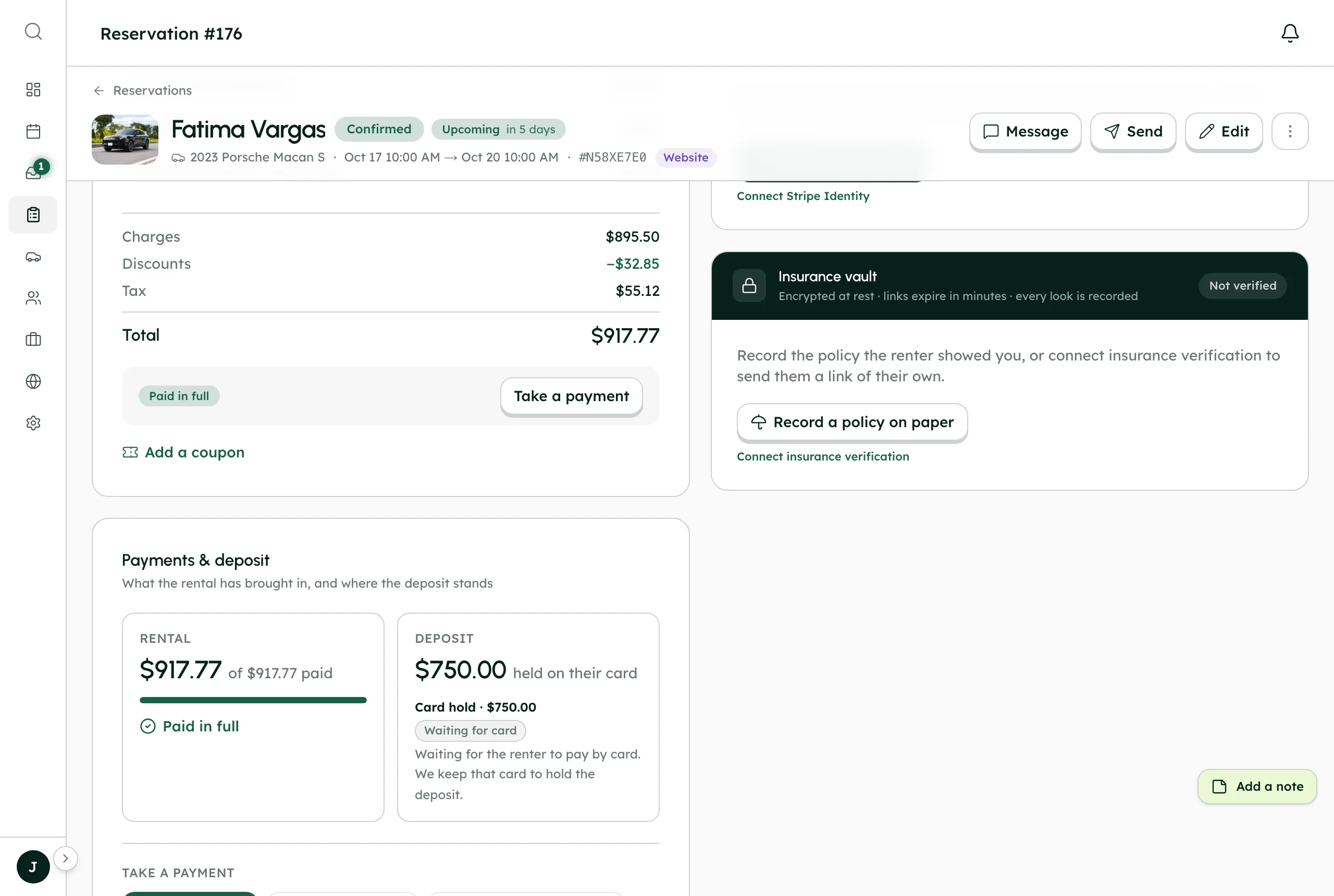
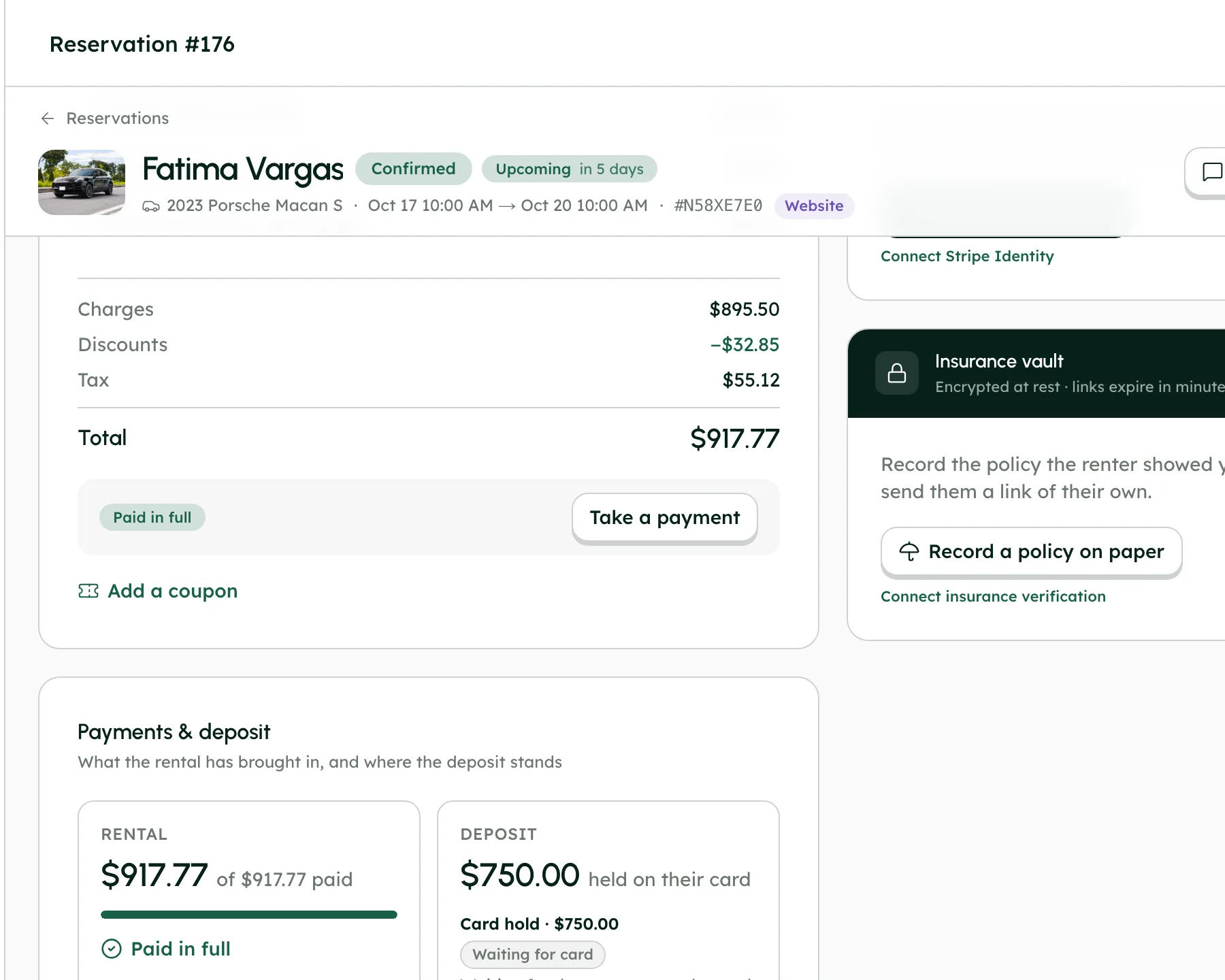
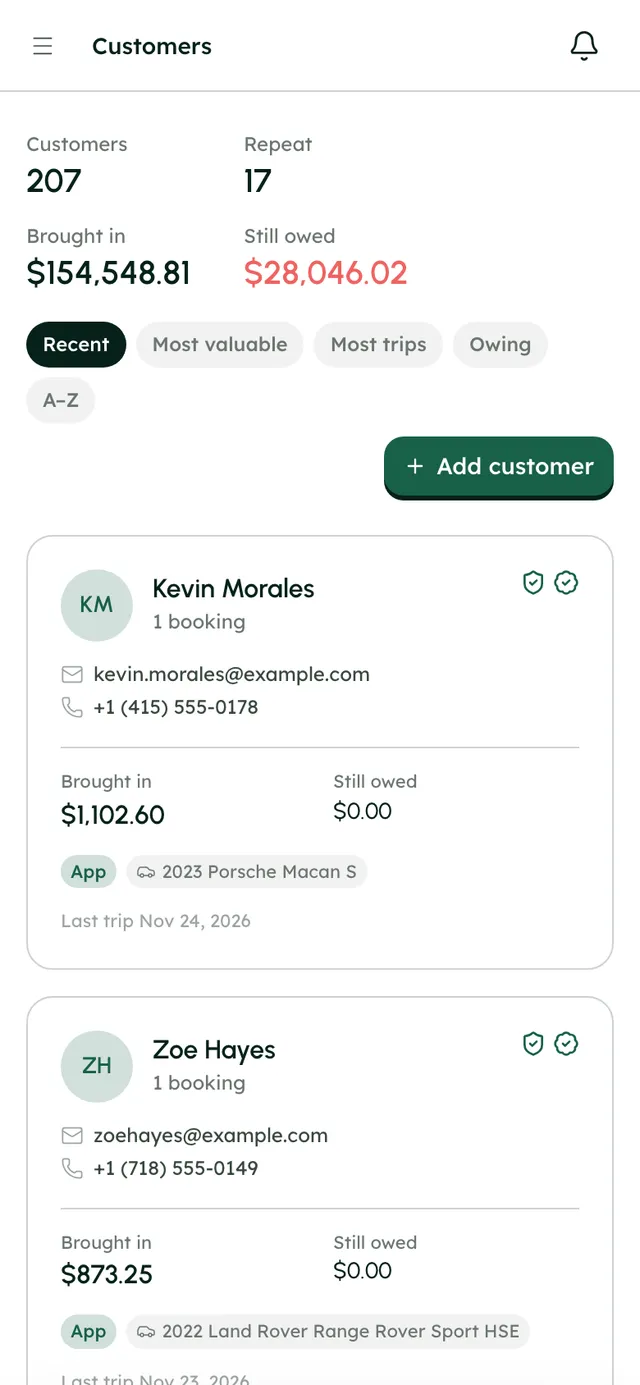
Their history, next to their messages.
- Every booking one click from its page
- ID and insurance status per booking
- Stages: leads, upcoming, on trip, past
Kevin Morales
1 booking
- Brought in
- $1,102.60
- Still owed
- $0.00
Last trip Nov 24, 2026
Zoe Hayes
1 booking
- Brought in
- $873.25
- Still owed
- $0.00
Last trip Nov 23, 2026
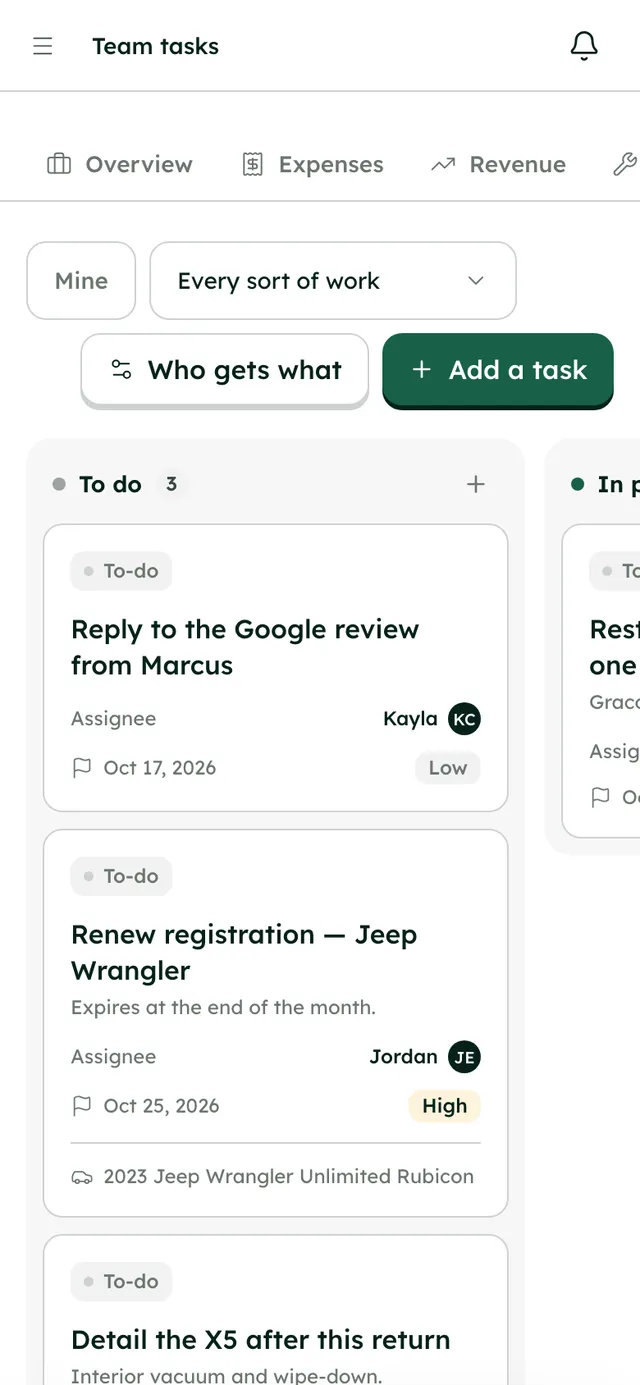
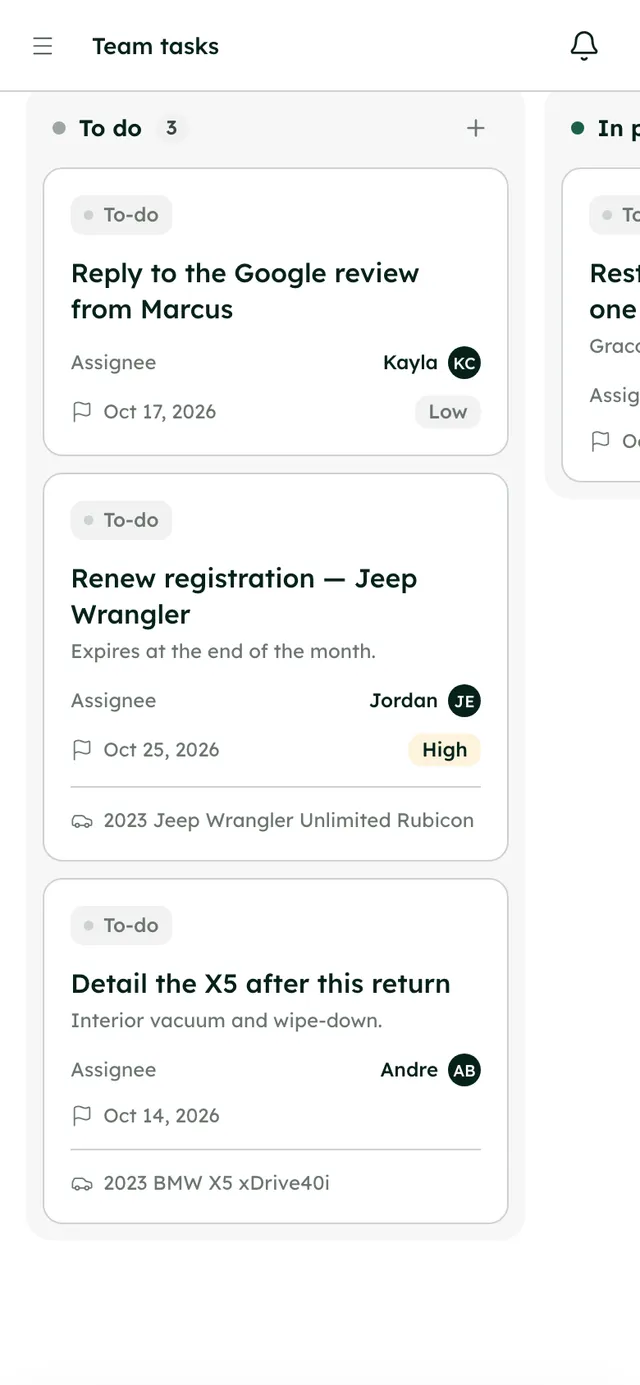
Work goes to the right person, by rule.
- Assigned to me, unassigned and mentions views
- Team channels and direct messages
- @mentions and internal notes
To do0
Waiting to be picked up
In progress0
Somebody is on it
Done0
Finished in the last fortnight
#tasks
4 members · Work assigned to the team, and finished.
“Settle Dana Whitfield's deposit” closed itself — 2024 Tesla Model 3 Long Range · Dana Whitfield
Kayla Chen finished “Clean 2024 Tesla Model 3 Long Range” — 2024 Tesla Model 3 Long Range · Dana Whitfield
More in Inbox
On every plan, from the first day of your trial.
Chat first
Replies are emailed unless the renter has been in the chat in the last couple of minutes.
Email that threads back
When a renter replies to your email, the reply lands in the same conversation.
Quick messages
Saved messages with placeholders, sent in two clicks.
Automatic messages
Send a quick message by chat, email or both when a trip is booked, paid, verified or cancelled, or before pickup and return.
Views and stages
All open, assigned to me, unassigned, mentions and done; leads, upcoming, on trip and past.
A full composer
Bold, italic, links and lists, emoji, @mentions, edits and reactions.
Files and voice notes
Attach files up to 25 MB, videos up to 50 MB, or record a voice note.
Internal notes
Notes your team sees in the thread and the renter never does.
Notifications
The in-app bell, desktop notifications, email alerts when nobody's online and a mention digest.
One booking, handed on.
Follow Fatima's Porsche Macan S from chapter to chapter. Each one hands the booking on, so nothing is copied across by hand.
Good to know
- No SMS yet; text messaging is coming soon. Today renters reach you through website chat, their trip page and email.
- Turo messages stay in Turo. Turo trips sync to your calendar, not the Inbox.
Questions, answered
More in the Help Center, or email us any time.
How does the Inbox work?+
Each renter has one thread that holds website chat, trip-page chat, email and booking events such as booked, paid and ID verified. Team channels and direct messages live there too.
Do renters get my messages by email?+
Yes, unless they're already chatting. If the renter has been in the chat in the last couple of minutes, your reply simply appears there; otherwise it's also emailed, and their email reply lands back in the same conversation.
What are quick messages?+
Saved messages with placeholders that you send in two clicks. Any of them can also go out by itself on a booking event, by chat, email or both. Set them up in Settings → Messaging.
What else can I send from a conversation?+
Quick actions send tappable cards for a payment request, ID check, insurance check, trip page or agreement, and each card updates when the renter acts on it. You can also attach files, record voice notes and leave internal notes.
Can I assign conversations to my team?+
Yes. Assign them by hand, or add rules in Settings → Messaging under “Who picks up what”. Rules are tried in order and the first match wins; a person you pick by hand always sticks.
Can I text renters by SMS?+
Not yet; text messaging is coming soon. Today renters reach you through website chat, their trip page and email.
Your fleet, your customers, your money.
Start a 7-day free trial with no card, or book a call and we'll set it up with you.
0% commission · Cancel any time · 24/7 support by email