Overview
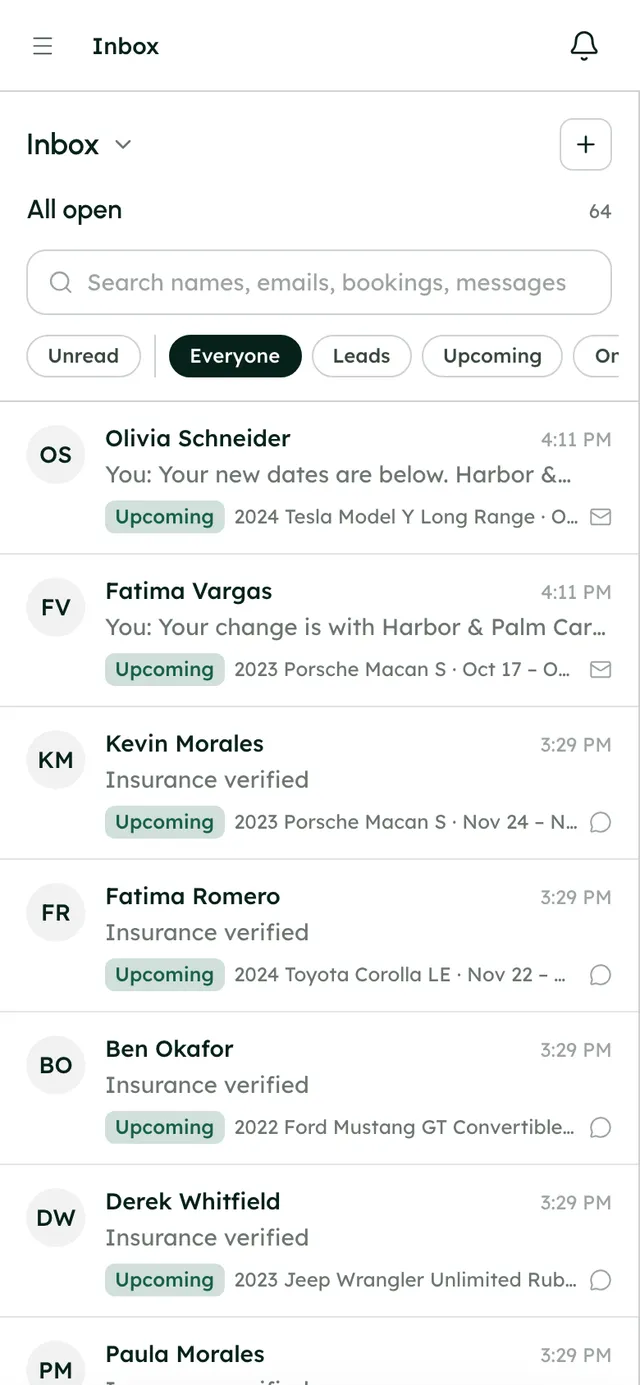
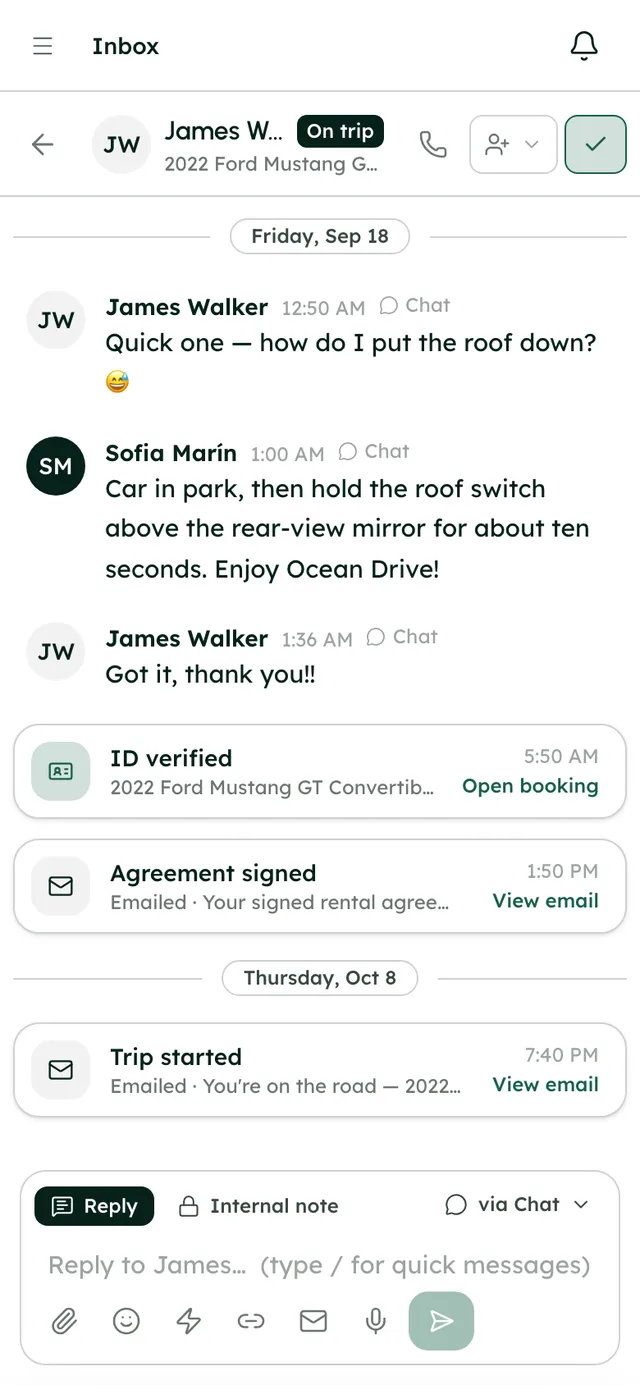
Renter emails go out in your company's name and carry a link to the renter's trip page. A copy of each one lands in the renter's Inbox thread, so your team sees exactly what was sent.
They cover the whole trip: the booking confirmation, balance reminders 7 and 2 days before pickup, the day before and the morning of pickup, the trip starting and ending, a late-return note, thanks after the trip and a feedback request the next day. Payment links, receipts, refunds and every step of a deposit hold have their own emails, and so do ID, insurance and agreement requests and reminders.
In SettingsMessagingEmail notifications you see every email, filtered by who gets it. Optional ones have a switch; the rest are always sent. You can rewrite a renter email's words, preview it as you type, and go back to the default at any time. Emails sent to you from RentHive keep their words.
Step by step7
- 1
Open the list
Go to SettingsMessagingEmail notifications. Filter by All, To renters or To you. Each row says whether it's optional or Always sent.
- 2
Switch off what you don't need
Optional emails include the balance reminders, the day before and morning of pickup, trip started, return day, overdue return, trip completed, feedback, ID, insurance and agreement reminders, and the Monday and monthly emails to you.
- 3
Rewrite an email
Press Edit on a renter email. Change the subject, headline, greeting, paragraphs, button label and footnote; Start from the default text fills in the current words. The preview updates as you type, on desktop and phone.
- 4
Use placeholders
Insert the renter's first name, the vehicle, the pickup and return place and dates, the booking reference, the total, the balance due, your company name or the trip link, and each email fills them in.
- 5
Write your own email
Press New email. Name it, choose who gets it (the renter or you), and when: a booking is confirmed, a payment lands, the day before pickup, the morning of pickup, the trip starts, the day it ends, the car is returned, a booking is cancelled, the agreement is signed, or a number of days before pickup or after return.
- 6
Go back to the default
Edited emails show a Your words badge. Press Revert to default and confirm to put the original back.
- 7
Send one by hand
In a renter's Inbox thread, Send a trip email sends one of your trip emails, or one of your own, straight away.
Best practices
- Add your pickup instructions (where to park, who to call) to the day-before-pickup email. It's the one renters read on the way.
- Keep the feedback email on. A short reply from a happy renter is worth more than any ad.
- Use a custom email for anything only some trips need, like meeting instructions for airport pickups a day ahead.
- Preview on Phone before you save. Most renters read on their phone.
Good to know
- Only the account owner can change, switch off or create emails. Teammates with the Settings section can look.
- Booking confirmations, payment and refund emails, and checks and agreement requests are always sent, so renters always have their records.
- Your own emails still go out even when the RentHive email for the same moment is switched off.
- There's no SMS. Renters are reached by email and chat.
What runs on its own
- Day-based emails, like reminders and your own days-before emails, go out once a day.
- Every renter email is copied into the renter's Inbox thread.
- Placeholders are filled in for each booking, and any you mistype are left as typed.
- Days-before-pickup emails go to live bookings, and days-after-return emails to completed ones.
Questions
Do renters see my company name or RentHive's?
Yours. Emails go out in your company's name, with a link to the renter's trip page.
Can I send emails from my own domain?
Yes. Connect your domain and set up email in WebsiteDomains, and renter emails come from it.
Can I change the emails RentHive sends to me?
You can switch the optional ones off, but their words stay as they are. Only renter emails can be rewritten.
When do the ID and insurance reminders go out?
3 days and 1 day before pickup, while a check is still waiting. Agreement reminders go 2 days and 1 day before.