Taking security deposits
Ask for a refundable deposit as a card hold or as a charge you refund later. Holds are placed the day before pickup and released two days after the trip, unless you capture them.
Overview
Security deposits are set up in Settings → Invoicing → Security deposits, as a fixed amount or a percentage, per trip or per day. The starred deposit applies to every car unless a car picks its own.
There are two ways to collect one. Pre-authorization holds the amount on the renter's card without charging it. Charge and refund collects it with the rental, and you refund it after the trip.
With a hold, the renter's card is kept at checkout. The hold is placed the day before pickup and released automatically two days after the trip, unless you capture some or all of it for damage.
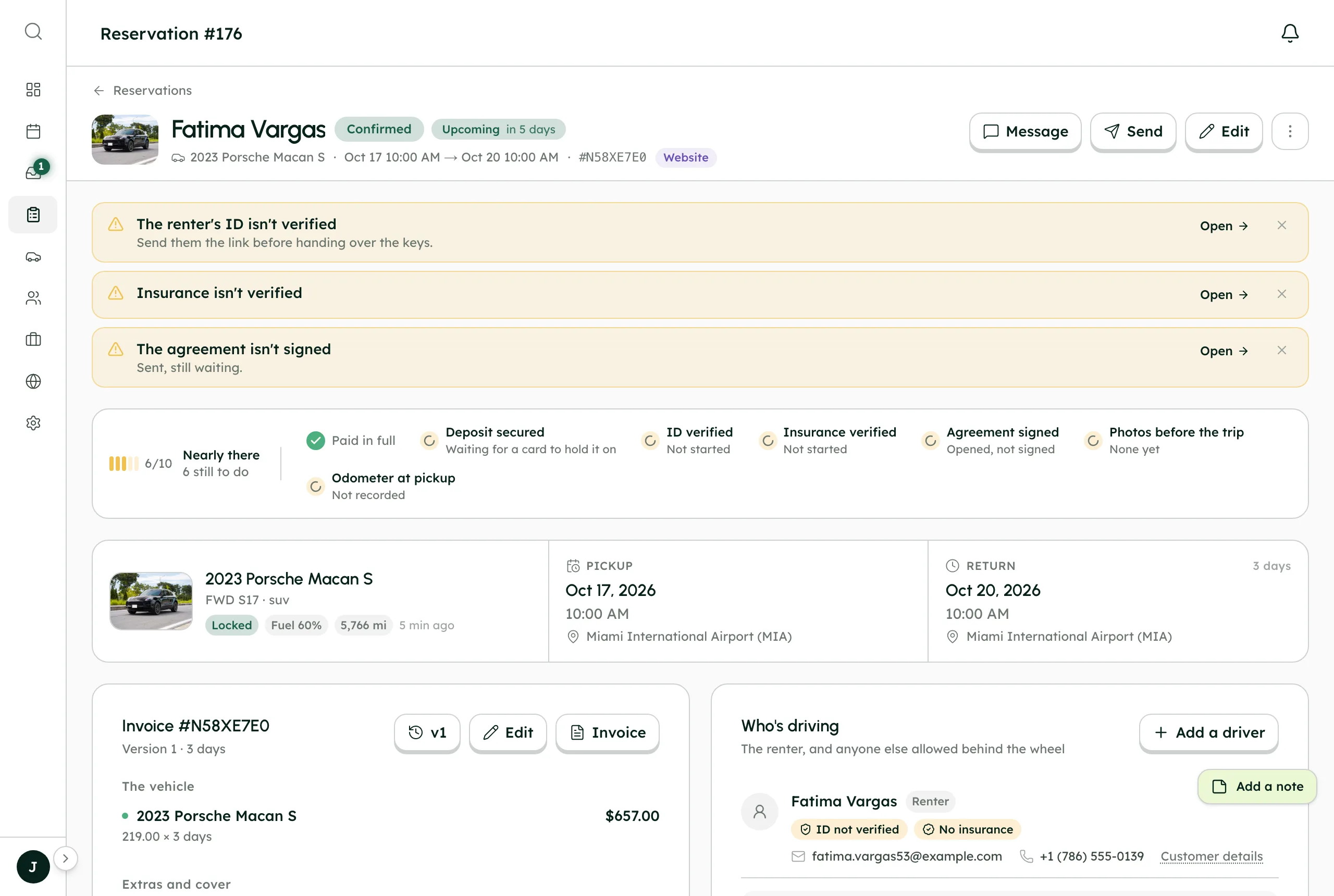
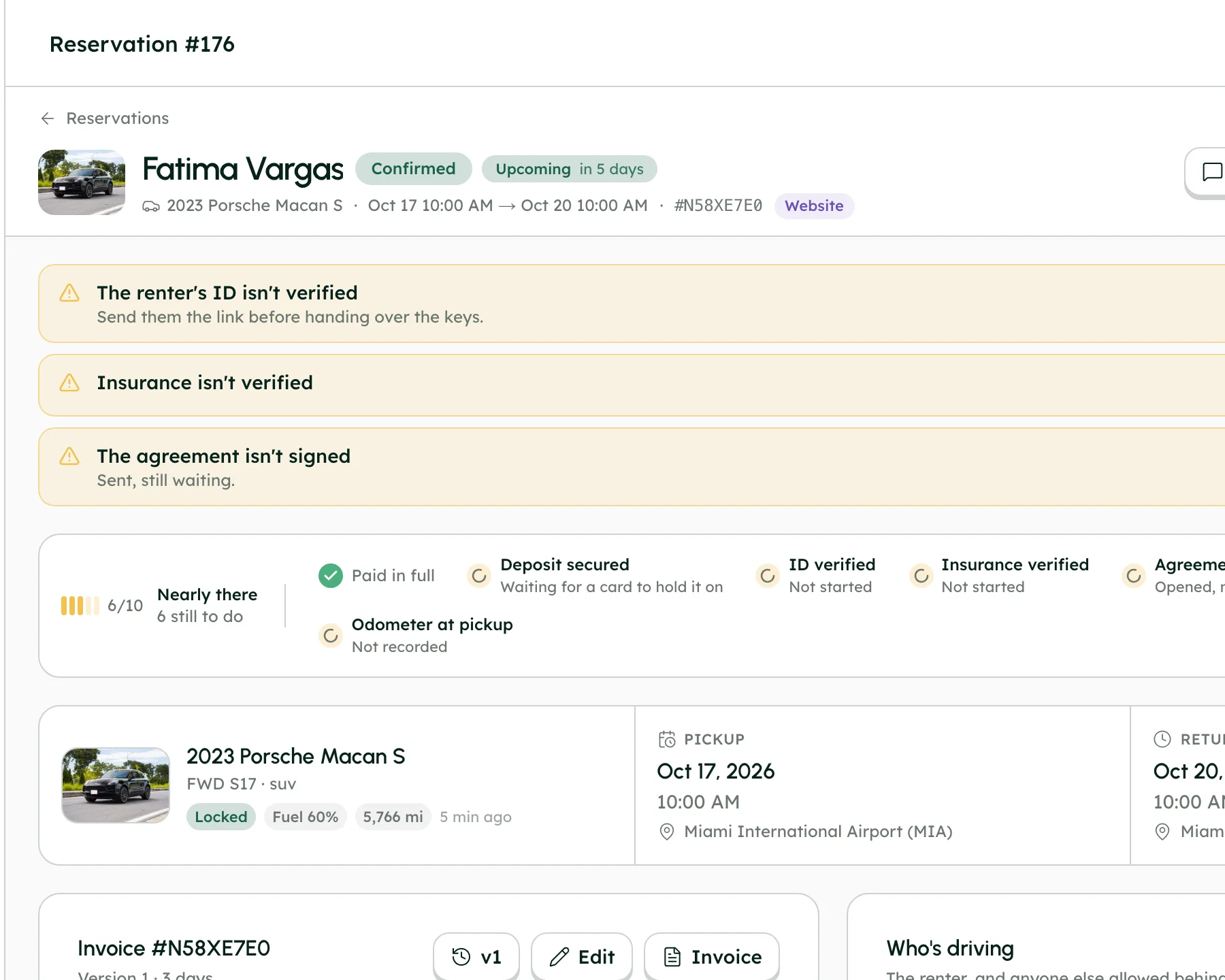
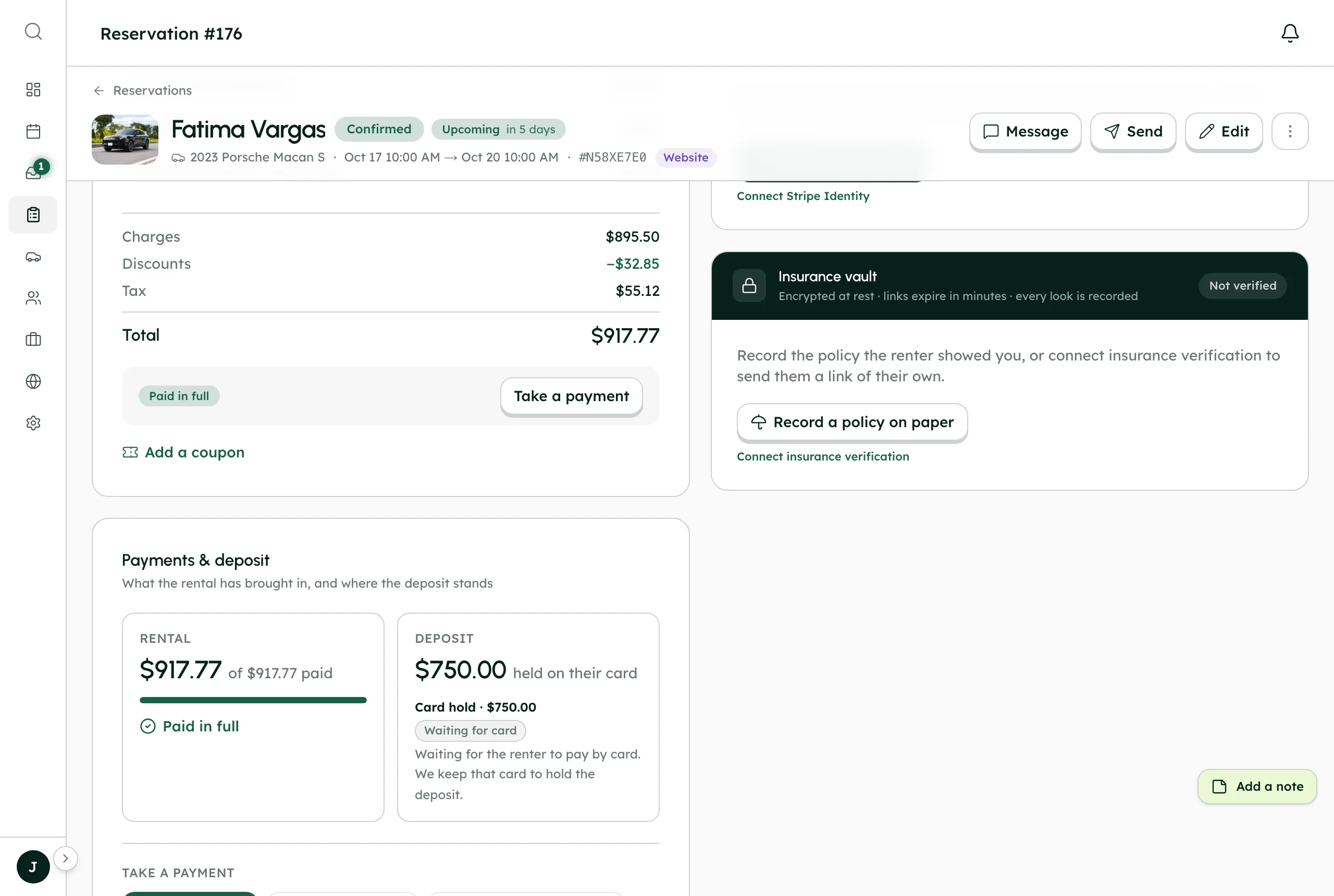
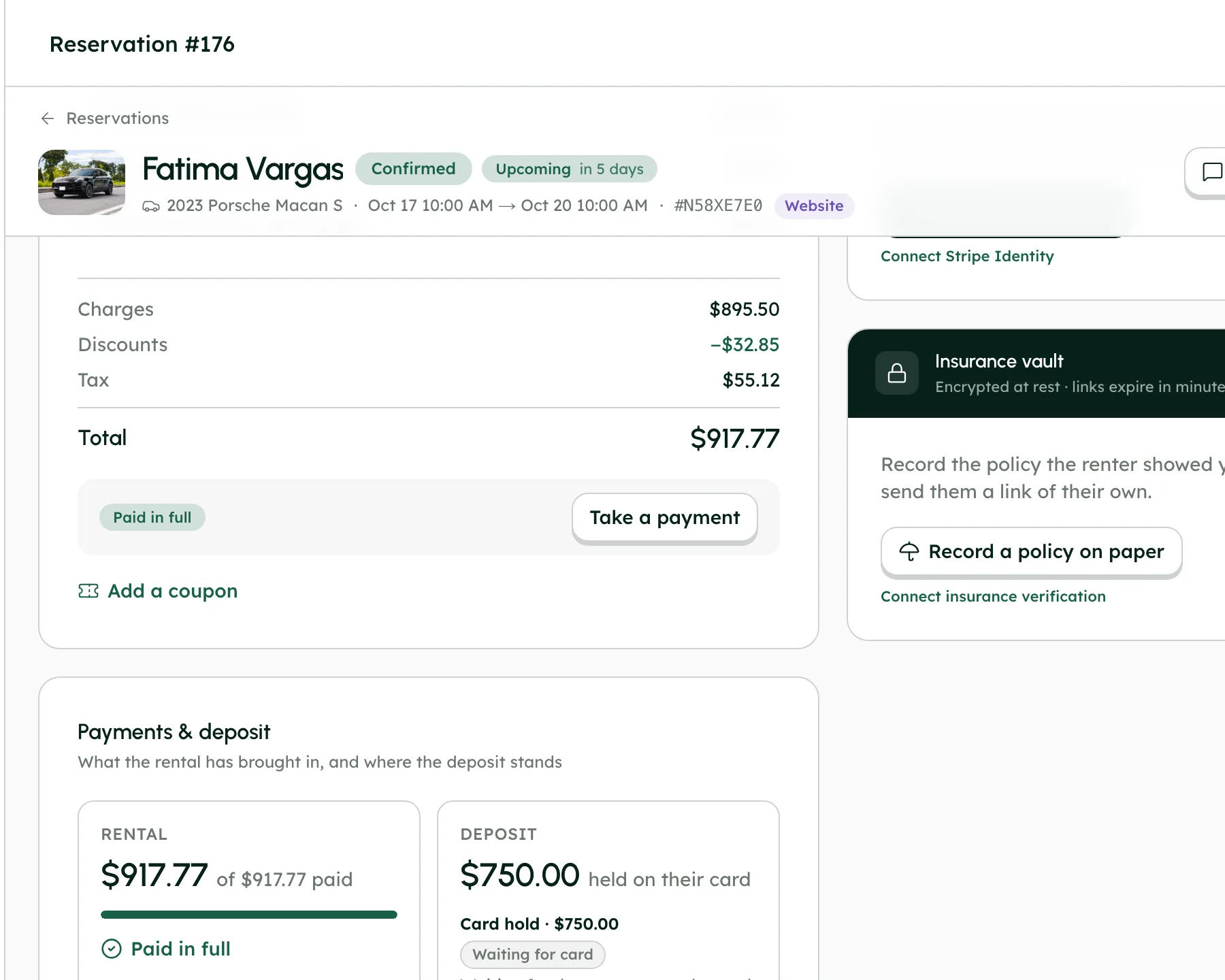
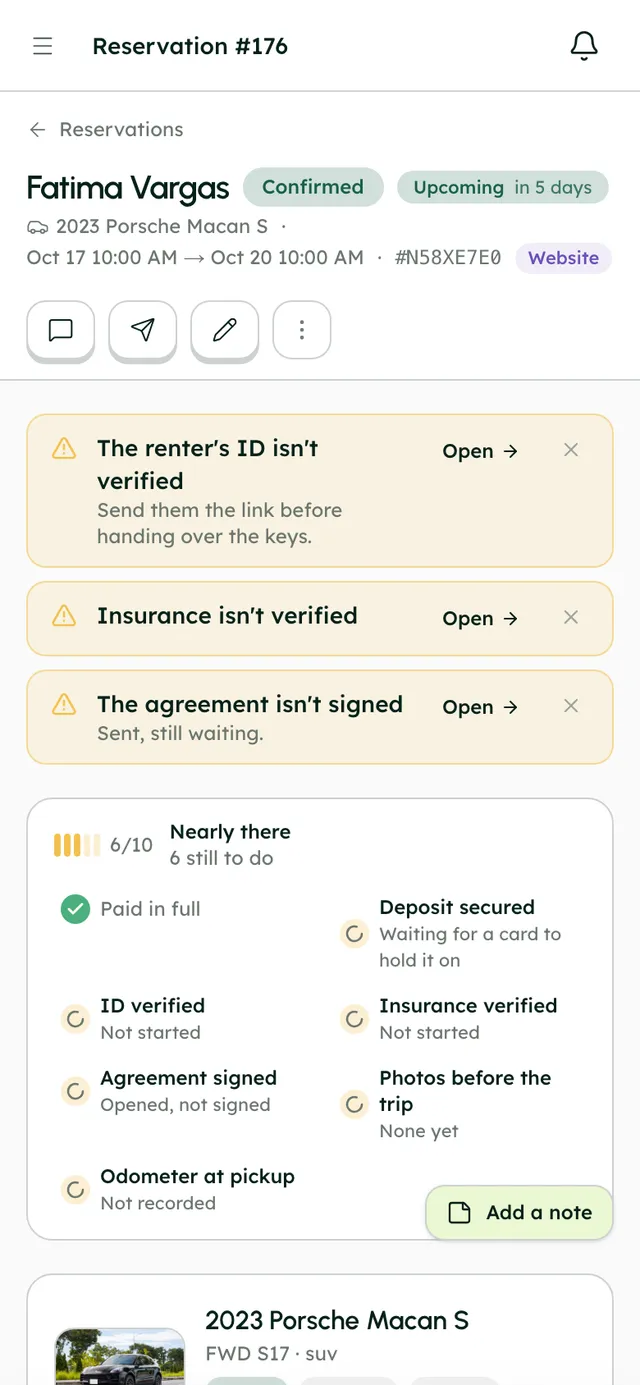
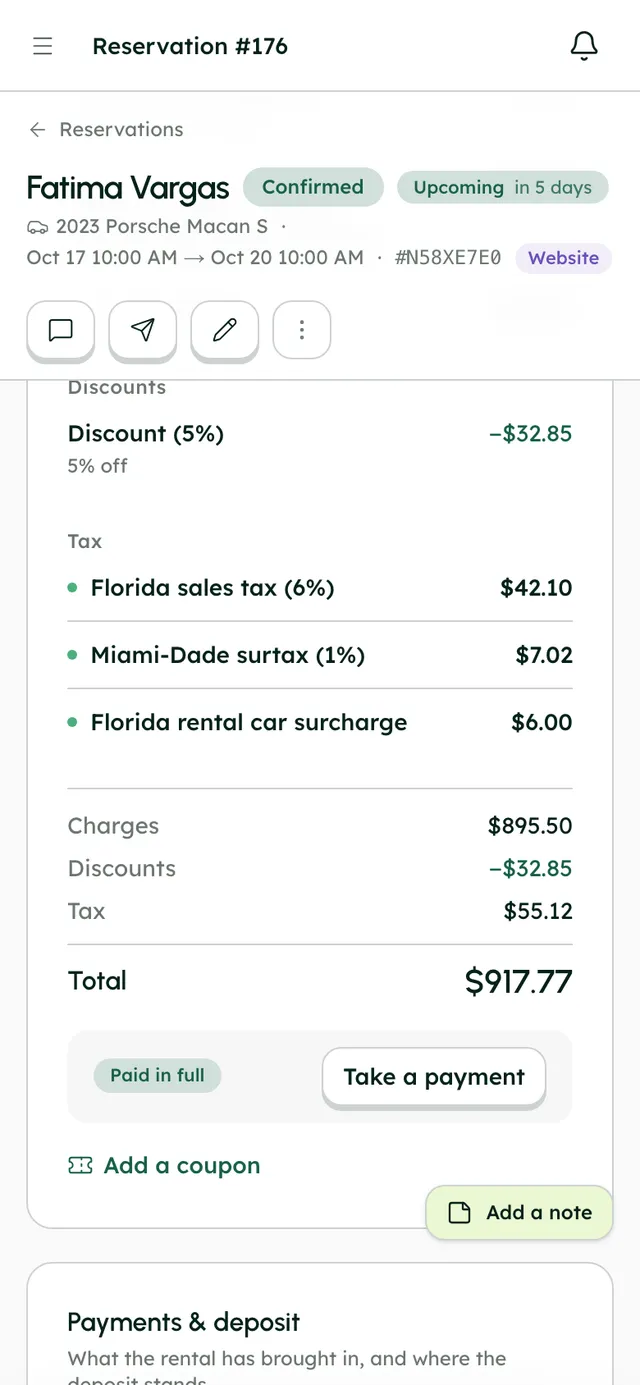
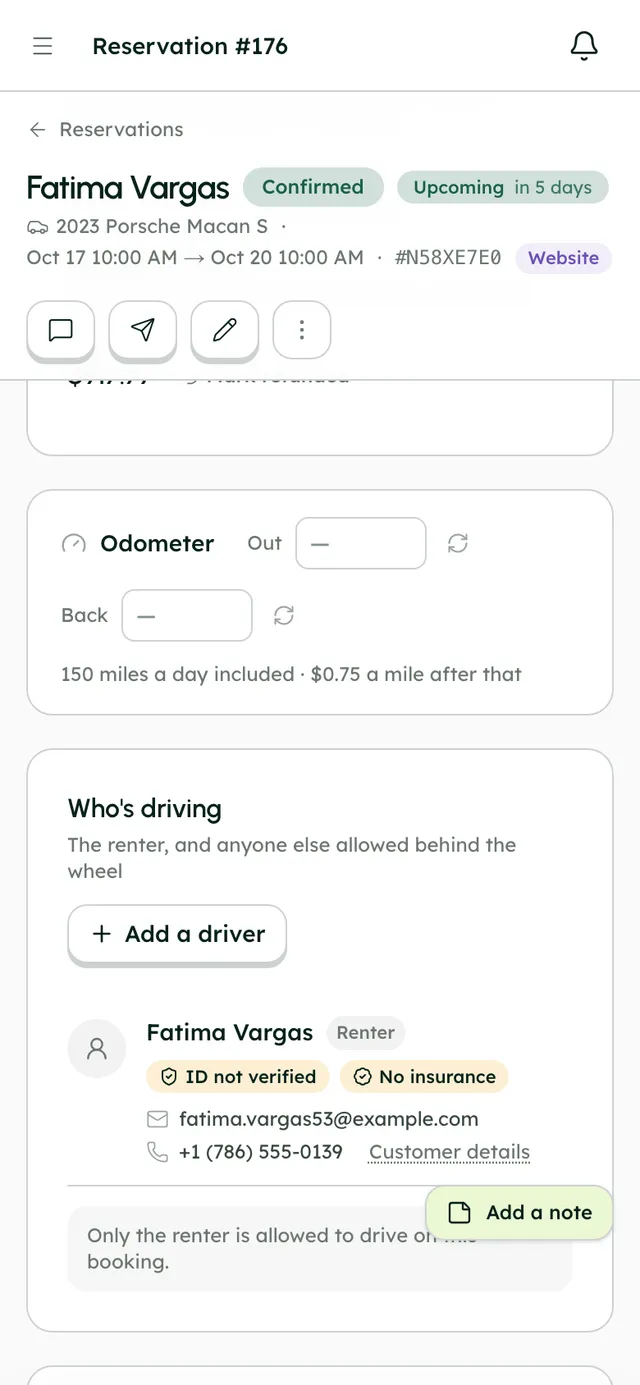
A booking's readiness checklist, with the deposit hold next to payment, ID and agreement.
How it works
- 1
Create the deposit
In Settings → Invoicing → Security deposits, press Add deposit. Give it a name, turn on Require this deposit, set the amount ($ or %, per trip or per day) and choose How it's collected. Add a note for guests if you like, then press Save deposit. Star it to make it the default.
- 2
Change it for one car
On the vehicle's Settings tab, in the Security deposit card, switch off Use company default and pick another deposit, or none.
- 3
Follow the hold
On the booking, Payments & deposit shows the hold: Waiting for card, Scheduled, Held, Captured, Released, Lapsed or Not held.
- 4
Hold early or skip it
While a hold is Scheduled, press Hold now to place it straight away, or Don't hold to skip it.
- 5
Capture for damage
While it's Held, press Capture, enter the Amount to capture, and confirm. You can take part of it; the rest is released. A hold can be captured once.
- 6
Release early
Press Release to give the hold back before the automatic release.
- 7
Refund a charged deposit
With Charge and refund, the deposit is paid with the rental. After the trip, refund it from the payment list with Refund.
Best practices
- Inspect the car and take after-trip photos soon after return, before the hold is released two days later.
- Use Charge and refund for longer trips. Card holds don't last long enough to cover them.
- Add a note for guests that says when they get the deposit back.
Things to keep in mind
- A hold isn't a charge. The money stays with the renter, but their available credit drops until it's released. There's no Stripe fee unless you capture.
- Card holds last up to 7 days from when they're placed. On trips of 5 days or more, the hold can lapse before the two days after return are up, and on trips over 6 days, before the car comes back. A lapsed hold shows Lapsed.
- Holds need Stripe connected and the card the renter paid with. Cash bookings can't be held.
- If a hold fails, for example because the bank declines it, the booking shows an alert and you and the renter are emailed. It isn't retried automatically; press Try again.
- With Charge and refund, Stripe's processing fee applies when the deposit is charged.
What's automated
- Holds are placed the day before pickup, or as soon as the card is saved if the booking is made less than a day ahead.
- Holds are released two days after the trip unless you capture them.
- Cancelling a booking releases its deposit hold.
Common questions
Which deposit type should I use?
Pre-authorization costs nothing unless you capture, and suits shorter trips. Charge and refund works on any card and for trips of any length.
Can I keep only part of the deposit?
Yes. Capture the amount you need and the rest of the hold is released.
Does the renter see the deposit at checkout?
Yes. It's shown as a refundable deposit, with your note if you added one.