Checking renters' ID and insurance
Verify each renter's driver's license and selfie with Stripe Identity, and their own auto insurance with Canopy Connect, before pickup. Includes what happens when an automatic check fails.
Overview
ID checks use Stripe Identity. The renter photographs their driver's license and takes a matching selfie. The check runs on your own Stripe account, and Stripe bills you for it directly.
Insurance checks use Canopy Connect. The renter links their own auto insurer, and the policy is read straight from the insurer. Each completed check uses one credit. You start with 5 free credits; after that, credits are $2 each, bought in packs of 10, 30 or 60.
Checks run per booking. Results and images are stored encrypted and shown through links that expire after a short time. If an automatic check fails, the renter can type in their details and send a photo of the document instead. That's saved for you to review, and it's never marked verified.
Kevin Morales
1 booking
- Brought in
- $1,102.60
- Still owed
- $0.00
Last trip Nov 24, 2026
Zoe Hayes
1 booking
- Brought in
- $873.25
- Still owed
- $0.00
Last trip Nov 23, 2026
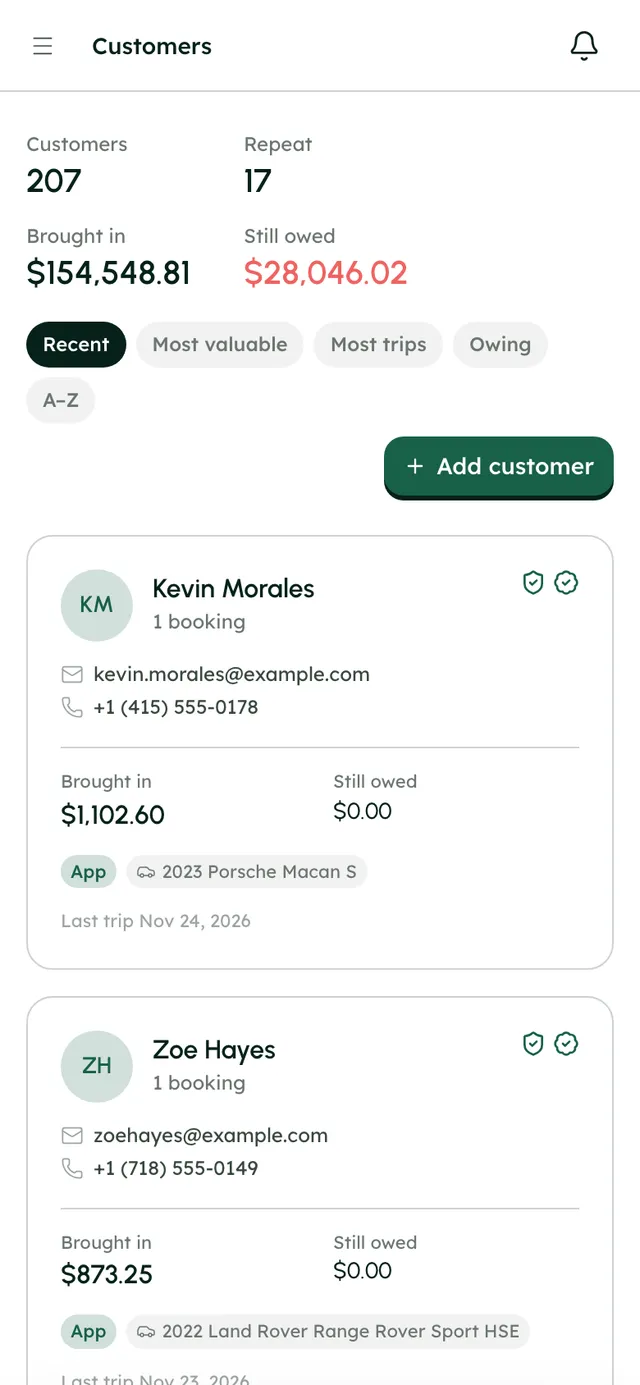
Customers with their ID and insurance checks on file.
How it works
- 1
Set up ID checks
In your Stripe dashboard, go to Developers → API keys and create a restricted key with Identity: write. In RentHive, open Settings → Integrations → Stripe Identity, press Manage, paste it as the Stripe restricted key and press Save key.
- 2
Set up insurance checks
Open Settings → Integrations → Canopy Connect, press Manage and switch on insurance verification. Admins can buy more credits there with Buy pack.
- 3
Choose when they happen
In Settings → General → Checkout, set ID check and Insurance check to Before paying or After paying.
- 4
Send a check by hand
On a booking, use Generate verification link or Email the link to the renter in the Identity or Insurance section. In the Inbox, use Ask for an ID check or Ask for insurance. To check someone before they book, start from their page in Customers.
- 5
Review the results
The readiness checklist shows ID verified and Insurance verified. Open the Identity vault or Insurance vault and press Unlock to see the details and images.
- 6
Check other drivers
Under Who's driving, press Add a driver, then Record their ID and Record their insurance for each extra driver.
- 7
Handle a failed check
If a renter sends their documents by hand, you get a Document to review email and an alert on the booking. Look at it and decide. For documents you check in person, use Record one by hand or Record a policy on paper.
Best practices
- Put the ID check before payment if you want to know who you're dealing with before any money moves.
- Don't hand over the keys until the readiness checklist shows ID verified, or you've reviewed the renter's documents yourself.
- Keep an eye on your insurance credits and buy a pack that matches how many bookings you take.
Things to keep in mind
- A document sent by hand is never marked verified. You have to review it.
- Stripe Identity checks are billed by Stripe to your own account. They aren't part of your RentHive plan.
- A credit is used only when a policy comes back active on a booking that wasn't already verified. A failed check costs nothing.
- When you're out of credits, insurance links can't be sent until you buy more.
- Extra drivers are recorded by hand. There's no automatic check link for them.
- RentHive checks the renter's own insurance. RentHive isn't an insurer and doesn't provide coverage.
- Every time someone unlocks a vault, it's written in the booking's history.
What's automated
- Checks appear in your checkout in the order you chose.
- Results update the booking's readiness checklist and show as event cards in the renter's Inbox thread.
- Links to ID images expire after 15 minutes, and links to insurance documents after an hour.
Common questions
Does the renter need a RentHive account?
No. They follow a link. For insurance, they sign in to their own insurer through Canopy Connect.
Who pays for ID checks?
Stripe bills them to your own Stripe account. Insurance checks use RentHive credits instead.
What if the renter doesn't have their own auto insurance?
The insurance check won't pass. Whether to rent to them is your call; RentHive shows you the result and leaves the decision to you.