Connecting your own domain and email
Point a domain you already own at your booking site, with SSL set up for you. Then send renter emails from that domain and get replies in your Inbox.
Overview
You can run your booking site on a domain you already own, such as yourfleet.com or book.yourfleet.com. RentHive shows the exact DNS records to add, keeps checking until they're right, and sets up the SSL certificate. RentHive doesn't sell domains, so buy yours from a registrar first.
Once the domain is connected, renter emails can come from it too. By default, RentHive sets up a reply address on a reply. subdomain (like reply.yourfleet.com), so each renter's replies land in their own Inbox thread. You can also add one address, like hello@yourfleet.com, for everything.
Mail sent from your domain is signed with DKIM. With a single address set up, mail to any address on the domain arrives in your Inbox, so there's no separate mailbox to check.
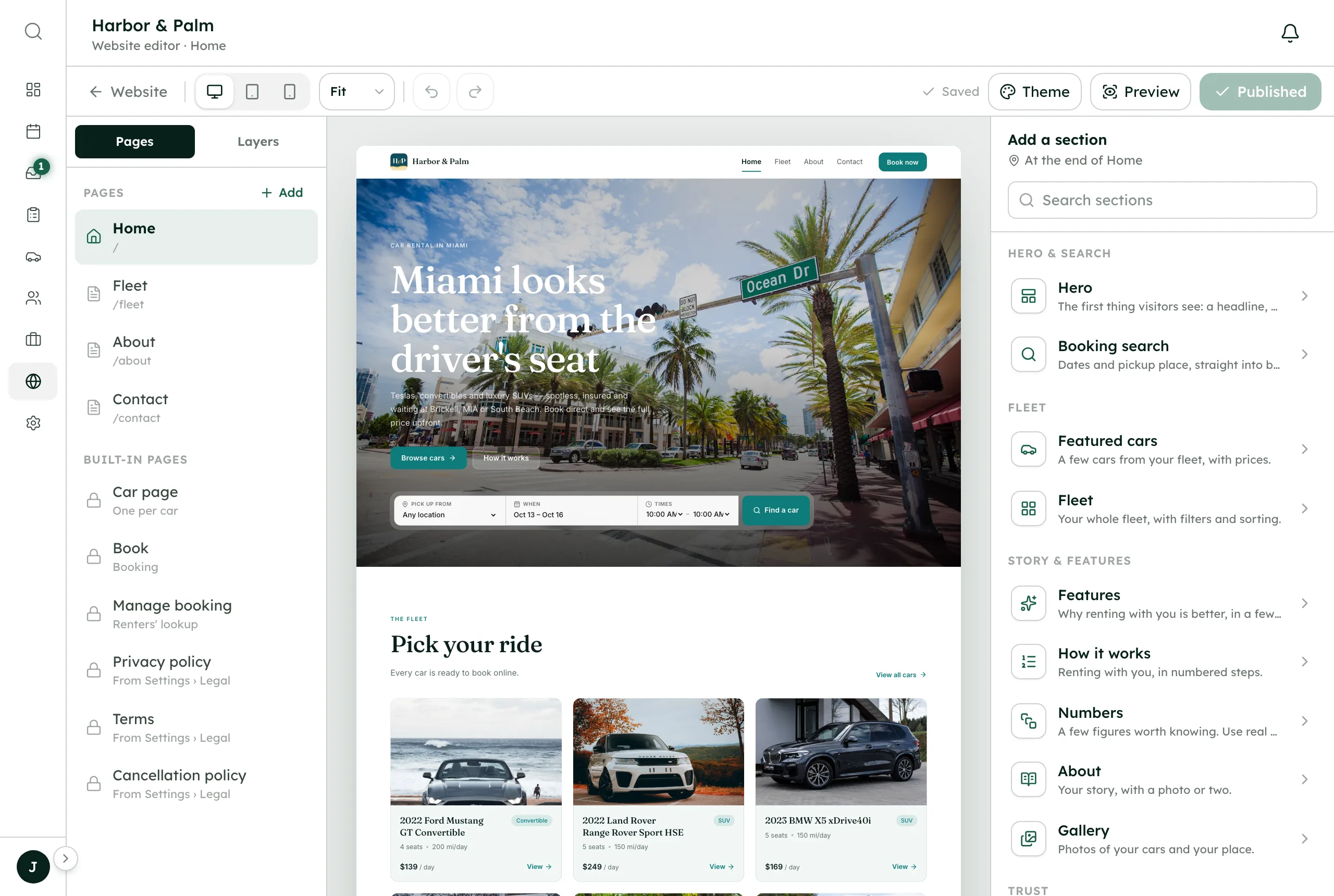
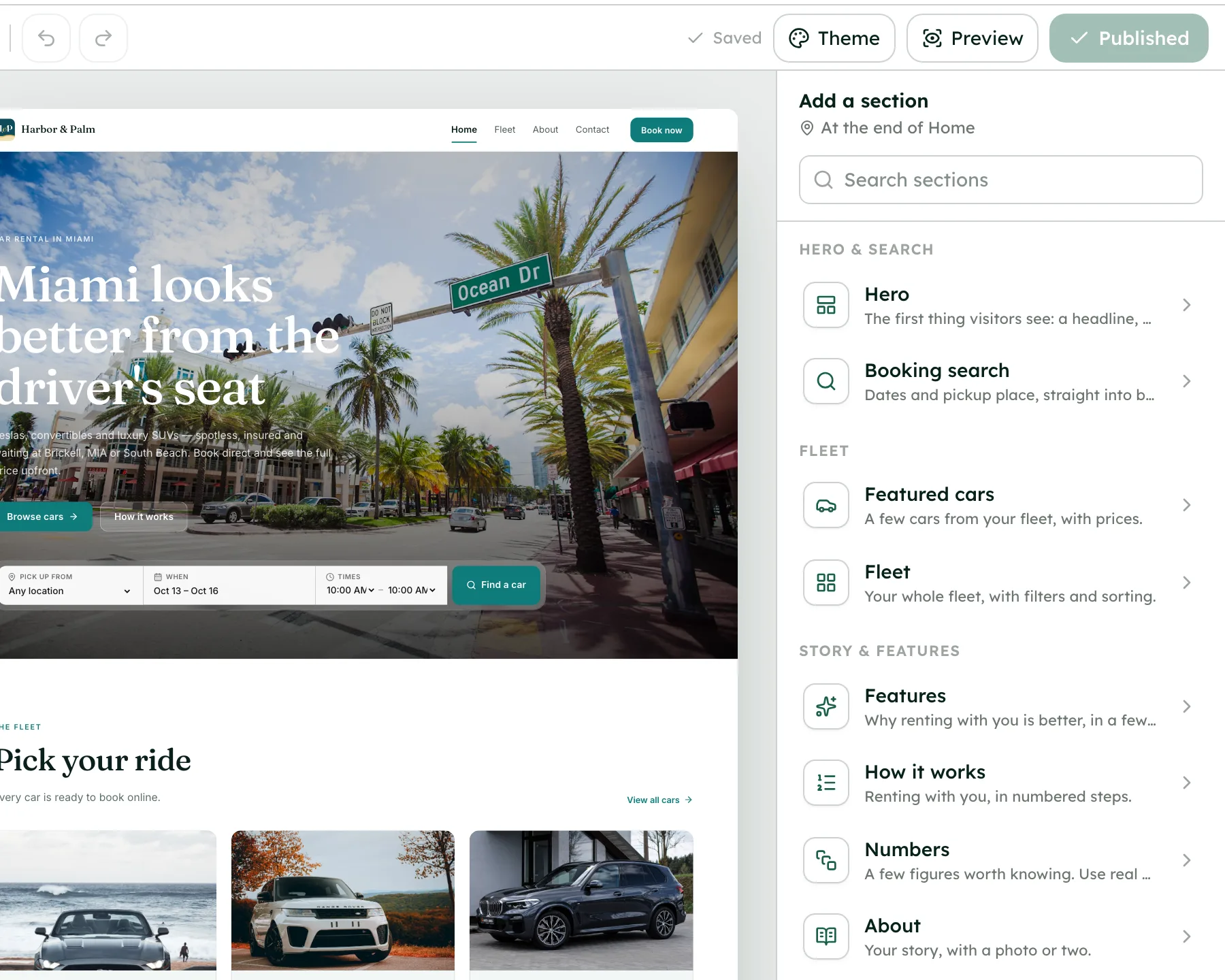
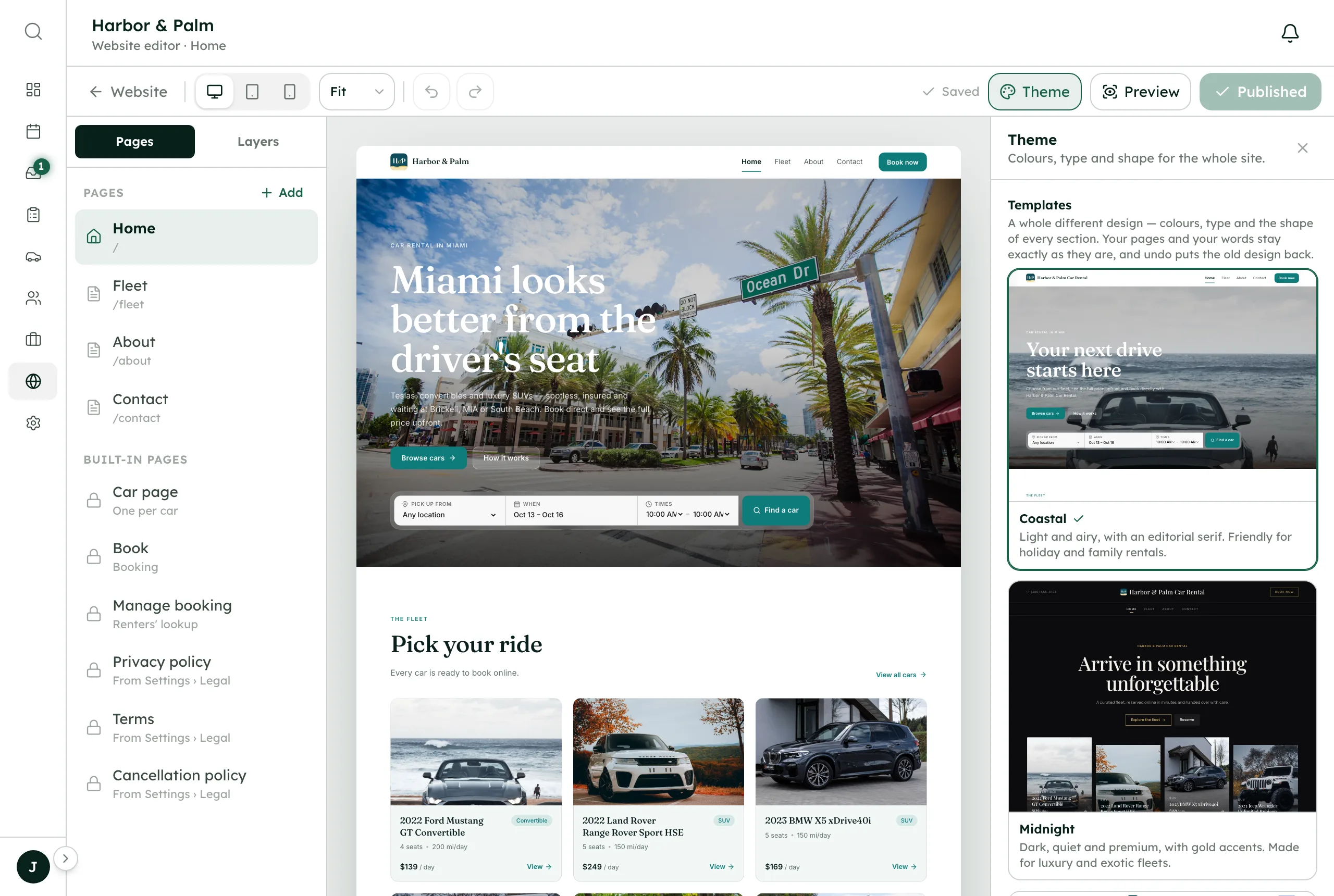
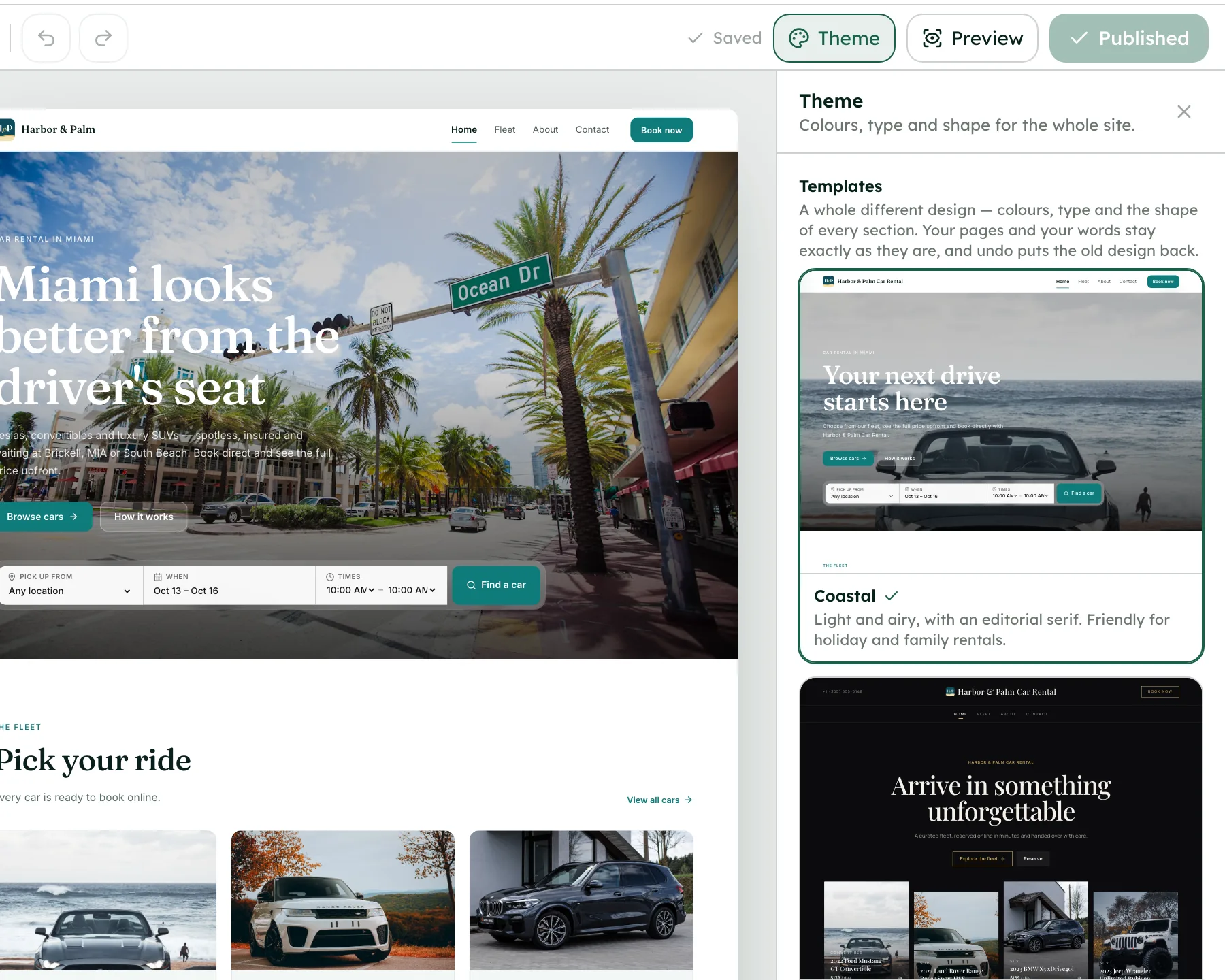
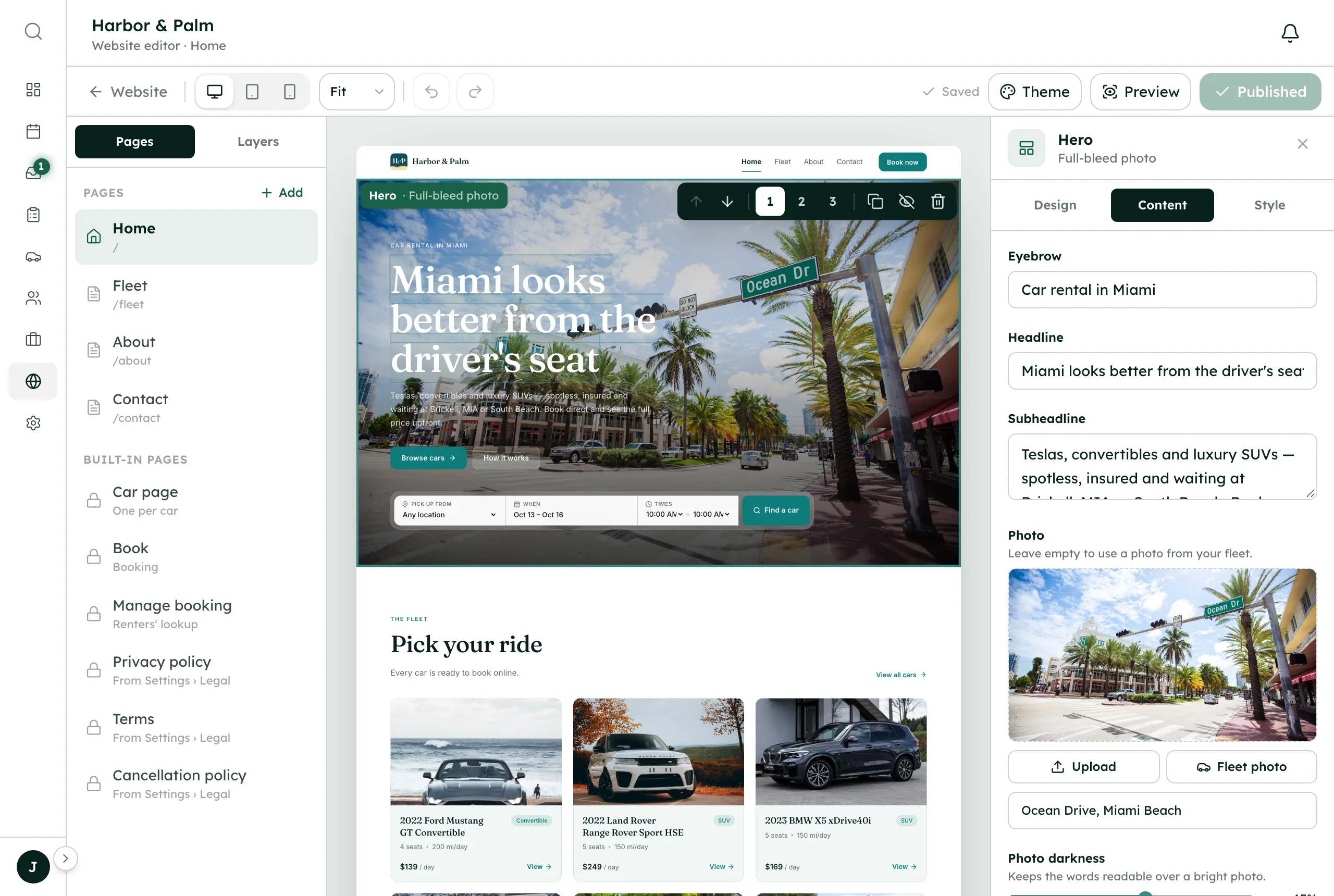
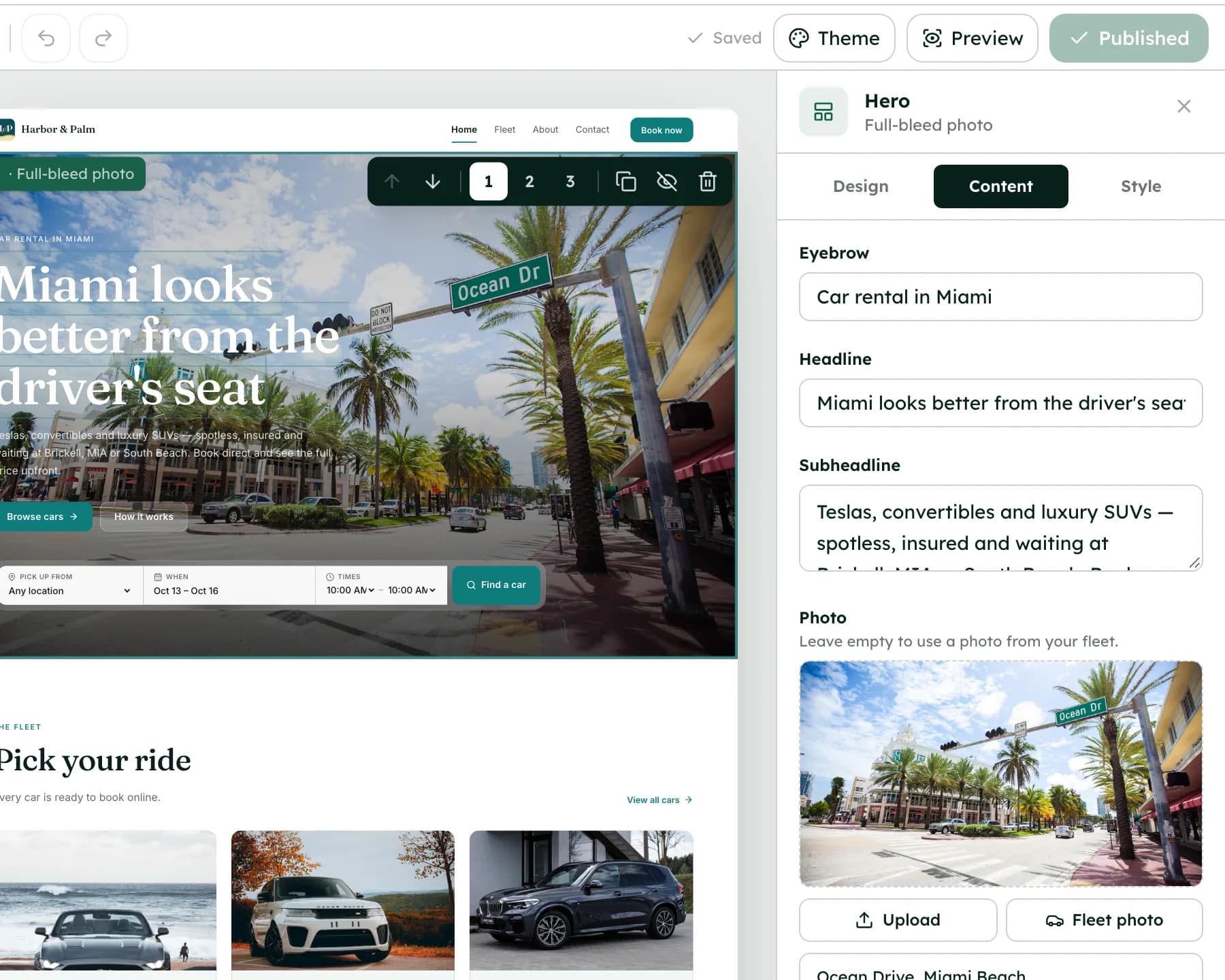
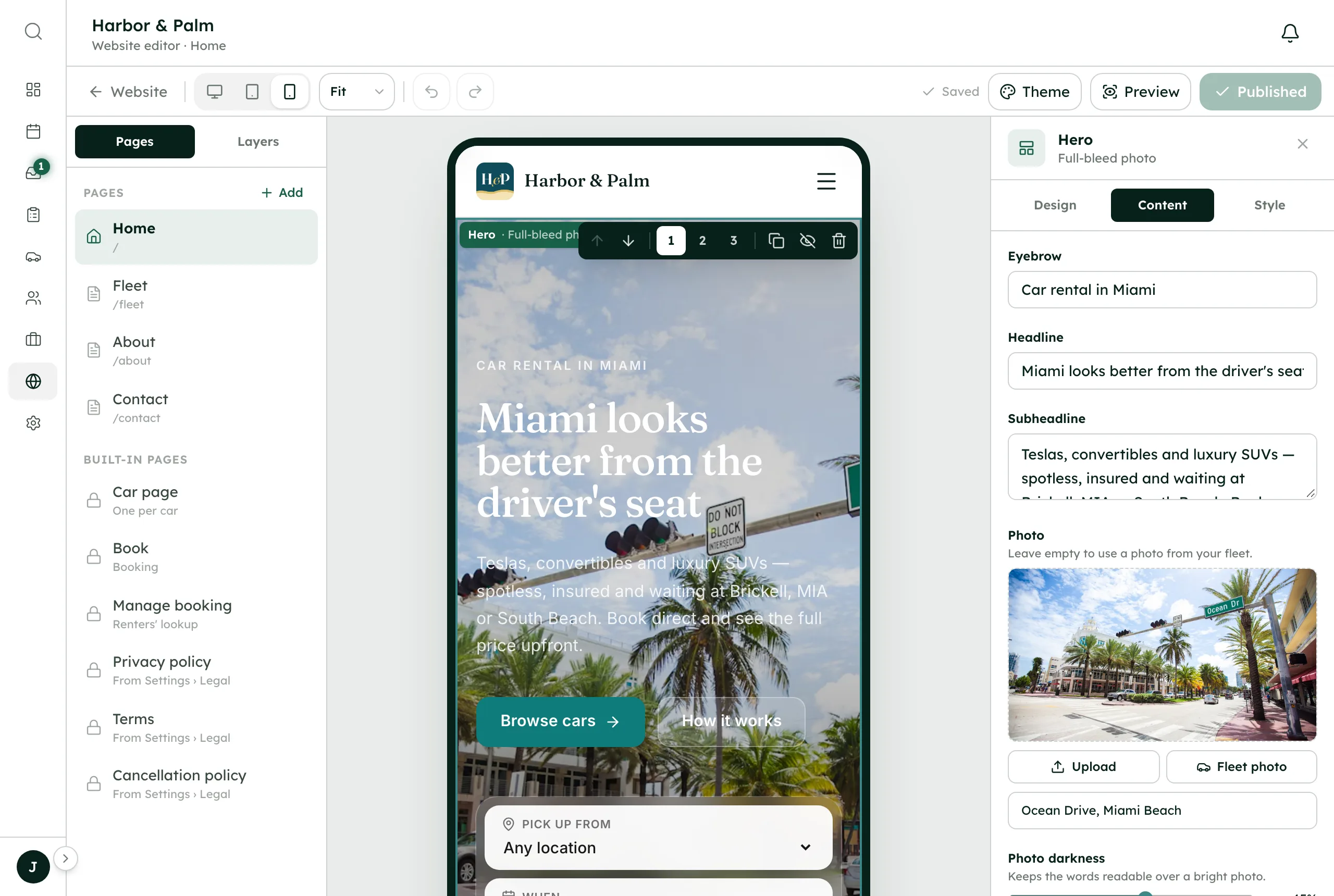
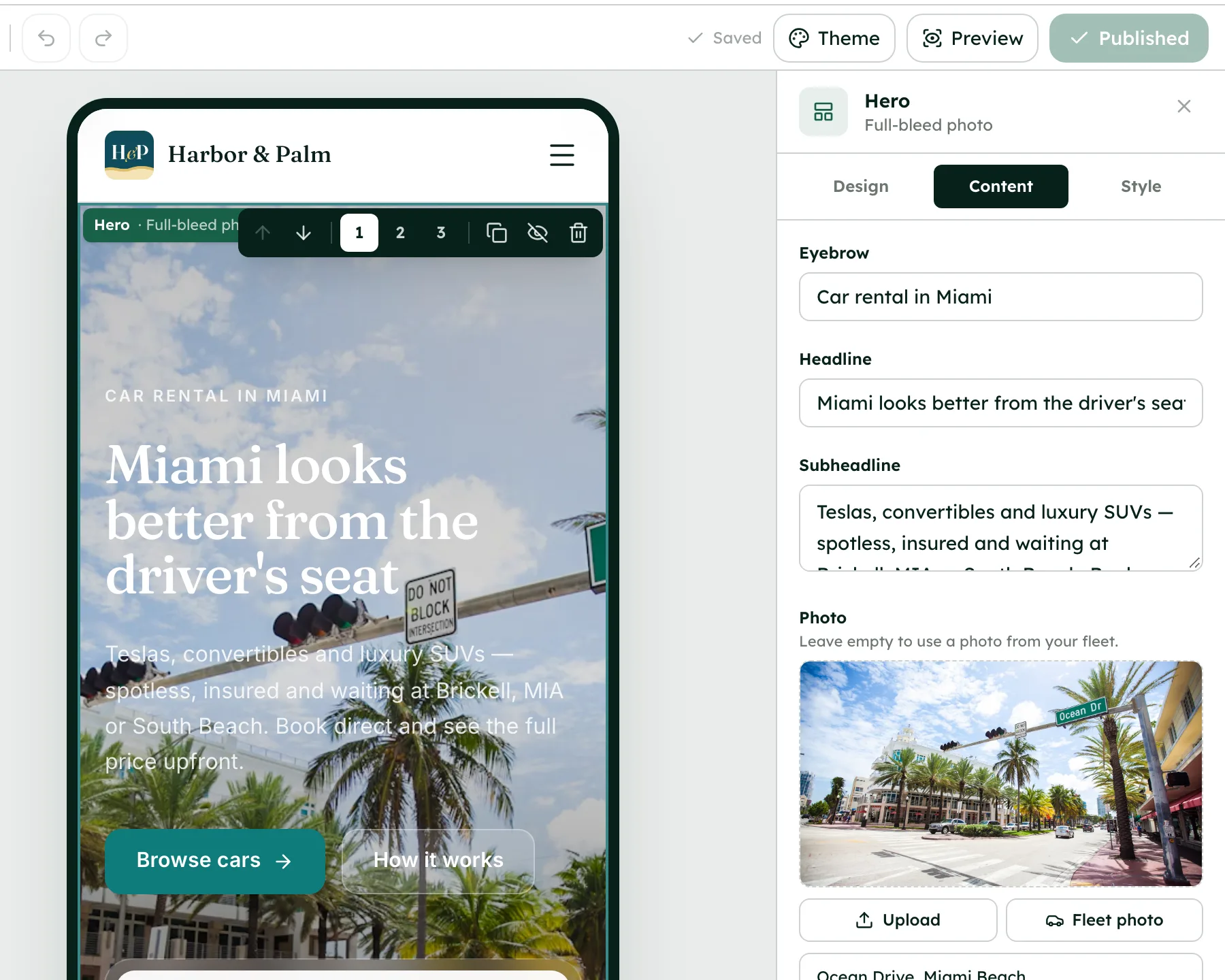
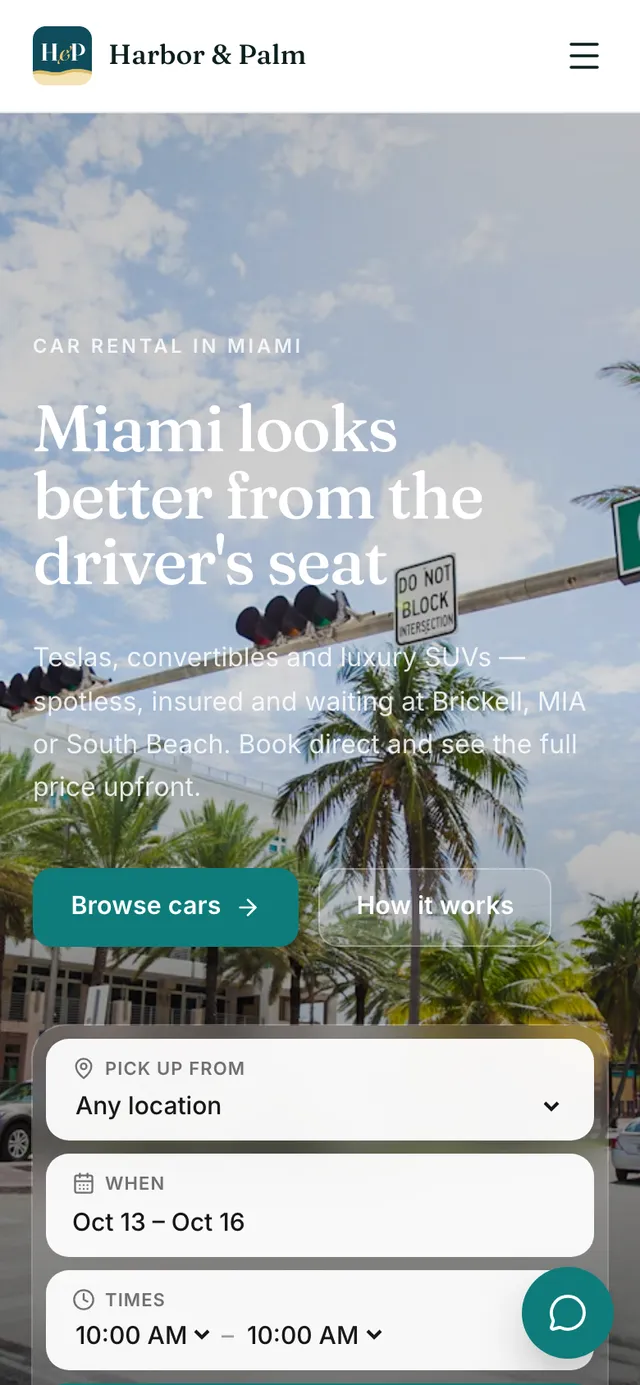
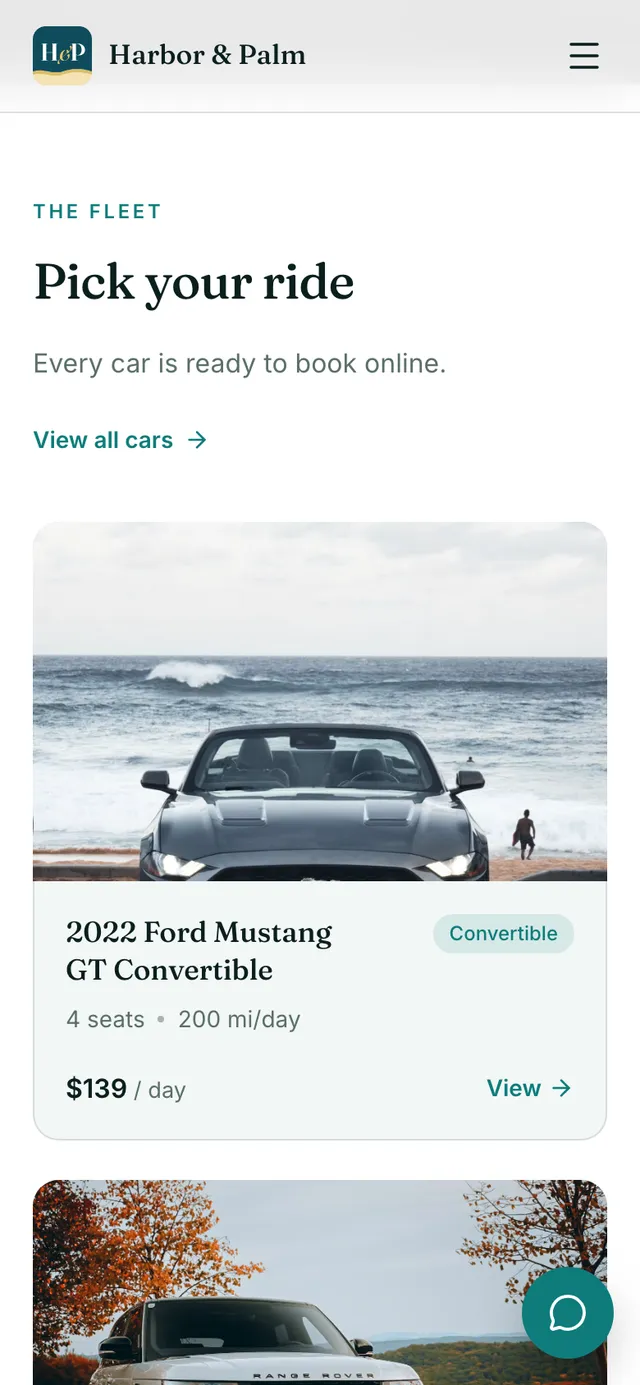
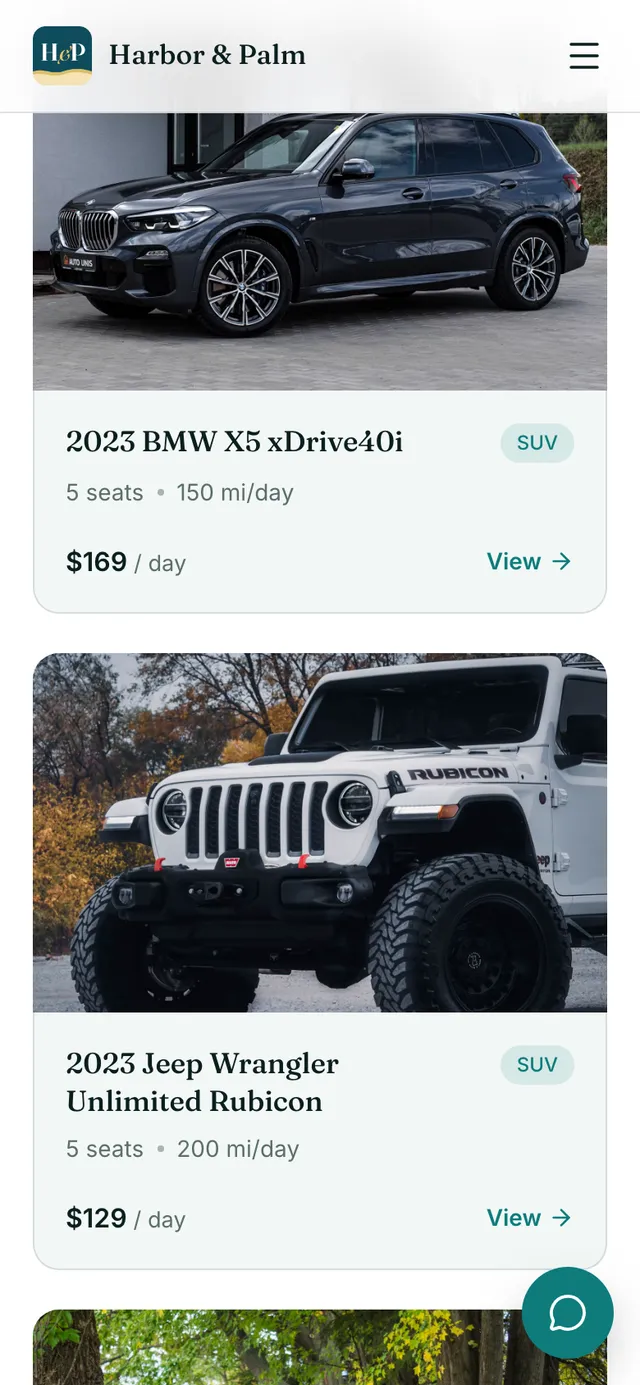
Your booking site live on its own domain, with SSL.
How it works
- 1
Add your domain
Go to Website → Domains. Under Custom domain, type your domain or subdomain and press Connect domain.
- 2
Add the DNS records
Where your domain's DNS is managed, add the records shown: an A record for a root domain or a CNAME for a subdomain, plus a TXT record if one is listed. Use Copy name and Copy value. If RentHive recognizes your DNS provider, it links to that provider's DNS page with steps.
- 3
Wait for the checks
Each record shows Found, Points elsewhere or Not found yet. The status moves through Waiting for DNS, Verify ownership and Issuing SSL certificate to Connected. Press Check now to check again.
- 4
Set up renter email
Once the domain shows Connected, the Domains tab shows the email card. Add the records it lists. Replies arrive and Sent from your domain turn on as each part starts working.
- 5
Add one address for everything (optional)
Click Prefer one address like hello@ your domain for everything? Enter the word before the @ and press Get this address. Add the MX, DKIM (CNAME) and SPF (TXT) records shown. Sending and Receiving show when it works.
Best practices
- Copy records with the copy buttons rather than retyping them. One wrong character stops the check.
- Keep the default reply. subdomain setup if your domain already has email elsewhere, such as Google Workspace. It leaves that email untouched.
- After connecting, open your domain in a browser and click through to a car page to confirm everything works.
Things to keep in mind
- DNS changes can take a few minutes, sometimes a few hours. You can close the page; RentHive keeps checking.
- Setting up one address like hello@ your domain points the whole domain's incoming mail at RentHive. If the domain already gets email elsewhere, RentHive asks before moving it.
- Each site has one custom domain. Connecting yourfleet.com also sets up www.yourfleet.com to redirect to it, and the other way round.
- Until the email records are in place, renters see a @reply.renthive.co address. Everything still works.
What's automated
- The SSL certificate is issued and renewed for you, and every page uses HTTPS.
- RentHive keeps checking your DNS in the background and emails you when the domain is connected.
- Once your domain is live, your free .sites.renthive.co address redirects to it.
- Replies from renters thread back into the right Inbox conversation.
Common questions
Can I buy a domain through RentHive?
No. Buy it from any domain registrar, then connect it on Website → Domains.
Will connecting my domain break my existing email?
Not with the default setup, which only uses a reply. subdomain. Setting up a single address like hello@ your domain does take over the domain's incoming mail, and RentHive asks first if email is already set up there.
Can I use a subdomain like book.yourfleet.com?
Yes. Subdomains connect with a CNAME record. Root domains use an A record.